Inbox Zero Automation
Understanding Inbox Zero
What is Inbox Zero?
The goal of 'Inbox Zero' isn't just to see a clean, empty inbox. It's a method for managing email that reduces stress and clears your mind for more important work. The idea is to stop using your inbox as a to-do list or a storage archive.
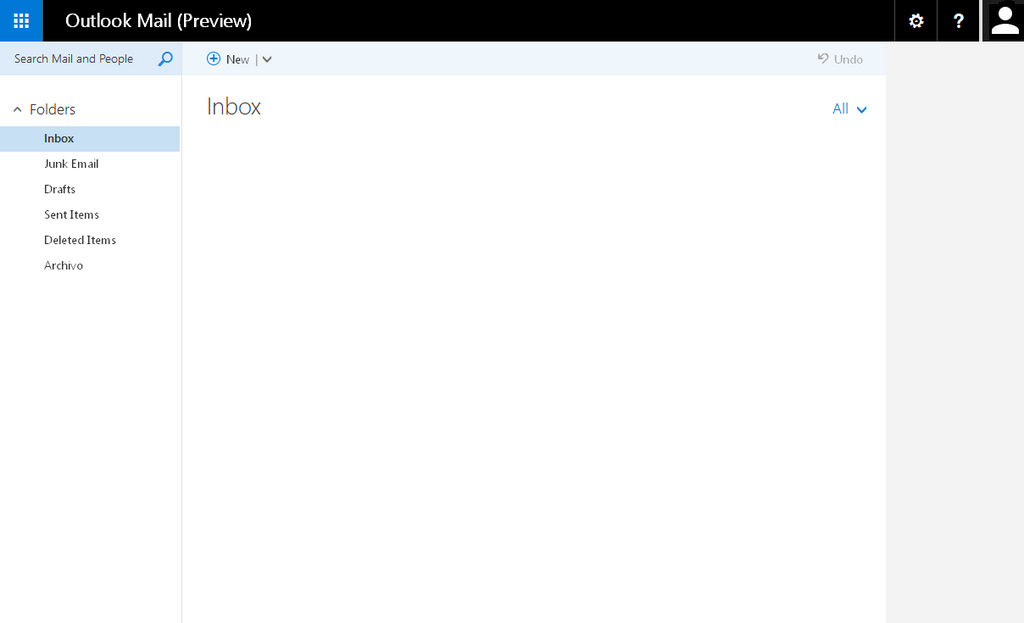
Inbox Zero is "a thing" created by Merlin Mann, founder of 43 Folders, that insists it is not about the amount of messages in your Outlook inbox or Gmail account, but rather how much of your brain is in that inbox.
Think of your physical mailbox. You wouldn't let letters pile up for weeks, right? You'd bring them inside, sort through them, and put them where they belong. Bills go in a 'to-pay' pile, magazines on the coffee table, and junk mail in the recycling bin. Inbox Zero applies this same logic to your digital mail. Each email is a decision waiting to be made.
The Payoff
Constantly seeing a high unread count can be a source of anxiety. It's a persistent reminder of tasks you haven't started and questions you haven't answered. By processing your email regularly, you reclaim your focus and reduce that mental clutter.
The main benefits are clarity and control. When your inbox is clear, you know that nothing has fallen through the cracks. You can focus on your actual priorities instead of reacting to the constant flow of incoming messages. It transforms email from a distraction into a tool you use on your own terms.
A Simple System
Achieving Inbox Zero doesn't require complex software. It just requires a simple, consistent process for handling every new email. A popular method involves four key actions: Delete, Do, Delegate, and Defer.
-
Delete/Archive: Be ruthless. If an email doesn't require action and isn't something you absolutely need to save, get rid of it. This includes newsletters you never read and old promotional offers.
-
Do: If a task takes less than two minutes to complete, do it immediately. Replying with a quick confirmation or answering a simple question right away prevents small tasks from piling up.
-
Delegate: If the email is someone else's responsibility, forward it to them. Once it's sent, you can archive your copy.
-
Defer: For emails that require more than two minutes of work, move them out of your inbox and into a dedicated system. This could be a to-do list app, a project management tool, or a calendar event. The key is that your inbox is no longer holding the task hostage.
Overcoming Email Overload
The biggest challenge is often the sheer volume of mail. The system works best when you also take steps to reduce the number of emails you receive in the first place.
Start by unsubscribing from mailing lists and newsletters that you no longer find valuable. Many email clients have a built-in unsubscribe button at the top of promotional messages.
Another key strategy is to change your habits. Instead of checking email constantly, set aside specific times in your day to process your inbox. This might be once in the morning and once in the afternoon. This batching approach prevents email from constantly interrupting your focus.
Turn off email notifications on your phone and computer. These alerts create a reactive state of mind, pulling you away from planned work to deal with whatever just arrived.
This sounds like a good time to check what you've learned about Inbox Zero.
What is the primary goal of the 'Inbox Zero' methodology?
According to the 'Inbox Zero' method, an email that requires a task taking more than two minutes should be deferred. What does 'deferring' entail?
Inbox Zero is not about obsessing over a number. It's about creating a calm, organized digital workspace so you can focus on what truly matters.