HubSpot CRM Essentials
Introduction to HubSpot CRM
What Is HubSpot CRM?
A Customer Relationship Management (CRM) platform is more than just a digital address book. It’s a tool designed to help businesses manage every interaction with current and potential customers. Think of it as the central hub for all your customer information, from their first visit to your website to their most recent purchase.
A CRM should act as the central hub for all customer information, including contact details, communication history, preferences, past purchases, and service requests.
HubSpot’s CRM is built on this idea. It brings sales, marketing, and customer service activities together in one place. Instead of juggling spreadsheets, email inboxes, and sticky notes, your team gets a clear, unified view of every customer relationship. This helps everyone stay on the same page and provides a better experience for your customers.
Core Features
HubSpot packs several powerful tools into its free CRM platform. Let’s look at a few of the most important ones.
Contact & Deal Management This is the heart of the CRM. Every time a new person fills out a form or interacts with your business, HubSpot creates a contact record for them. This record stores everything you know: their email, company, phone number, and a complete timeline of your interactions, like emails, calls, and meetings.
Beyond contacts, you can also manage deals. A deal represents a potential sale you're tracking. You can move deals through different stages in your sales pipeline, giving you a visual way to track progress from “new lead” to “closed sale.”
Email Tracking & Live Chat Have you ever wondered if a potential customer opened your email? HubSpot’s email tracking tells you exactly that. You can get real-time notifications when a lead opens your email or clicks a link inside it. This helps you follow up at the perfect moment.
HubSpot also offers a live chat tool you can add to your website. It allows you to connect instantly with visitors, answer their questions, and convert them into leads without them ever leaving the page.
Automation Repetitive tasks can take up a lot of time. HubSpot’s automation features handle some of that work for you. For example, you can set up simple automated email sequences to nurture new leads. When someone downloads an ebook from your site, the system can automatically send them a follow-up email a few days later. This ensures no lead falls through the cracks.
The Power of Integration
HubSpot CRM becomes even more powerful when you connect it with the other tools your business uses. Integrating your apps creates a seamless flow of data, eliminating the need to manually copy-paste information between systems.
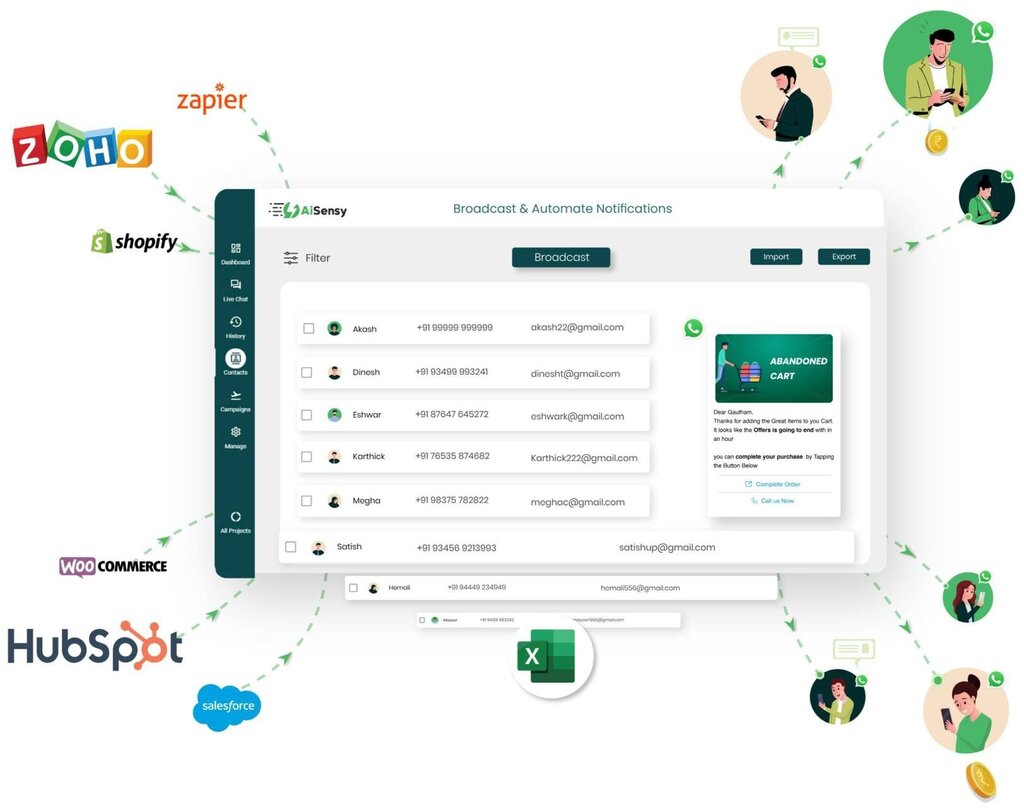
For example, you can connect HubSpot to:
- Email Marketing Tools: Sync your contacts with platforms like Mailchimp.
- Social Media Schedulers: Manage social interactions and link them to customer profiles.
- E-commerce Platforms: Pull in purchase data from stores like Shopify or WooCommerce.
When your tools are connected, you create a single source of truth for all customer data. Your sales team can see marketing emails a contact has received, and your marketing team can see which campaigns are generating the most valuable customers. This unified view helps everyone make smarter decisions.
By integrating these tools into your customer management processes, you'll benefit from automated, personalized reminders, seamless data synchronization with your CRMs, and internal notifications to keep your team informed.
Now let's review what we've learned.
What is the primary purpose of a Customer Relationship Management (CRM) platform?
True or False: A key benefit of HubSpot's CRM is that it isolates sales, marketing, and service data to prevent overlap.
By centralizing customer information and automating key tasks, HubSpot CRM provides a solid foundation for managing relationships and growing your business.