HTML Essentials for Web Pages
HTML Basics
The Blueprint of a Web Page
Every web page, from the simplest blog post to the most complex social media site, is built on a skeleton of HTML. Think of HTML (HyperText Markup Language) as the structural framework of a house. It defines the different parts of the page, like the foundation, the rooms, and the roof, telling a web browser how to assemble and display the content.
This structure is created using a system of tags, or elements, which are like labels you wrap around your content. Let's look at the essential tags that form the foundation of every single page on the web.
HTML to define the content of web pages
The Core Structure
Every HTML document starts with a very specific declaration. This isn't a tag, but an instruction for the browser.
<!DOCTYPE html>
This line, called the doctype declaration, tells the browser that the document is written in the modern standard of HTML (HTML5). It’s the first thing you should always type in an HTML file.
After the doctype, the entire page is wrapped in an <html> element. This is the root element; everything else in the document is nested inside it.
<html>
  <!-- Everything else goes here -->
</html>
Inside the <html> element, the document is split into two main sections: the <head> and the <body>.
Head and Body
The <head> section contains metadata, which is information about the page. This content isn't displayed directly on the page itself. It includes things like the page title that appears in your browser tab, links to stylesheets (which we'll cover later), and other behind-the-scenes information for search engines and browsers.
The <body> section is where the main event happens. All the visible content of your webpage—headings, paragraphs, images, links, and lists—goes inside the <body> tags. This is the part of the house that people actually see and interact with.
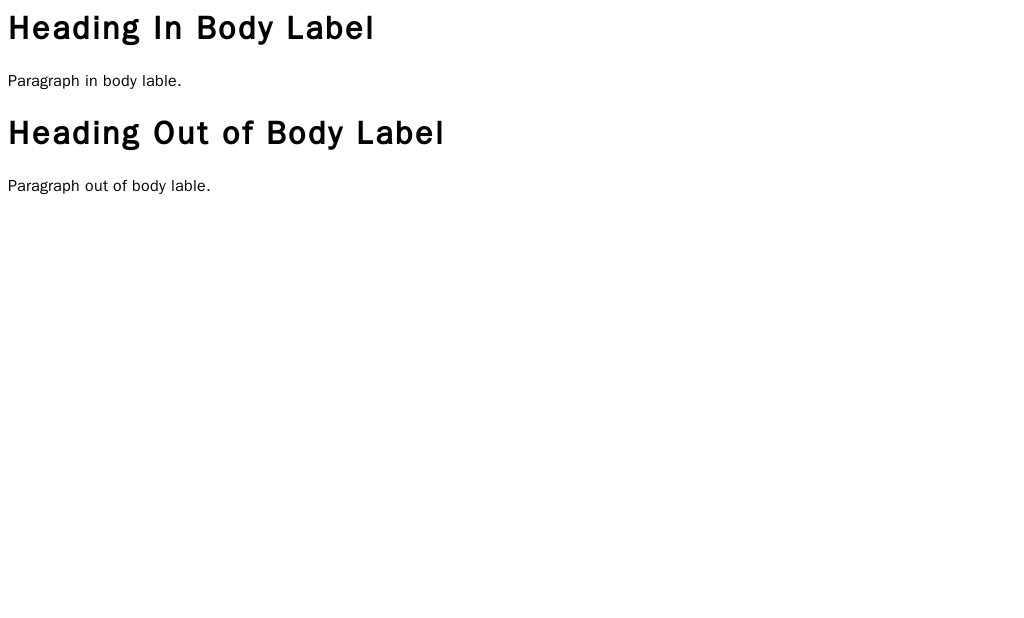
Putting it all together, a very basic but complete HTML document looks like this:
<!DOCTYPE html>
<html>
  <head>
    <title>My First Web Page</title>
  </head>
  <body>
    <h1>Hello, World!</h1>
    <p>This is my first paragraph.</p>
  </body>
</html>
Every single web page follows this fundamental structure: a doctype, an
<html>tag, and a<head>and<body>nested inside.
Now that you understand the basic anatomy of an HTML document, let's test your knowledge.
What is the primary purpose of the <!DOCTYPE html> declaration at the very top of an HTML file?
In a standard HTML document, which section is designed to hold the content that is actually displayed on the page, like text, images, and links?
Understanding this core structure is the first and most important step in building anything on the web. With this foundation, you can start adding more elements to create rich and structured content.