HTML Essentials
HTML Basics
The Skeleton of a Webpage
Every webpage you visit, from a simple blog to a complex news site, is built on a foundation of HTML. Think of HTML (HyperText Markup Language) as the skeleton of a webpage. It doesn't control the colors, fonts, or animations—that's the job of other languages. Instead, HTML provides the fundamental structure, telling the browser what each piece of content is.
HTML uses tags to define elements like headings, paragraphs, and links, giving the page its basic shape.
Let's look at the essential structure that every single HTML document shares. It’s like a blueprint that web browsers follow to understand and display your content correctly.
<!DOCTYPE html>
<html>
  <head>
    <title>My First Webpage</title>
  </head>
  <body>
    <!-- Content goes here! -->
  </body>
</html>
This might look a bit intimidating, but it's pretty simple once you break it down. Let's walk through it, tag by tag.
The Core Structure
Every HTML document starts with a special declaration and is then wrapped in a few key tags. These tags work in pairs, with an opening tag like <html> and a closing tag like </html>.
| Tag | Purpose |
|---|---|
<!DOCTYPE html> | This is the very first line. It tells the browser that the document is an HTML5 page. It's a required instruction. |
<html> | This is the root element. Every other element on the page is nested inside it. |
<head> | This section contains metadata—information about the page. It's not visible on the page itself. |
<title> | Nested inside the <head>, this sets the title that appears in the browser tab or window. |
<body> | This tag holds all the visible content of the webpage: headings, paragraphs, images, links, and everything else the user sees. |
Think of the <html> tag as a container for the entire document. Inside that container, you have two main parts: the <head> and the <body>.
The <head> section is like the behind-the-scenes control room. It holds important setup information, such as the page's title. You'll also use it to link to stylesheets (for design) and scripts (for interactivity), but for now, just remember it's for metadata.
The <body> is the main stage. Everything you want a user to see—text, images, videos—goes inside the <body> tags.
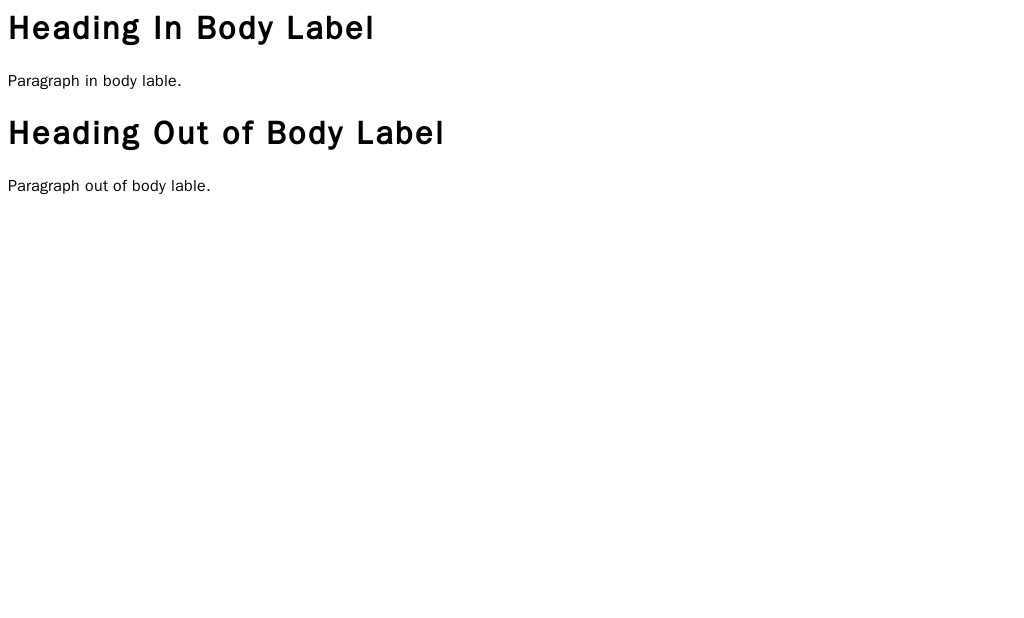
Notice how the content inside the <body> tags is displayed on the page, while the <title> text appears in the browser tab. This separation is key to how HTML organizes a webpage.
What is the primary role of HTML in web development?
What are the two main sections found directly inside the <html> tag?
That's the basic anatomy of every webpage on the internet. By understanding this core structure, you've taken the first and most important step in learning how to build for the web.