HTML CSS Website Fixes
HTML and CSS Basics
The Skeleton of a Web Page
Every web page is built with HTML, which stands for HyperText Markup Language. Think of HTML as the skeleton of a website. It provides the basic structure and organizes all the content, from text and images to links.
Just like a formal document, an HTML file has a standard structure. It tells the browser what kind of document it is and where the main content lives.
<!DOCTYPE html>
<html>
<head>
  <title>My First Web Page</title>
</head>
<body>
  <h1>Hello, World!</h1>
  <p>This is where my content goes.</p>
</body>
</html>
Let's break that down:
<!DOCTYPE html>: This is the very first line. It's a declaration that tells the web browser, "Hey, this is an HTML5 document."<html>: This is the root element that wraps everything else on the page.<head>: This section contains meta-information about the page, like the title that appears in your browser tab. It's stuff for the browser, not for the visitor to see on the page itself.<body>: This is where the visible content lives. All your headings, paragraphs, images, and links will go inside the body.
Building with HTML Blocks
HTML uses "tags" to define different types of content. Most tags come in pairs: an opening tag like <p> and a closing tag like </p>. The content goes between them. These pairs are called elements.
Here are a few of the most common elements you'll use to build pages.
Headings are created with
<h1>through<h6>.<h1>is the most important, and<h6>is the least.
<h1>This is a main heading</h1>
<h2>This is a subheading</h2>
For regular text, you'll use the paragraph element.
<p>This is a paragraph of text. It's the most common way to display text on a page.</p>
To create a link to another page, you use the anchor tag, <a>. It needs an href attribute to tell the browser where the link should go.
<a href="https://www.example.com">Visit Example.com</a>
Attributes like href provide extra information about an element. Another common one is the src (source) attribute for images, which points to the image file.
<img src="cute-cat.jpg" alt="A photo of a cute cat.">
The
altattribute provides alternative text for screen readers or if the image fails to load. It's crucial for accessibility.
Adding Style with CSS
While HTML provides the structure, Cascading Style Sheets (CSS) brings the style. If HTML is the skeleton, CSS is the clothing, hair, and makeup. It controls colors, fonts, spacing, and the overall layout of your page.
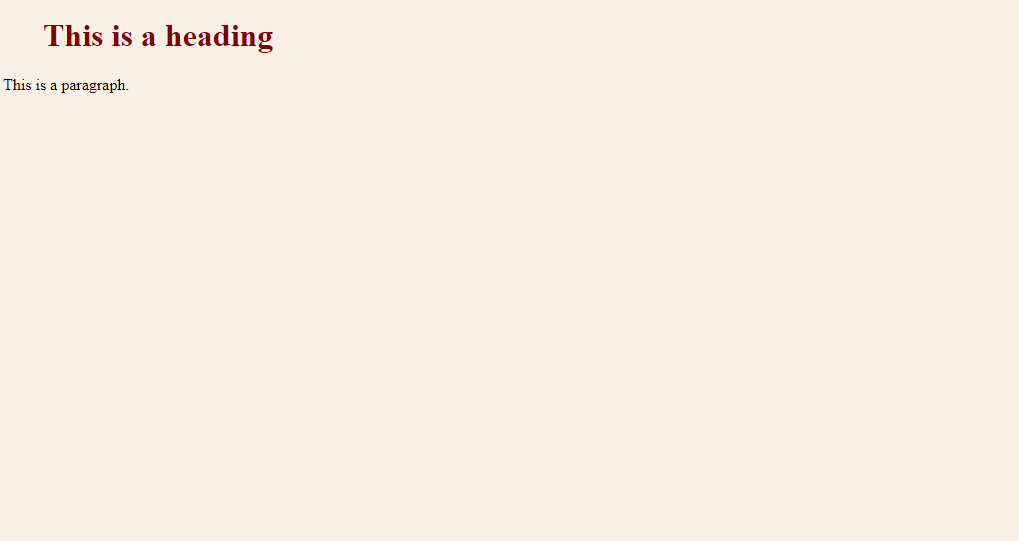
CSS is the language we use to style an HTML document.
CSS works by selecting HTML elements and applying rules to them. A CSS rule has two main parts: a selector and a declaration block.
selector {
  property: value;
}
The selector points to the HTML element you want to style. The declaration block contains one or more declarations, and each declaration includes a CSS property name and a value, separated by a colon.
For example, to make all paragraph text red, you would write:
p {
  color: red;
}
Here, p is the selector, color is the property, and red is the value.
To style a specific element, you can give it a class or an id attribute in your HTML.
<!-- In your HTML file -->
<p class="important-notice">This is an important notice.</p>

<p id="main-header">Welcome!</p>
Then, you can target them in your CSS. Use a period . for classes and a hash # for IDs.
/* In your CSS file */

.important-notice {
  color: blue;
  font-weight: bold;
}

#main-header {
  font-size: 32px;
}
A key difference: an
idmust be unique to a single element on a page, while aclasscan be used on multiple elements.
What is the primary role of HTML on a webpage?
Which part of an HTML document contains meta-information like the page title, which is not directly visible on the page itself?
With these basics of HTML structure and CSS styling, you have the fundamental tools to start building and designing your own web pages.