HTML and CSS Fundamentals
Introduction to HTML
The Skeleton of the Web
Every website you visit, from a simple blog to a massive online store, is built on a foundation of HTML. Think of HTML, which stands for HyperText Markup Language, as the skeleton of a webpage. It provides the basic structure and holds all the content in place.
HTML (HyperText Markup Language) is the standard language used to create and structure content on the web.
HTML isn't a programming language. You don't write logic or perform calculations with it. Instead, you use it to 'mark up' your text. You tell the browser what each piece of content is—this is a heading, this is a paragraph, this is a list—and the browser displays it accordingly.
A Basic Blueprint
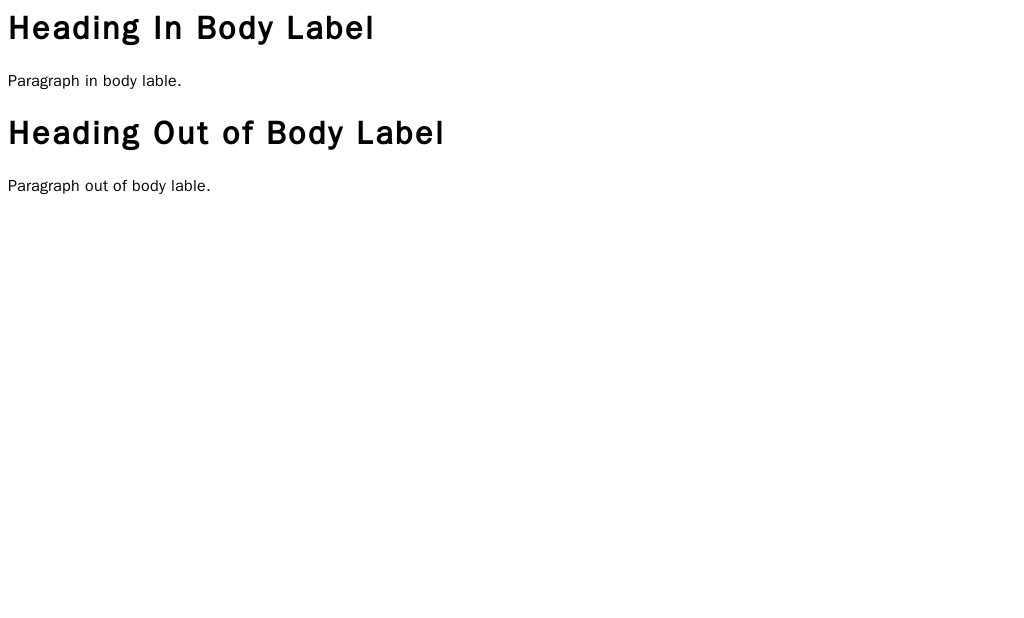
Every HTML document follows a standard structure. It's a bit like a form you have to fill out. You have a head section for behind-the-scenes information and a body section for the content everyone sees.
Here’s what a minimal HTML file looks like:
<!DOCTYPE html>
<html>
  <head>
    <title>My First Webpage</title>
  </head>
  <body>
    <h1>Hello, World!</h1>
    <p>This is my very first webpage.</p>
  </body>
</html>
Let's break that down:
<!DOCTYPE html>: This tells the browser, "Hey, I'm an HTML5 document." It's always the very first line.<html>: This is the root element that wraps everything else.<head>: This contains meta-information about the page, like the title for the browser tab. The content here isn't displayed on the page itself.<body>: This is where the magic happens. All the visible content—headings, paragraphs, images, links—goes inside the body.
Most of what you see are pairs of tags: an opening tag like <p> and a closing tag like </p>. The content goes between them. The closing tag always has a forward slash.
Content Building Blocks
HTML gives you a set of elements to structure your content. The most common ones are for text.
Headings are used to create an outline for your page. There are six levels, from <h1> (the most important) to <h6> (the least important). Search engines use these headings to understand the structure of your content, so it's important to use them correctly, not just to make text look big.

For regular text, you use the paragraph tag, <p>.
<h1>This is the Main Title</h1>
<p>This is the first paragraph. It introduces the main topic.</p>

<h2>This is a Subheading</h2>
<p>This paragraph provides more detail on the sub-topic.</p>
Lists are another fundamental part of organizing content. You can create an unordered (bulleted) list with <ul> or an ordered (numbered) list with <ol>. In either case, each individual list item is wrapped in an <li> tag.
<!-- An unordered list -->
<ul>
  <li>Apples</li>
  <li>Oranges</li>
  <li>Bananas</li>
</ul>

<!-- An ordered list -->
<ol>
  <li>First, do this.</li>
  <li>Then, do this.</li>
  <li>Finally, do this.</li>
</ol>
Links and Images
What makes the web a 'web' are hyperlinks. These allow you to connect one page to another. A link is created with the <a> tag, which stands for 'anchor'.
But the <a> tag alone does nothing. It needs more information, specifically, where it should link to. For that, we use an attribute.
attribute
noun
Extra information about an HTML element. Attributes are always specified in the opening tag and usually come in name="value" pairs.
For an anchor tag, the most important attribute is href (hypertext reference), which specifies the URL the link points to.
<a href="https://www.example.com">Visit Example.com</a>
Images work in a similar way. We use the <img> tag, but it needs a src (source) attribute to tell the browser which image file to display.
Images also need an alt attribute. This provides alternative text for screen readers or for when the image fails to load. It's crucial for accessibility.
<img src="images/cat.jpg" alt="A fluffy orange cat sleeping on a rug.">
Notice that the <img> tag doesn't have a closing tag. That's because it's an 'empty' element—it doesn't wrap around any content. It just places an image on the page.
With these basic blocks—text, lists, links, and images—you have everything you need to structure a simple webpage.
What does HTML stand for?
True or False: The content inside the <head> tag is the main content that is visible on the webpage.