How Computers Work
Computer Hardware Basics
Inside the Machine
A computer might seem like a single, magical box, but it's actually a team of specialized parts working together. Each piece of hardware has a distinct job, and understanding them is the first step to understanding how computers work. Think of it like the organs in a body. Each one is vital, and they all need to communicate to get anything done.
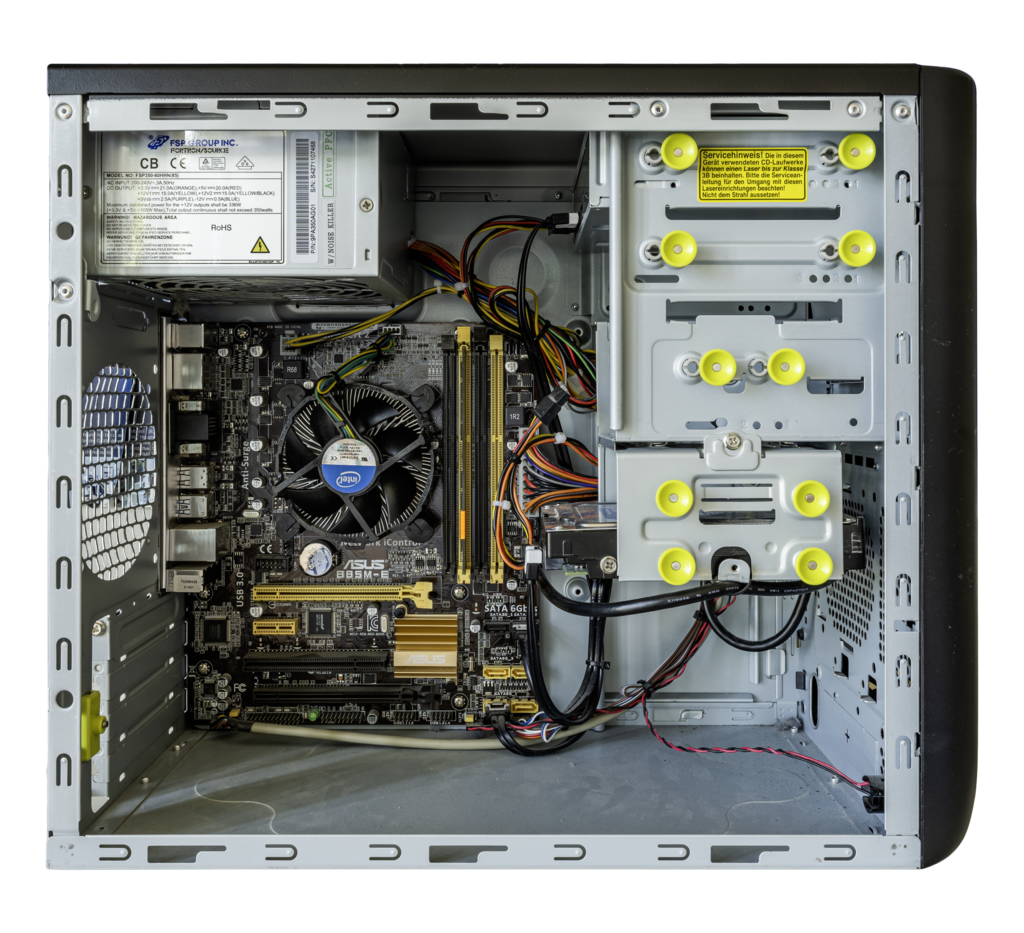
Let's open up the case and meet the team, starting with the most important member.
The Brain and a Backbone
Every computer has a central processing unit, or CPU. It's often called the brain of the computer, and for good reason. The CPU is where most of the calculations happen. It takes instructions from a program or application and performs the mathematical operations to carry them out. When you click a button, type a sentence, or run a program, the CPU is doing the heavy lifting to make it happen.
The Central Processing Unit (CPU) is the brain of the computer.
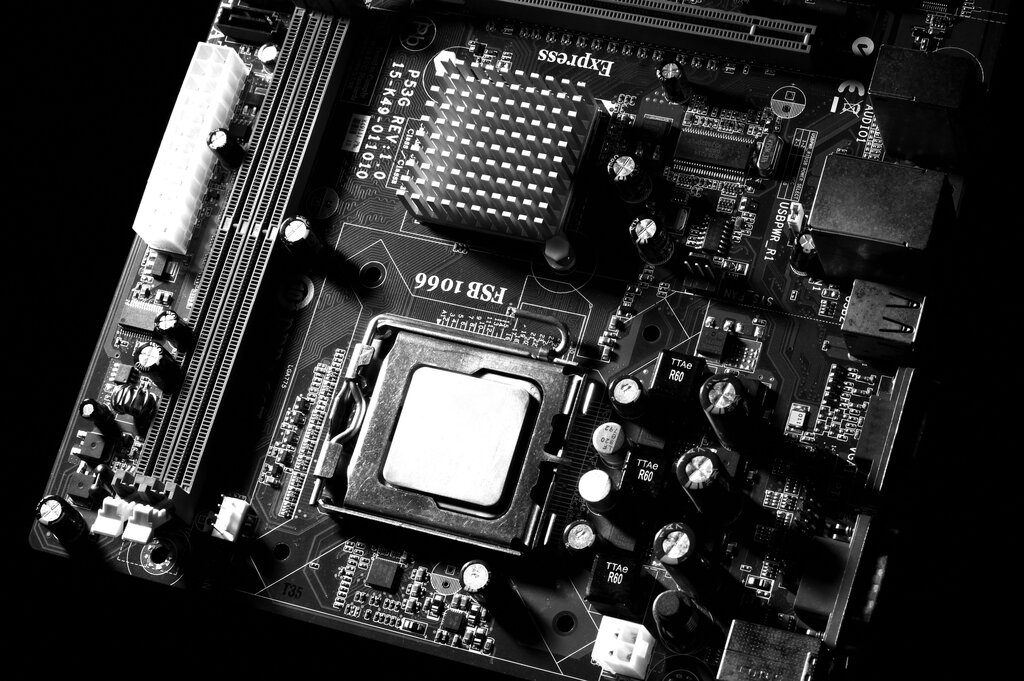
The CPU doesn't work in isolation. It sits in a special socket on the motherboard, which is a large printed circuit board that acts as the computer's central nervous system. Every single component plugs into the motherboard. It's the communication backbone, allowing the CPU to talk to your memory, your storage drives, and any cards you have plugged in. Without it, you'd just have a pile of disconnected parts.
Memory and Storage
Next up are memory and storage. People often use these terms interchangeably, but they refer to two very different things.
Memory, specifically Random Access Memory (RAM), is the computer's short-term workspace. When you open a file or run an application, the data it needs is loaded from your storage drive into RAM. RAM is incredibly fast, which allows the CPU to access that data instantly. Think of it as the desk you're working on. It holds everything you need right now, close at hand. The more RAM you have, the bigger your desk is, and the more things you can work on at once without slowing down. But when the power goes off, everything on your desk is cleared away. RAM is volatile, meaning it needs power to hold information.

Storage is the computer's long-term memory. It's where your files, applications, and operating system are kept, even when the computer is turned off. It's like a filing cabinet. You retrieve files from the cabinet (storage) and put them on your desk (RAM) to work on them. When you're done, you save them back to the cabinet.
There are two main types of storage devices:
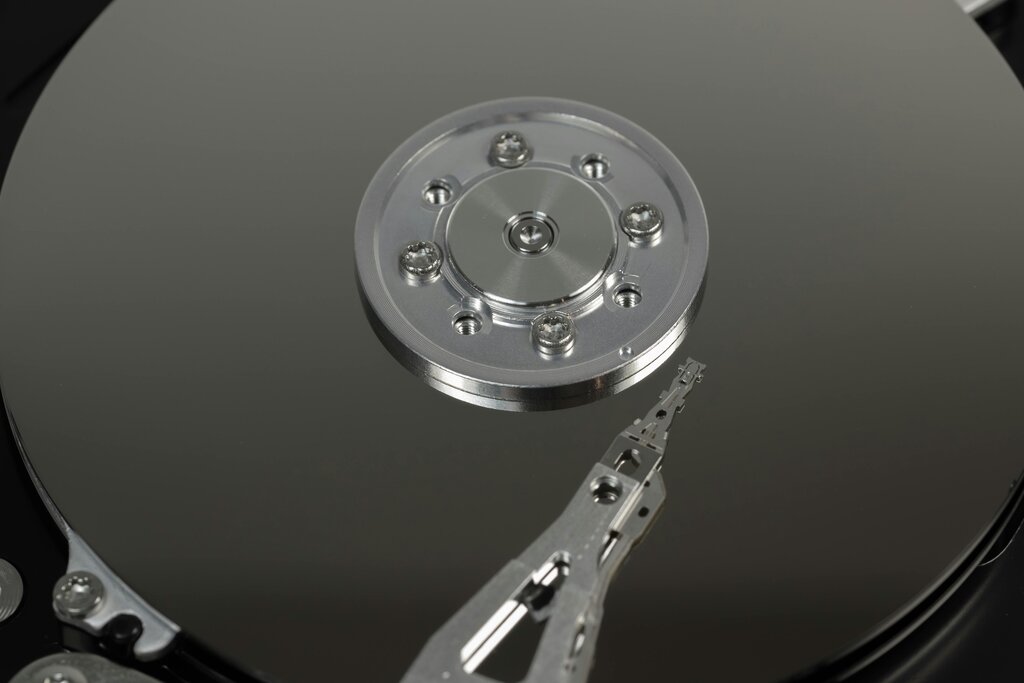
Hard Disk Drives (HDDs): These are traditional drives that use spinning magnetic platters to store data. They offer large amounts of storage for a relatively low cost.
Solid-State Drives (SSDs): These are a newer technology that uses flash memory, similar to a USB drive. SSDs have no moving parts, making them much faster, more durable, and quieter than HDDs.
Power and Peripherals
Of course, none of these components can do anything without electricity. The Power Supply Unit (PSU) is responsible for this. It takes the alternating current (AC) power from your wall outlet and converts it into the stable, low-voltage direct current (DC) that computer components need to operate safely.
Finally, we have input and output (I/O) devices. These are the parts you interact with directly. Input devices send information to the computer. Your keyboard, mouse, webcam, and microphone are all input devices. Output devices get information from the computer and present it to you. The most common output devices are your monitor, speakers, and printer. They let you see, hear, and hold the results of the computer's work.
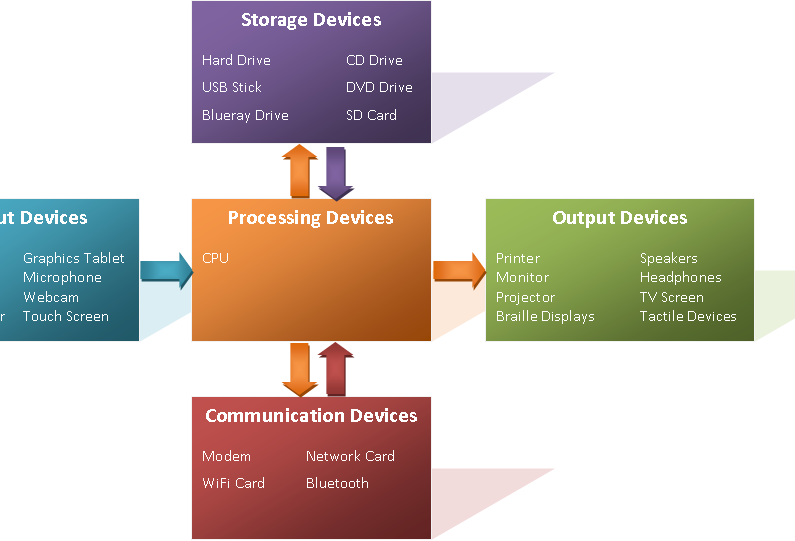
Together, these core components form the foundation of any computer system, from a laptop to a high-end gaming desktop. Now let's test your knowledge.
Which component is often referred to as the 'brain' of the computer, performing most of the calculations?
If a computer's hardware components were parts of a body, which component would act as the central nervous system, connecting everything together?
Each piece of hardware plays a specific role, working in concert to turn electricity and instructions into a functioning machine.