Home Network Security Testing
Home Network Basics
Your Home's Digital Nervous System
Think of your home network as the central nervous system for all your devices. It’s what connects your phone, laptop, smart TV, and gaming console to each other and, most importantly, to the vast world of the internet. Without it, each device would be an isolated island.
Understanding how this system works is the first step in keeping it safe. Let's look at the essential pieces that make up a typical home network and how they all talk to one another.

The Core Components
Every home network, no matter how simple or complex, relies on a few key pieces of hardware to function. These are the modem, the router, and sometimes, a switch. They work together to bring the internet into your home and distribute it to all your gadgets.
Modem
noun
A device that connects your home to the internet by converting signals from your Internet Service Provider (ISP) into a digital signal your devices can use.
The modem is your gateway to the outside world. It takes the signal from your ISP—whether it comes through a cable, fiber optic, or phone line—and acts as a translator. It converts that signal into one that your home network can understand. You can think of it as a specialized interpreter, allowing your home to communicate with the global internet.
Router
noun
A device that creates a local network and directs traffic between your devices and the internet. It allows multiple devices to share a single internet connection.
If the modem is the gateway, the router is the traffic cop. Once the internet signal is inside your house, the router takes over. It creates your private local network (your Wi-Fi is a great example of this) and manages all the data flowing through it. When you browse a website on your laptop, the router directs that request out to the internet via the modem. When the website sends data back, the router knows to send it specifically to your laptop, not your smart TV.
Most modern routers have several physical ports on the back for wired connections, in addition to broadcasting a wireless signal.
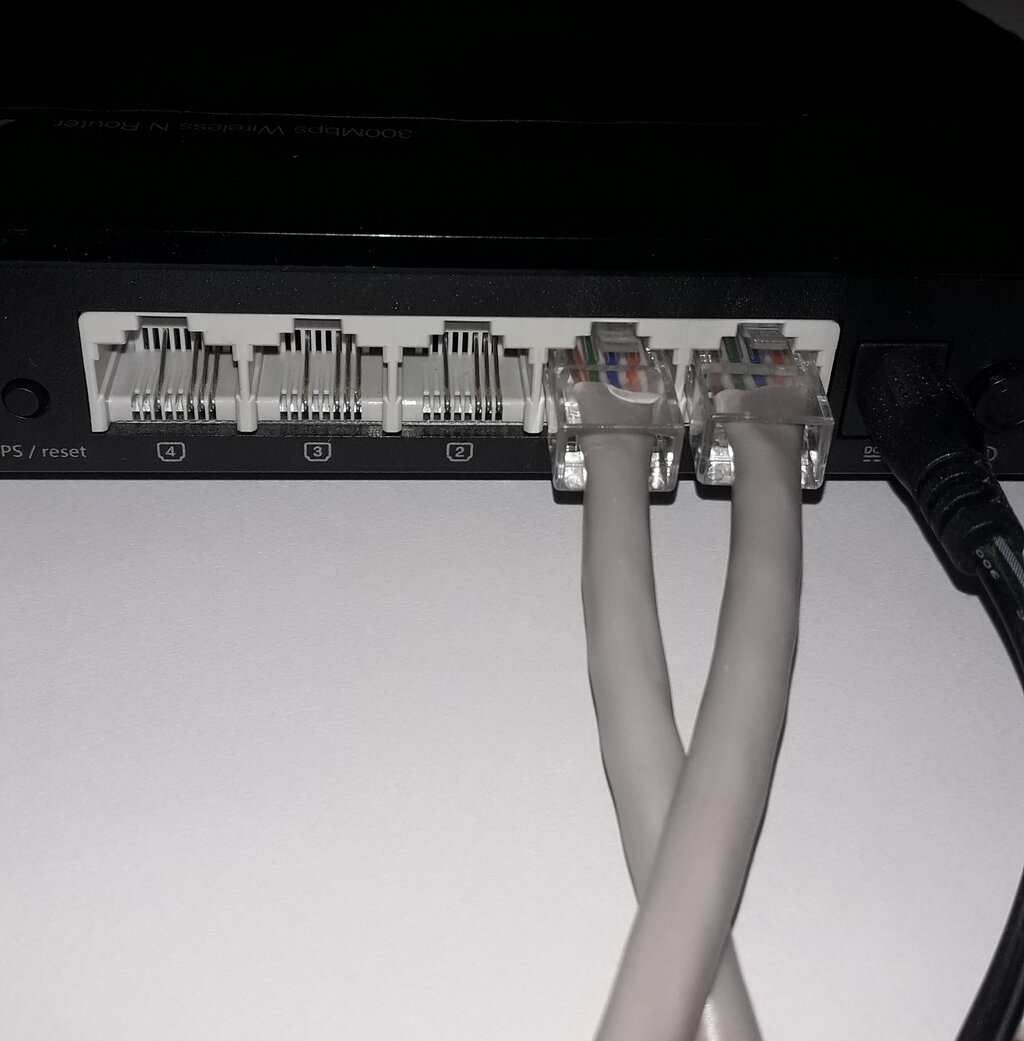
Many ISPs now provide a single device that acts as both a modem and a router. This is often called a 'gateway' or modem-router combo.
For most homes, the built-in ports on a router are enough. But if you have many devices that need a wired connection—like in a home office with multiple computers, printers, and servers—you might need a switch. A switch is a simple device that expands the number of available Ethernet ports, acting like a power strip for your network.
How Data Flows
Let's trace the path of a simple request, like loading a webpage on your smartphone over Wi-Fi.
- Your phone sends a wireless request for the webpage to your router.
- The router receives the request and forwards it to the modem.
- The modem translates the request and sends it out to the internet via your ISP's network.
- The server hosting the webpage sends the data back to your modem.
- The modem translates the incoming signal and passes it to your router.
- The router knows the request came from your phone, so it wirelessly transmits the webpage data directly to it, and the page loads on your screen.
This entire round trip happens in milliseconds. Your router is constantly juggling these requests for every connected device, ensuring everyone gets the data they asked for.
This basic structure—devices connecting to a router, which connects to a modem, which connects to the internet—is the foundation of virtually every home network. Understanding these roles is key to managing your network and spotting where things could go wrong.