Home Network Security Testing
Network Security Basics
Protecting Your Digital Home
Think of your home network as the digital equivalent of your house. It connects all your devices—laptops, phones, smart TVs, even thermostats and security cameras—to the internet and to each other. Network security is simply the practice of protecting this digital home from unwanted intruders.
Just like you lock your doors and windows, you need to secure your network. In the past, only businesses worried about cyberattacks. But today, our homes are filled with internet-connected devices that store and transmit personal information. This makes home networks a tempting target for attackers looking to steal data, commit fraud, or cause disruption.
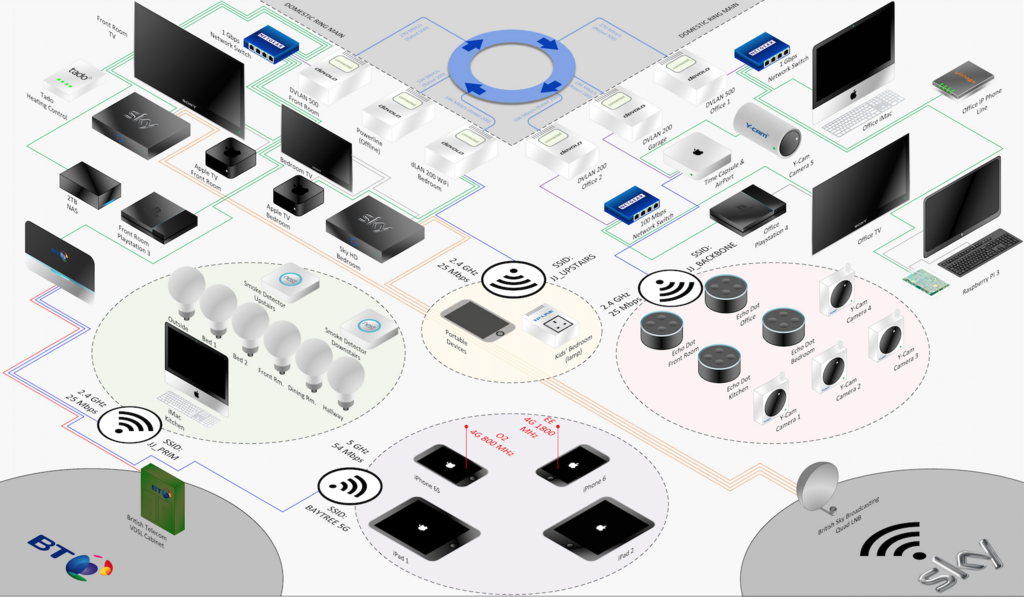
When your network is unsecured, it's like leaving the front door wide open. Let's look at who might try to walk in and what they might do.
Common Network Threats
There are several common ways your network can be compromised. Understanding them is the first step toward building a solid defense.
Unauthorized Access: This is when someone gets onto your Wi-Fi network without your permission. They might just want to use your internet for free, but they could also be trying to spy on your online activity or access files on your computers. Think of it as someone looking over your shoulder as you browse, or even sneaking into your digital filing cabinet.
Malware: This is a broad term for malicious software, including viruses, spyware, and ransomware. Malware can infect your devices if you click a bad link, download a compromised file, or visit an unsafe website. Once inside, it can steal passwords, record your keystrokes, or even lock up your files and demand a ransom to get them back.
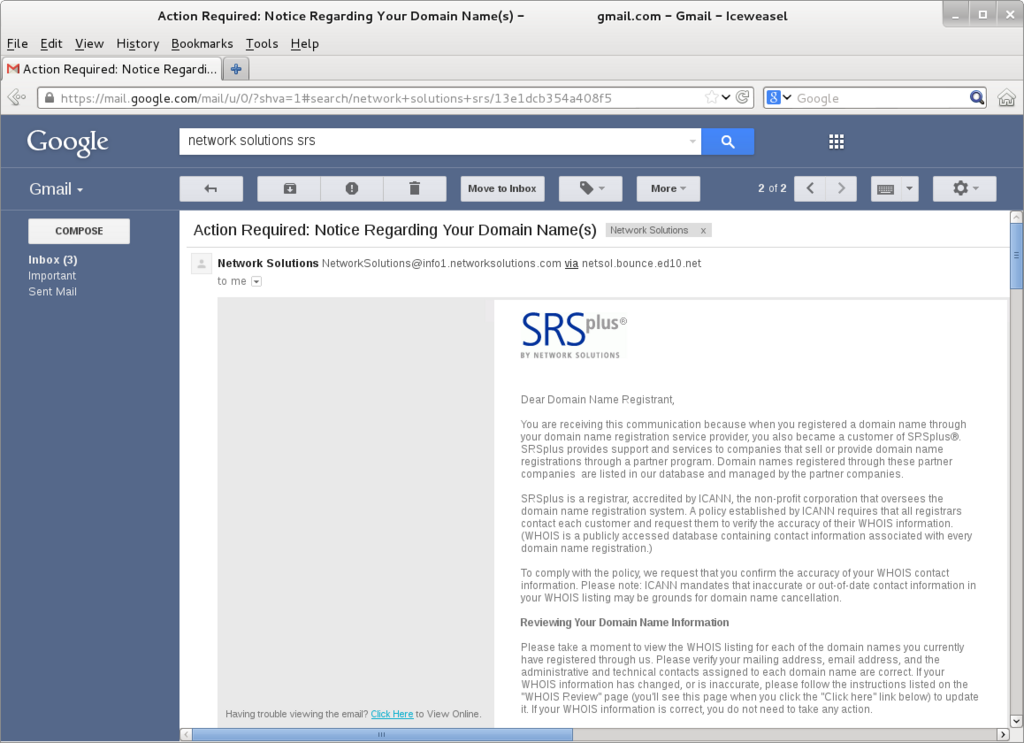
Data Breaches: When an attacker successfully uses unauthorized access or malware to steal your personal information, it's called a data breach. This can include anything from your email passwords and credit card numbers to private photos and documents. This stolen information is often sold online or used for identity theft.
Every device connected to your network is a potential entry point for an attacker. Securing the network itself protects all of them at once.
Your First Line of Defense
You don't need to be a cybersecurity expert to protect your home network. Proactive security is about taking simple, consistent steps to make your network a much harder target. It’s about building good habits and setting up basic digital locks.
Many of the most effective security measures are straightforward and easy to implement. They form a layered defense that can stop most common attacks before they start.
| Security Measure | Why It's Important |
|---|---|
| Strong, Unique Passwords | Your router and Wi-Fi passwords are the keys to your network. Weak or default passwords are easy to guess. |
| Software Updates | Device and app updates often contain crucial security patches that fix vulnerabilities attackers could exploit. |
| Secure Router Settings | Your router has built-in security features. Taking time to configure them properly is a huge step. |
| Cautious Browsing | Being skeptical of suspicious emails, links, and downloads is one of the best ways to prevent malware infections. |
Once your network connects to the internet, it becomes more susceptible to outside threats.
By understanding these basic threats and defensive measures, you're already on your way to a safer digital life. In the next sections, we'll dive into the practical steps for putting these protections in place.
What is the primary reason home network security is more important today than in the past?
If a neighbor secretly connects to your Wi-Fi to use your internet for free, what type of security compromise is this?