Home Network Security Testing
Home Network Basics
Your Home Network's Team
Think of your home network as a small, private club for your devices. It lets your laptop, phone, TV, and smart speaker all talk to each other and share a single connection to the outside world—the internet. To make this happen, you need a few key pieces of equipment.

First up is the modem. Its job is simple: it connects your home to your Internet Service Provider (ISP), like Comcast or Verizon. It translates the signal from your ISP's line (be it cable, fiber, or phone) into a digital signal your network can use. The modem is your gateway to the internet.
Next is the router. The router is the traffic cop of your network. It takes that single internet connection from the modem and creates your private home network, allowing multiple devices to share it. It directs traffic, making sure an email destined for your laptop doesn't end up on your smart TV. Most modern routers also create your Wi-Fi network.
Finally, there's the switch. A switch is like a power strip for your network; it expands the number of available wired connections. If you have more devices that need a physical cable than your router has ports for, you'd use a switch. Good news: nearly all home routers have a small switch built right in, usually with four ports.
Wired vs. Wireless
Your devices connect to your network in one of two ways: with a cable or through the air.
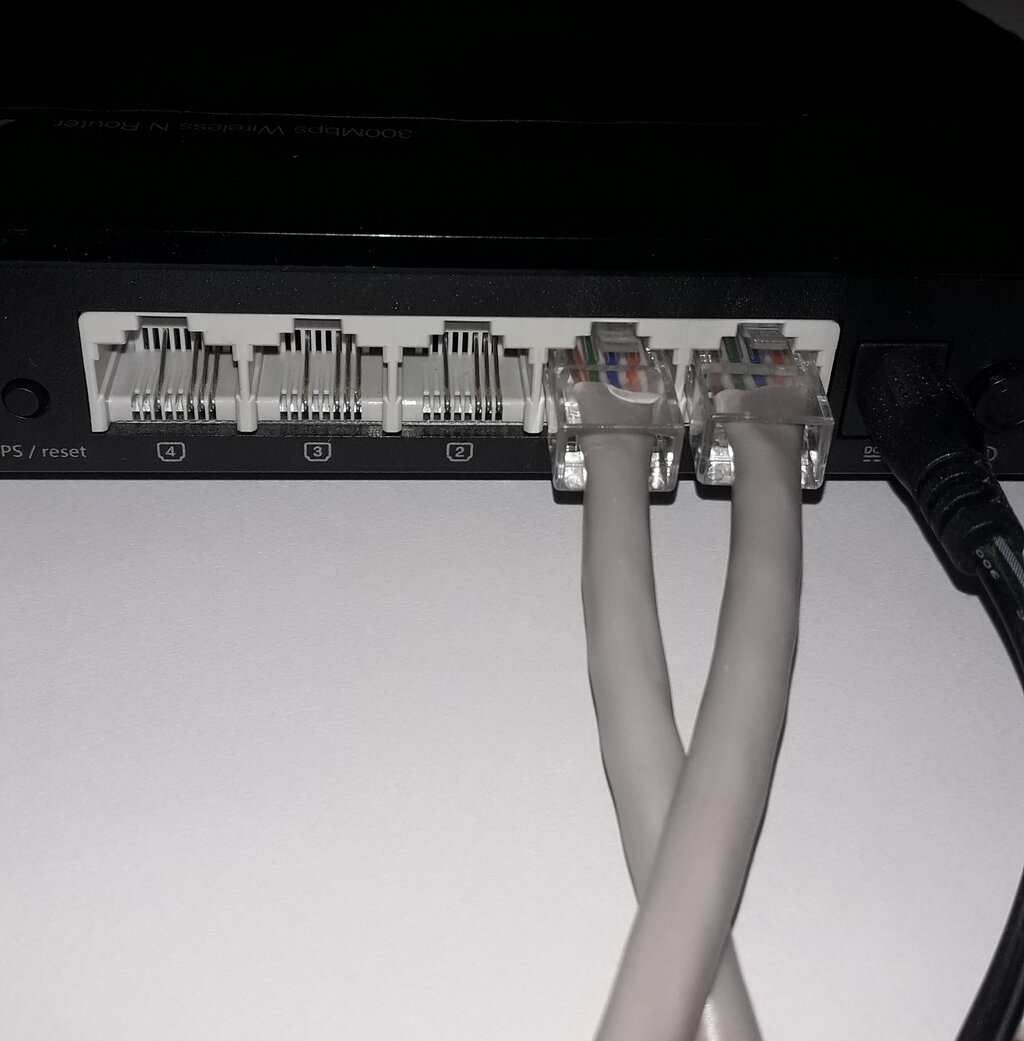
A wired connection uses an Ethernet cable to physically plug a device into your router or a switch. This is the fastest, most reliable, and most secure way to connect. It's ideal for stationary devices where speed is important, like a desktop computer, a gaming console, or a streaming media player.
A wireless connection, or Wi-Fi, uses radio waves to connect devices to the router without any cables. This offers incredible convenience and mobility, which is perfect for laptops, smartphones, and tablets. The trade-off is that Wi-Fi can be slightly slower and less stable than a wired connection, and it's more vulnerable to outside interference or snooping if not secured properly.
Your Digital Address
Every device on a network needs a unique identifier so that data can be sent to the right place. This identifier is called an IP address.
IP Address
noun
A unique string of numbers separated by periods that identifies each computer using the Internet Protocol to communicate over a network.
In a home network, you'll encounter two types of IP addresses:
-
Public IP Address: This is the single address that your ISP assigns to your entire home network. It's how the rest of the internet sees you. When you visit a website, its server sees the request coming from your public IP address.
-
Private IP Addresses: These are the addresses your router assigns to each individual device inside your home network. They usually look something like
192.168.1.5or10.0.0.12. These addresses are only used within your local network and are not visible to the outside internet. This system, called Network Address Translation (NAT), adds a layer of security by hiding your devices from the public internet.
This setup is the foundation of most home networks. It separates your private, local network from the vast public internet, which is a critical first step for security.
Subnetting Simplified
Subnetting is the process of dividing a single network into smaller, logical sub-networks, or "subnets." While it's a complex topic in corporate networking, the basic idea is useful to understand at home.
Your router creates a main network, like 192.168.1.0/24. The /24 part is the subnet mask, and it defines the size of your network—in this case, allowing for about 254 devices. For most homes, this is more than enough, and everything just lives on this one big subnet.
However, some modern routers allow you to create a separate subnet for specific types of devices. A common example is creating a "Guest Wi-Fi" network. This puts your guests' devices on a different subnet, giving them internet access without allowing them to see or interact with your primary devices, like your computer or network storage. It's a simple way to boost security by keeping untrusted devices isolated.
What is the primary role of a modem in a home network?
Your router assigns a unique private IP address, like 192.168.1.10, to your laptop. The main purpose of this is to...
Understanding these core components and concepts is the first step toward managing and securing your home network effectively.