Home Network Security Testing
Home Network Basics
Your Home Network Explained
At its heart, a home network is just a group of devices in your house that can talk to each other and connect to the wider world of the internet. Think of it as a private digital community for your computers, phones, TVs, and smart speakers. Understanding how this community works is the first step to keeping it safe.
The Key Players
Every home network has a few essential pieces of hardware working together. You've probably seen these boxes blinking away in a corner of your home.
A modem is your gateway to the internet. It connects to the line from your Internet Service Provider (ISP) and translates the signal into a format your network can use.
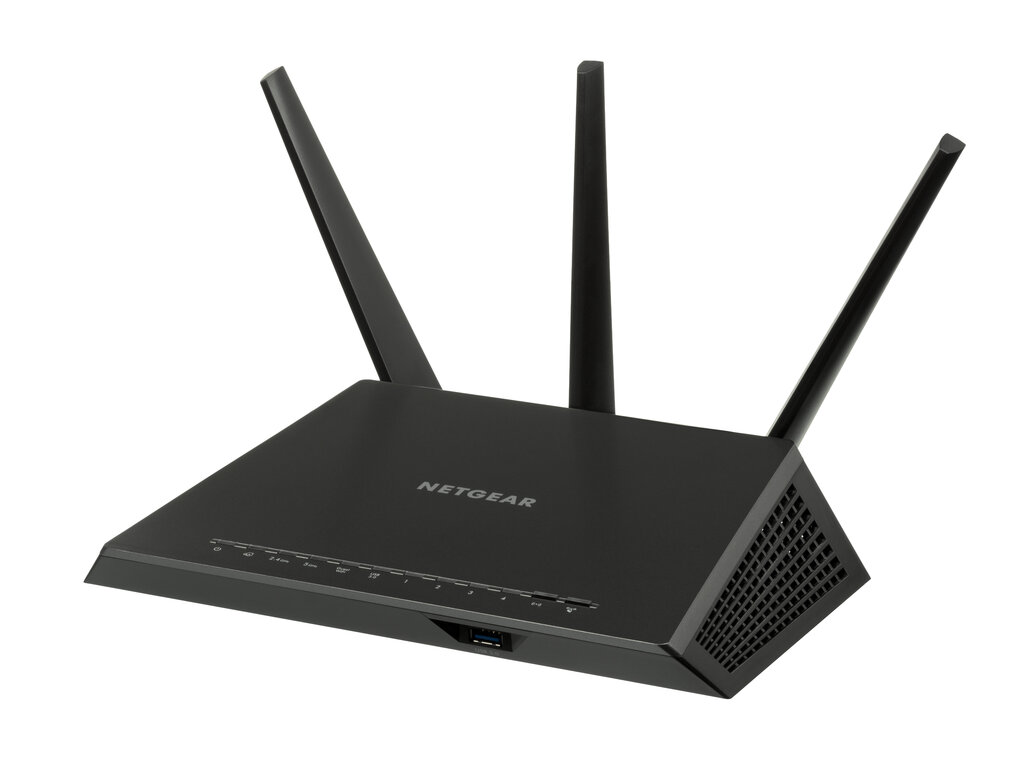
Next is the router. The router is the traffic director of your network. It creates your local Wi-Fi network and manages all the data flowing between your devices and the modem. It's what lets your laptop, phone, and smart TV all share the same internet connection.
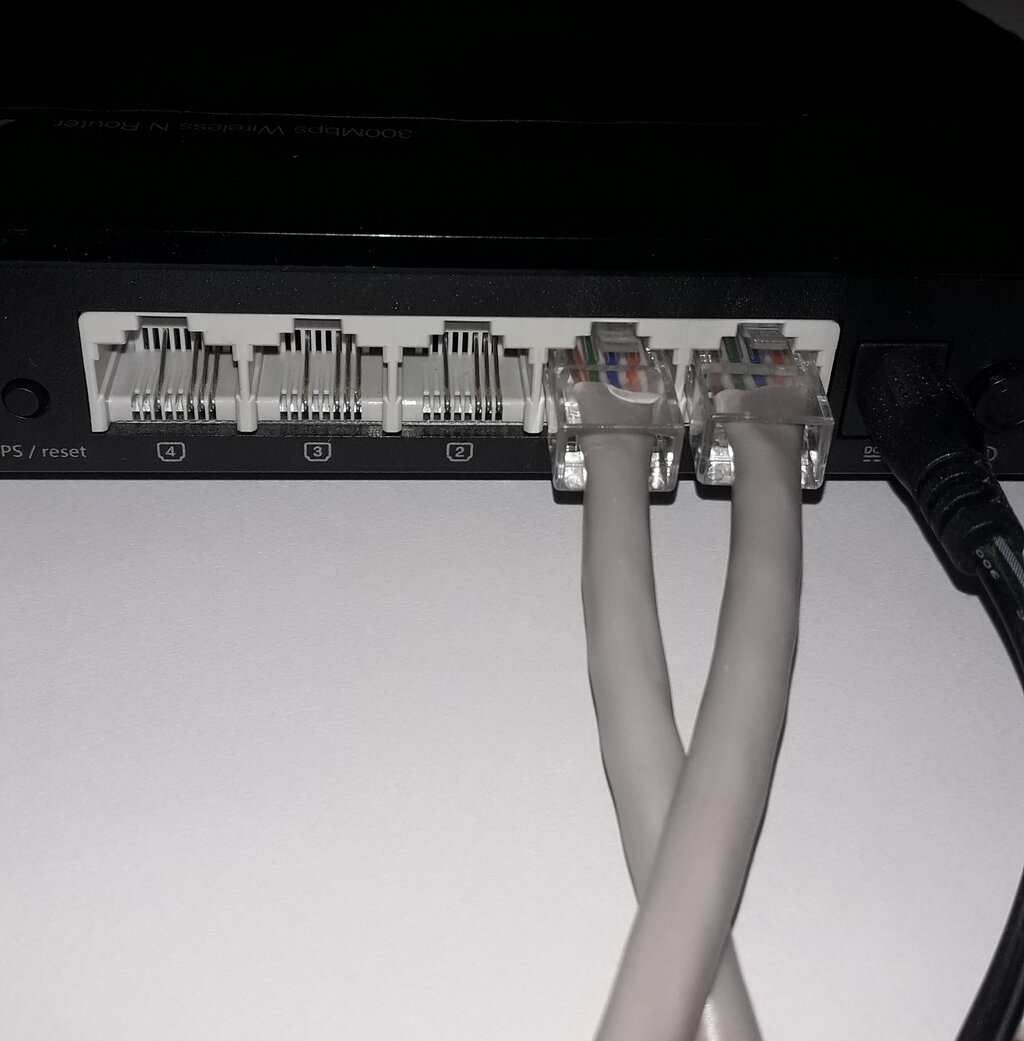
Many routers have built-in switches, which are basically expansion ports for wired connections. If you see a bank of identical ports on the back of your router (often labeled LAN), that's the switch. It lets you plug in devices like a desktop computer or a gaming console using an Ethernet cable for a faster, more stable connection.
Finally, you have your connected devices. This is everything that uses the network: computers, tablets, smartphones, streaming devices, smart home gadgets, and game consoles. They are the citizens of your network community.
How Data Travels
For devices to communicate, they need a way to find each other. On a network, this is done with IP addresses. An IP address is a unique string of numbers that acts like a mailing address for a specific device.
IP Address
noun
A unique numerical label assigned to each device connected to a computer network that uses the Internet Protocol for communication.
There are two kinds of IP addresses you need to know about.
First, your router has a public IP address. This is the single address that the outside world sees. Your ISP assigns it to your modem, and it's how services like Netflix or Google know where to send data. All the devices in your home share this one public address when they're on the internet.
Second, each of your devices has a private IP address. Your router assigns these unique addresses to your phone, laptop, and other gadgets so they can talk to each other inside your home. This internal network is often called a Local Area Network, or LAN.
This whole group of private IP addresses on your home network is called a subnet. Think of it as your digital neighborhood. Most home routers use a subnet like 192.168.1.0. The router is at 192.168.1.1, and it hands out addresses like 192.168.1.2, 192.168.1.3, and so on to each device that connects. This keeps all your local traffic organized and separate from the vast public internet.
It's FAR more important to explain the basics of how the various networks communicate: what a "route" is, how it works, what DNS does, what ports are and how they are associated with services, et cetera.
With this foundation, you can start to see your home network not as a magical box, but as a system you can understand and secure. Knowing what each component does and how they talk to each other is the key to protecting your digital home.
What is the primary role of a router in a home network?
If your laptop, phone, and smart TV are all connected to your home Wi-Fi, which of the following statements is true?