Home Network Security Testing
Home Network Basics
Your Digital Lifeline
Your home's connection to the internet starts with a modem. Think of it as a translator. Your Internet Service Provider, or ISP, sends a signal to your home through a cable or phone line. The modem takes this signal and converts it into a digital format your devices can understand. It's the bridge between the vast global network and your personal one.
Without a modem, your home network would be an isolated island, unable to reach the outside world of websites, streaming services, and online games. It's a single-purpose device, managing one connection in and one connection out.
The Traffic Cop of Your Home
If the modem is the bridge, the router is the traffic cop. Its job is to take that single internet connection from the modem and share it among all the devices in your home. It creates your own private network, called a Local Area Network (LAN).

The router manages the flow of information, ensuring that an email meant for your laptop doesn't end up on your smart TV. It directs data packets to their correct destinations, preventing digital traffic jams. Many ISPs provide a single device that acts as both a modem and a router, but they are still performing two distinct jobs.
An Address for Every Device
For the router to direct traffic correctly, every device needs a unique address. On the internet, this is called an IP address, which stands for Internet Protocol address. It functions just like a mailing address for a house, telling data where to go.
Your router actually manages two types of IP addresses. First, it has one public IP address, which is assigned by your ISP. This is your home's address on the global internet. Second, it assigns a unique private IP address to every device connected to your home network, like your phone, computer, and printer. These private addresses are only used within your home.
Think of it this way: your home has one street address (public IP), but each room has its own name (private IP). Mail from the outside world only needs the street address, but to find a specific person, you need to know which room they're in.
Wires or Waves
Once your network is set up, devices can connect in two main ways: with a physical cable or wirelessly.
A wired connection uses an Ethernet cable to plug a device directly into one of the router's LAN ports. This creates a direct, physical link to the network. Wired connections are typically faster and more stable than wireless ones, making them ideal for devices that don't move around, like desktop computers, gaming consoles, or smart TVs.
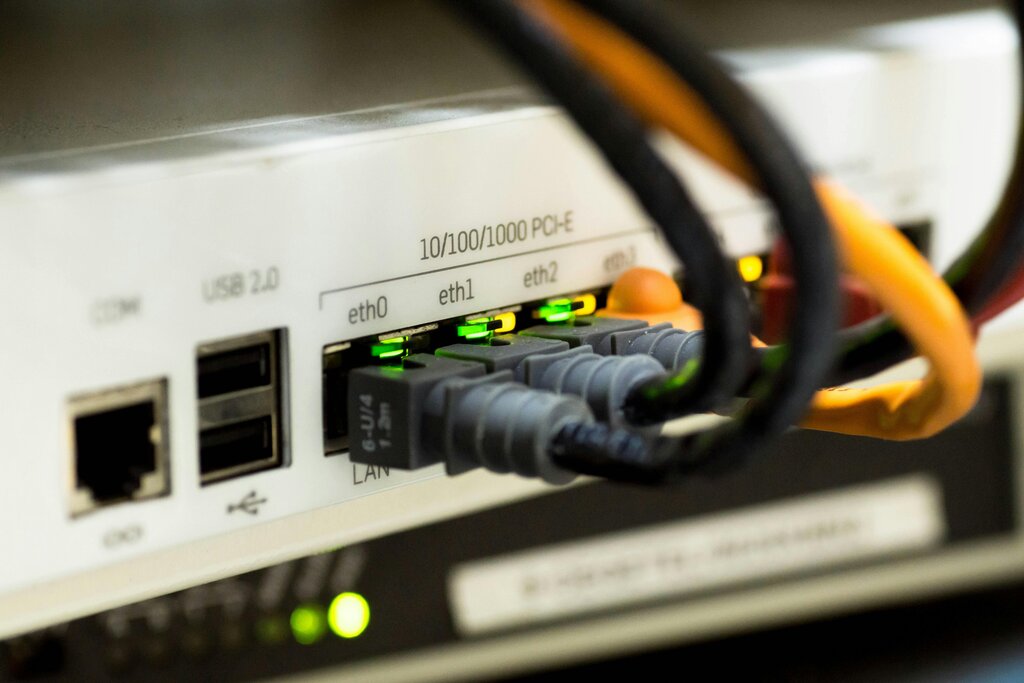
A wireless connection, commonly known as Wi-Fi, uses radio waves to send data between the router and your devices. This is what allows your smartphone, laptop, and tablet to connect to the internet without being tethered by a cord. It offers incredible convenience, but the signal can be weakened by distance, walls, and interference from other electronics.
What is the primary function of a modem?
A router manages a single public IP address and multiple private IP addresses.