Home Network Security Essentials
Home Network Basics
The Heart of Your Home Network
A home network connects all your devices, like laptops, phones, and smart TVs, to each other and to the internet. Think of it as the digital circulatory system of your house. It allows your phone to stream video, your laptop to send emails, and your smart speaker to play music, all at the same time. This system relies on a few key pieces of hardware to manage the flow of information.

At the center of it all are three main components: the modem, the router, and the switch. Sometimes, the modem and router are combined into a single device by your internet service provider (ISP), but they perform distinct jobs.
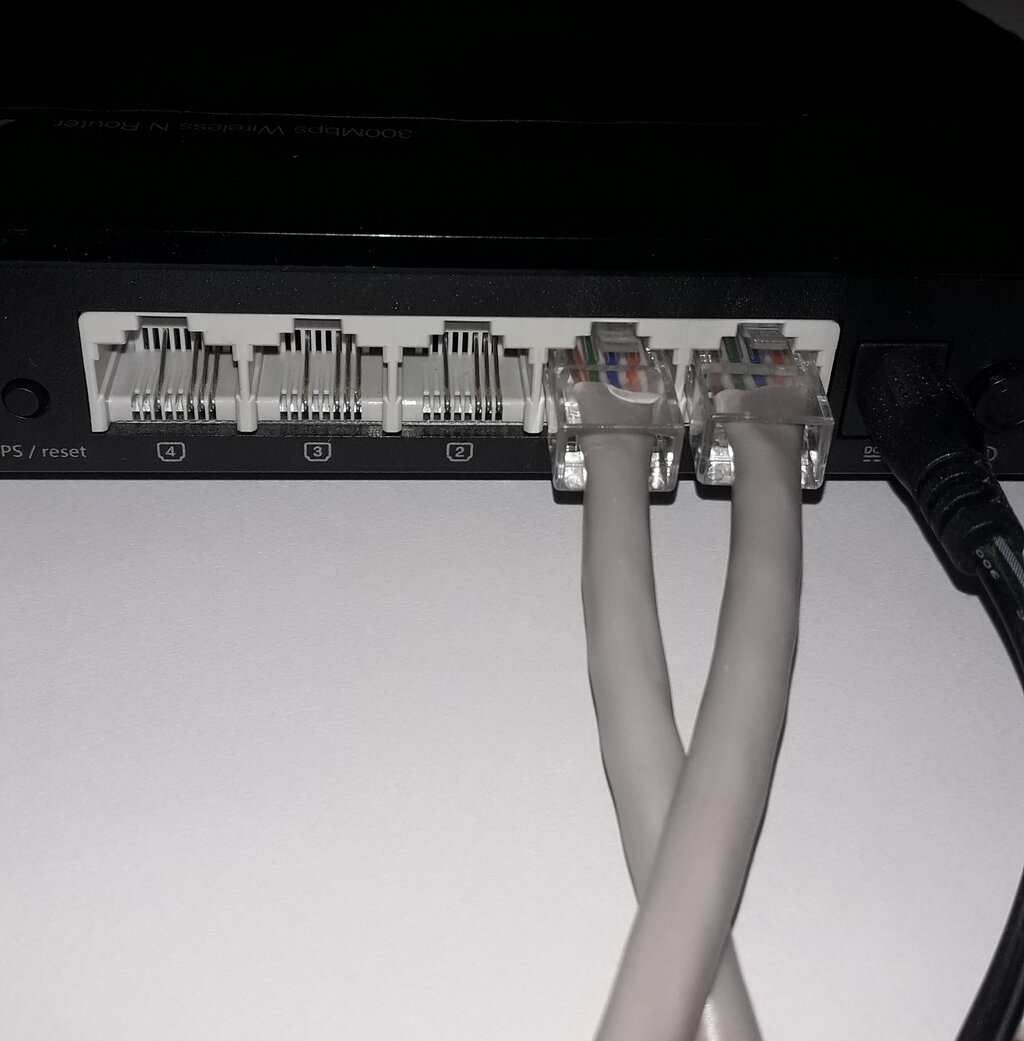
Modem: Your connection to the outside world. It translates the signal from your ISP into a format your router can use. Router: The traffic director for your home. It creates your local network and manages data moving between your devices and the internet. Switch: An expander for wired connections. It gives you more ethernet ports when your router runs out.
The modem is your gateway to the internet. It takes the signal coming from your provider—whether through a cable, fiber optic, or phone line—and converts it into a standard internet signal. The router then takes that signal and creates a private network just for your home. It's what allows multiple devices to share that single internet connection, both wirelessly (Wi-Fi) and through cables. If you're a gamer or have a home office with many wired devices, you might use a switch. A switch is like a power strip for your network; you plug it into your router to add more ethernet ports.
Your Digital Address System
For devices to communicate, they need unique addresses, just like houses on a street. In networking, these are called IP addresses. Your router has two important address-related jobs.
First, it gets a single public IP address from your ISP. This is the address that the rest of the internet sees. Think of it as your home's mailing address. No two are alike on the public internet.
Second, it creates a private network for your home and assigns private IP addresses to every connected device. These addresses are only used within your home network. Common private IP addresses start with 192.168 or 10.0. This is like giving each room in your house a unique number. The mail carrier only needs to know your street address; your router handles getting the mail to the right room.
Public IP Address: Your network's unique address on the global internet. Private IP Address: A unique address for a device inside your home network.
This whole system of private addresses works because of a process called Network Address Translation, or NAT. When your laptop wants to visit a website, it sends the request from its private IP to the router. The router swaps out the private IP for its public IP and sends the request to the internet. When the website responds, the router receives the data, swaps the public IP back to your laptop's private IP, and delivers the information. It does this for every device, keeping all the traffic organized.
Keeping It All Organized
So how does your router hand out all those private IP addresses automatically? It uses a system called the Dynamic Host Configuration Protocol, or DHCP. When a new device, like a friend's smartphone, connects to your Wi-Fi, it asks for an IP address. The DHCP server, which is a function built into your router, assigns it an available address from a predefined range.
DHCP
noun
A network management protocol that automates the assignment of IP addresses and other communication parameters to devices connected to the network.
This process is like a host at a restaurant assigning tables to guests as they arrive. The host has a list of available tables and gives one to each new party, ensuring no two parties get the same one. DHCP prevents IP address conflicts and makes managing a network effortless for the user. Without it, you would have to manually assign a unique IP address to every single device you own.
This range of addresses that DHCP uses is part of your home network's subnet. A subnet is just a logical subdivision of a larger network. For home networks, you typically have one main subnet, like 192.168.1.0. The router might be 192.168.1.1, and it will assign addresses like 192.168.1.2, 192.168.1.3, and so on to your devices. This organization ensures that data packets are sent to the correct devices within your local network.
What is the primary function of a router in a home network?
The process that allows multiple devices on a private network to share a single public IP address is known as ______.
Understanding these core components and concepts is the first step toward managing and securing your home network.