Home Network Security Assessment
Network Security Basics
Your Digital Front Door
Your home network is the gateway to the internet for all your devices. Laptops, phones, smart TVs, and even refrigerators connect through it. Think of it as the digital front door to your home. Leaving it unsecured is like leaving that door wide open.
Every day, sensitive information travels across this network. This includes personal emails, online banking details, work documents, and private photos. If someone gains access to your network, they could potentially intercept this traffic, eavesdrop on your activities, or access files on your connected devices.

The number of connected devices in the average home is growing. Smart speakers, security cameras, and thermostats all join your Wi-Fi. Each new device adds another potential vulnerability, making basic security practices more important than ever.
Having a safe and secure at-home network is becoming increasingly important (and necessary) to keep cybercriminals away from your personal and professional data.
Common Threats
You don't need to be a high-profile target to be at risk. Many network threats are opportunistic, exploiting common weaknesses. Two of the most frequent threats to home networks are unauthorized access and malware.
Unauthorized Access
noun
When an individual or program gains access to a network, system, or data without permission.
This is when someone connects to your Wi-Fi without your permission. At best, it's a neighbor slowing down your internet. At worst, it's a malicious actor looking to monitor your activity or use your network for illegal purposes, which could be traced back to you.
An open Wi-Fi network isn't just a free hotspot; it's an open invitation to your digital life.
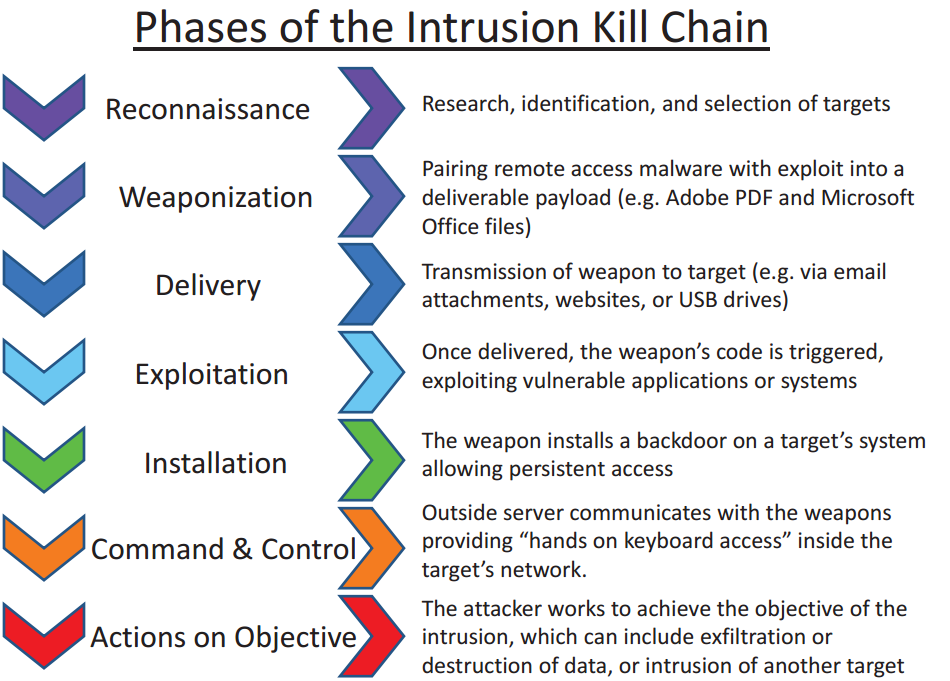
Malware, short for malicious software, includes viruses, spyware, and ransomware. If one device on your network gets infected, perhaps from a suspicious email attachment or download, the malware can attempt to spread to other connected devices. A secure network setup can help contain this threat.
Basic Security Measures
Securing your network doesn't require a degree in cybersecurity. A few fundamental steps can dramatically improve your safety. Start with the two most critical points of failure: weak passwords and outdated software.
One of the first steps to improving your home network security is changing these credentials to something strong and unique.
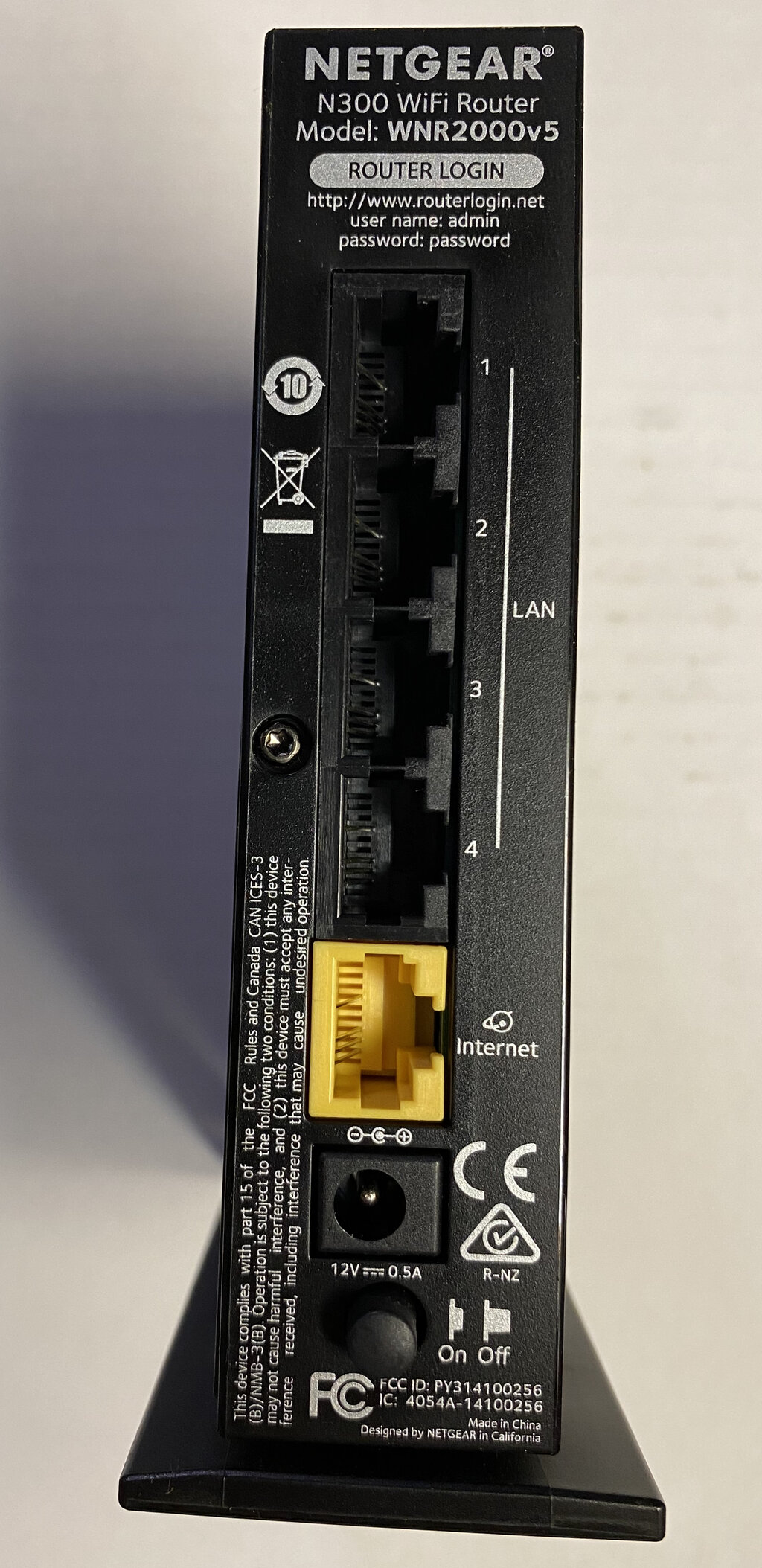
First, change your router's default login credentials. Routers come with a standard username and password (like "admin" and "password") that are publicly known. Change the administrator password to something long, complex, and unique. This prevents anyone from easily accessing your router's settings.
Second, secure your Wi-Fi network itself with a strong password. Use WPA2 or WPA3 encryption, which are the modern standards for securing wireless networks. Your password should be a long phrase or a random mix of letters, numbers, and symbols. Avoid common words or personal information.
Finally, keep your router's firmware updated. Firmware is the software that runs on your router. Manufacturers release updates to patch security holes and improve performance. Most modern routers can be set to update automatically. If not, log in to your router's administration page periodically to check for and install updates. This simple action closes known vulnerabilities that attackers could exploit.
Ready to check your understanding of these core concepts?
What is the primary reason to secure your home network?
When setting up a new Wi-Fi router, what is one of the most critical first steps for security?
By taking these basic steps, you make your home network a much harder target for opportunistic attackers. You've locked the digital front door.