Home NAS Optimization
Introduction to NAS
What Is Network Attached Storage?
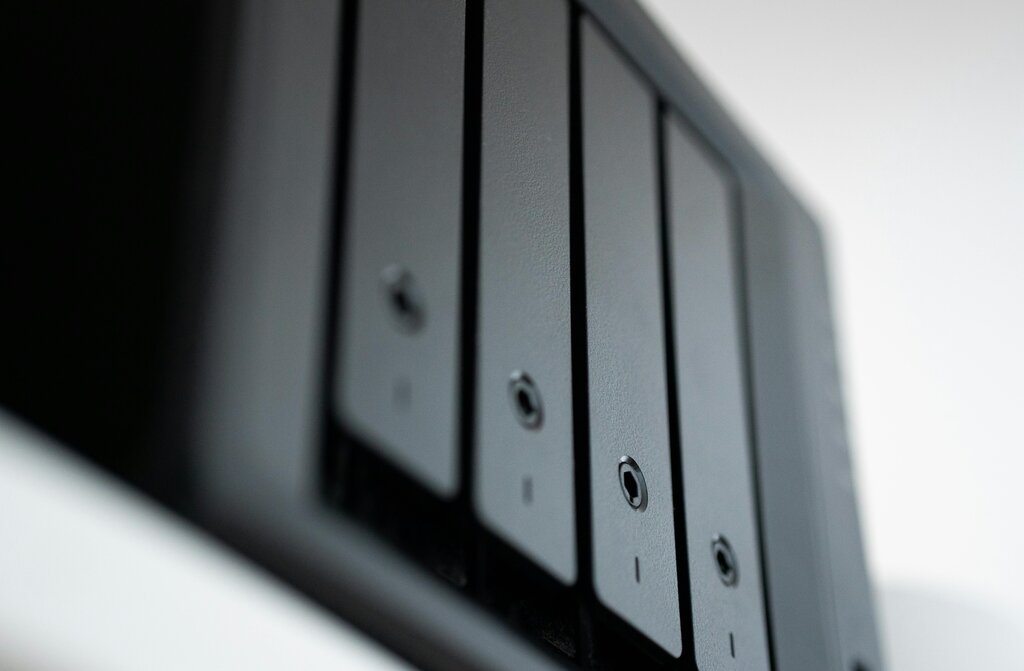
Think of a Network Attached Storage (NAS) device as a private library for your family's digital files. Instead of plugging a hard drive into a single computer, a NAS connects directly to your home's network router. This gives every device on your network—laptops, phones, smart TVs—access to the same central collection of data.
It's essentially a dedicated file server, a small computer designed for one main job: storing and sharing files. You can save photos, videos, music, and documents to the NAS, and anyone with permission can access them without needing to transfer files between computers.
How NAS Compares to Other Storage
You're probably already using another type of storage called Direct Attached Storage (DAS). This includes any storage that plugs directly into your computer, like a USB flash drive or an external hard drive. DAS is simple and fast, but its main drawback is that only one computer can use it at a time. To share a file, you have to unplug the drive and physically move it to another device.
On the other end of the spectrum is a Storage Area Network (SAN). SANs are high-performance networks built specifically for data storage, often used by large businesses. They present storage to computers as if it were a local drive, but they are far more complex and expensive than what a typical home user needs. A NAS offers a perfect middle ground, providing networked storage that's easy to manage and affordable.
| Feature | Direct Attached Storage (DAS) | Network Attached Storage (NAS) | Storage Area Network (SAN) |
|---|---|---|---|
| Connection | Direct (USB, Thunderbolt) | Network (Ethernet) | Dedicated high-speed network |
| Access | Single device at a time | Multiple devices simultaneously | Multiple servers simultaneously |
| Best For | Personal backups, file transfers | Centralized home media, family file sharing | Enterprise databases, high-performance computing |
| Complexity | Very low | Low to moderate | Very high |
Inside a NAS
A NAS is more than just a box for hard drives. It's a specialized computer with its own components working together to manage your data:
- Enclosure: The physical case that holds all the parts.
- Hard Drives: You can install one or more hard drives to store your data. Using multiple drives allows for data redundancy, which means your files are safe even if one drive fails.
- Processor (CPU) and Memory (RAM): Just like a regular computer, a NAS has a brain to run its operating system and handle file requests.
- Network Interface: An Ethernet port connects the NAS to your router, making it available on your home network.
Benefits for Your Home
For home and family use, a NAS offers several powerful advantages over simple external drives or cloud storage.
Centralized Management: All your data lives in one organized, secure place. No more hunting for a photo on an old phone or a document on a forgotten laptop. Everyone in the family can save to and access the same shared folders.
Remote Access: Most modern NAS devices let you access your files from anywhere with an internet connection. It’s like having your own personal, private cloud service without the monthly subscription fees.
Scalability: When you run out of space, you can often add more or larger hard drives to your NAS, allowing your storage to grow with your needs.
Enhanced Security: You control who has access to your data. Unlike public cloud services, your files are stored physically in your own home. With multiple hard drives, you can set up a RAID configuration, which protects your data from being lost if a single drive fails.
Buying a NAS unit to build your own local network storage solution could work out to a lower cost than paying for cloud storage, especially in the long run.
Ready to test your understanding of these core concepts?
What is the primary function of a Network Attached Storage (NAS) device in a home setting?
How does Direct Attached Storage (DAS), like a USB flash drive, differ from a NAS?
A NAS is a powerful and flexible solution for managing a modern family's growing collection of digital files.