Hikvision DVR Essentials
Introduction to Hikvision DVRs
The Brain of Your Security System
A Digital Video Recorder, or DVR, is the central hub of a modern analog surveillance system. Think of it as the brain that manages your security cameras. Its primary job is to take the video feed from analog cameras, convert it into a digital format, and store it on a hard drive for you to review later.
In the past, security systems used VCRs and tapes. DVRs do the same job but with far more intelligence and capacity. Instead of swapping tapes, a DVR records everything onto a hard disk drive, making it easy to store, find, and watch weeks or even months of footage.
This setup allows you to watch live or recorded video directly on a connected monitor or from anywhere in the world through the internet.
What a Hikvision DVR Does
Hikvision DVRs handle several key tasks to make your surveillance system work. They connect to your cameras, record and store video, and allow you to play it back whenever you need to.
Video Input: Cameras connect to the back of the DVR using coaxial cables, the same type used for older TV connections. Most Hikvision DVRs support multiple camera technologies, including standard analog and high-definition formats like HD-TVI. This flexibility means you can upgrade to HD cameras without needing to replace existing wiring.
Recording: You don't have to record 24/7 if you don't want to. Hikvision DVRs offer smart recording options to save storage space.
- Continuous Recording: Records everything, all the time.
- Motion Detection: Only records when a camera detects movement.
- Scheduled Recording: Records only during specific times you set, like after business hours.
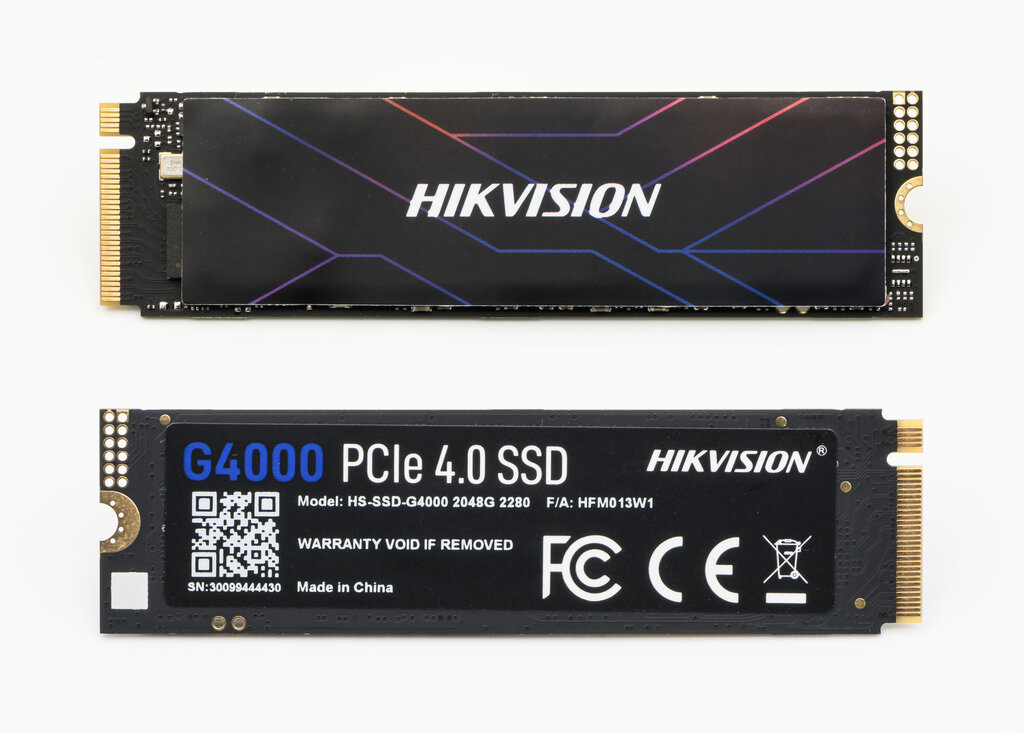
Storage & Playback: All recorded video is saved to one or more internal hard disk drives (HDDs). The amount of storage you have determines how far back you can keep footage. When you need to find a specific event, you can search by date, time, or motion events and watch it on a connected monitor or through a remote app.
Common Features
While different models have different specs, most Hikvision DVRs share a core set of powerful features that make them easy to use.
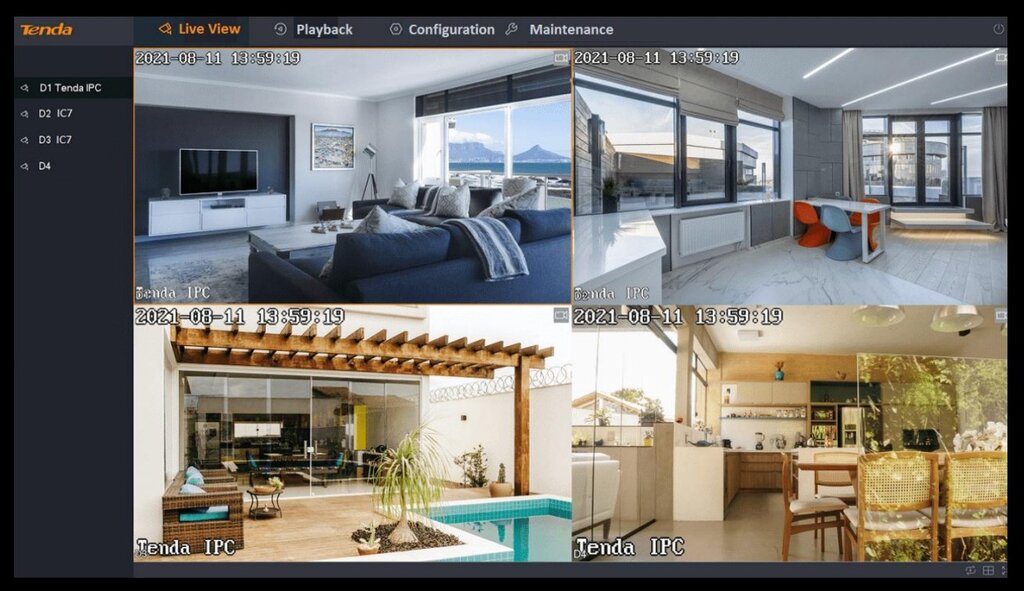
One of the most important is the user interface. When you connect a monitor and mouse, you'll see an on-screen menu that lets you configure all your settings, view live camera feeds in a grid, and search through recorded video. It’s designed to be navigated without needing a separate computer.
Remote access is another key feature. By connecting your DVR to the internet, you can use Hikvision's mobile app (Hik-Connect) or desktop software to view your cameras live, receive motion alerts, and play back recordings from anywhere.
To make all this possible, DVRs use video compression. This technology shrinks the size of video files without a major drop in quality. Modern compression like H.265+ is highly efficient, allowing you to store much more footage on the same hard drive compared to older standards.
Understanding the Models
Hikvision organizes its DVRs into different series to suit various needs and budgets. You don't need to know every model number, but understanding the general categories is helpful.
| Series | Best For | Key Characteristic |
|---|---|---|
| Value Series | Homes & Small Businesses | Cost-effective and provides all essential features. |
| Pro Series | Medium-Sized Businesses | More powerful performance and advanced analytics. |
| Ultra Series | Large-Scale Applications | Top-of-the-line performance for demanding security needs. |
Most of these fall under the Turbo HD product line, which is Hikvision's technology for sending high-definition video over traditional coaxial cables. The main differences between series are the number of cameras they support (from 4 up to 32 or more), the maximum recording resolution, and the inclusion of advanced features like video analytics.