Hardhat dApp Development in VS Code
Development Environment Setup
Your Development Toolkit
Before you can build a house, you need to gather your tools. The same is true for building decentralized applications, or dApps. A solid development environment provides the foundation and tools you need to write, test, and manage your code efficiently. For our purposes, this toolkit has three main components: Node.js, Hardhat, and Visual Studio Code.
Installing Node.js and npm
Our first tool is Node.js. It's a JavaScript runtime that lets you run JavaScript code outside of a web browser. This is essential because many modern development tools, including the one we'll use for our smart contracts, are built with it.
Bundled with Node.js is npm, which stands for Node Package Manager. Think of npm as a massive library of code packages. When you need a specific tool or piece of functionality, npm allows you to easily download and manage it for your project.
To install both, head to the official Node.js website and download the installer for your operating system. You'll see two versions available: LTS and Current. Always choose the LTS version, which stands for Long-Term Support. It's the most stable and reliable version for most development work. Running the installer will install both Node.js and npm on your machine.
Once the installation is complete, you can verify that everything is working. Open your computer's terminal (or Command Prompt on Windows) and run the following commands one by one.
# Check Node.js version
node -v

# Check npm version
npm -v
If the commands return version numbers (like v18.18.0), you're all set. If you get an error, re-run the installer and make sure it completes successfully.
Setting Up Your Hardhat Project
With Node.js and npm ready, we can set up our project's core. We'll use Hardhat, a popular development environment designed specifically for building on Ethereum. Hardhat helps automate common tasks, manage project dependencies, and provides a local blockchain for testing your code without spending real money.
Hardhat is an Ethereum development environment and framework designed for full stack development and is the framework that I will be using for this tutorial.
First, create a new folder for your project. You can name it anything you like, such as my-dapp. Navigate into this new folder using your terminal. Once inside, you'll initialize a new Node.js project by running npm init -y. This command creates a package.json file, which will keep track of all the tools and packages your project uses.
# Create a directory and move into it
mkdir my-dapp
cd my-dapp

# Initialize a Node.js project
npm init -y
Now, it's time to install Hardhat. We'll install it as a
dev dependency
noun
A package that is only needed for local development and testing, not for the final production application.
Run this command in your terminal:
npm install --save-dev hardhat
After Hardhat is installed, run npx hardhat in the same directory. This command will launch the Hardhat setup guide. You’ll be asked a few questions. Choose Create a JavaScript project and accept the default answers for the other prompts by pressing Enter. This will create a basic Hardhat project structure for you with some sample files, which we'll explore later.
Configuring VS Code
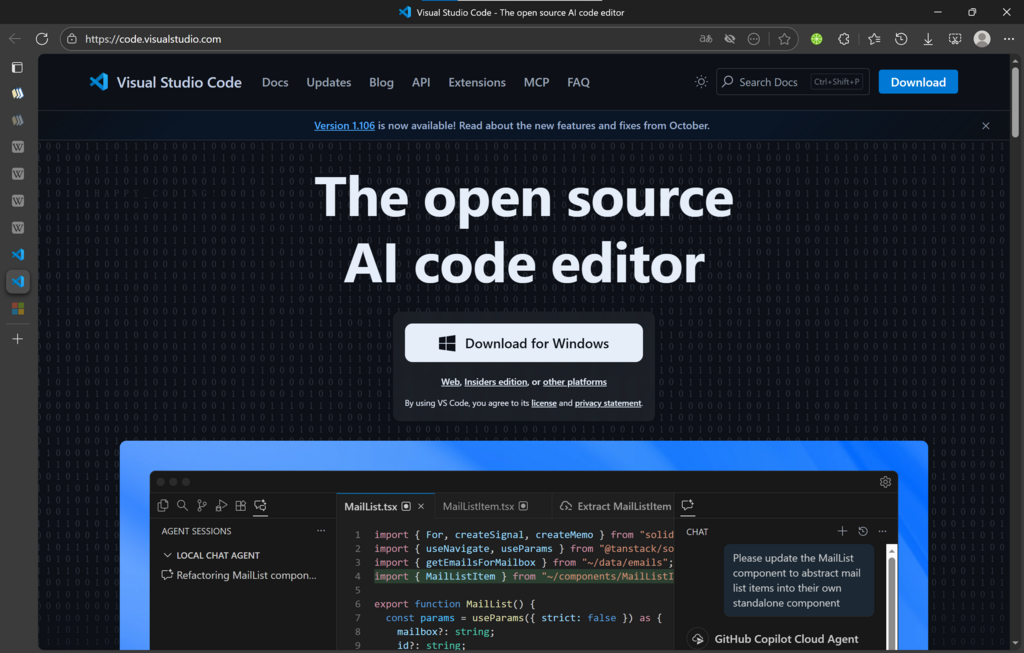
The final piece of our toolkit is a good code editor. Visual Studio Code (VS Code) is a free, powerful, and wildly popular editor for all types of software development. Its real strength comes from its vast marketplace of extensions, which add new features and support for different languages.
To make our lives easier when writing smart contracts, we'll install an extension for the Solidity language. Solidity is the primary language used to write smart contracts on Ethereum and other compatible blockchains.
Follow these steps to get set up:
- Download and install VS Code from its official website.
- Open VS Code.
- Click on the Extensions icon in the activity bar on the left side of the window. It looks like a set of four squares.
- In the search bar, type
solidity. - Look for the official extension published by Nomic Foundation, the creators of Hardhat. It's often named simply
Solidity. Click the Install button.
This extension gives you syntax highlighting, which colors your code to make it easier to read, and code completion, which suggests code as you type. These features will help you write smart contracts faster and with fewer errors.
What is the primary role of Node.js in the dApp development environment described?
When installing Node.js, which version should you choose for maximum stability?
Your development environment is now fully configured. You have the runtime (Node.js), the project manager (npm), the Ethereum development framework (Hardhat), and a powerful code editor (VS Code) all ready to go.