Grow Your Christian YouTube Channel
Understanding YouTube Basics
Setting Up Your Channel
Your journey on YouTube begins with a Google Account. If you use Gmail, Google Maps, or Google Play, you already have one. A YouTube channel is directly linked to a Google Account, so that's your first step.
First, sign in to YouTube using your existing Google Account or create a new one. This simple action lays the groundwork for your entire channel.
Once you're signed in, you can create a channel. YouTube will give you the option to create a personal channel under your name or a Brand Account. A Brand Account is often a better choice because it allows you to use a custom name and lets multiple people manage the channel without sharing personal login details.
Branding and Customization
Think of your channel page as your digital storefront. A strong, consistent brand helps viewers recognize your content and understand what you're about. This involves a few key elements you can customize in the YouTube Studio under the 'Customization' tab.
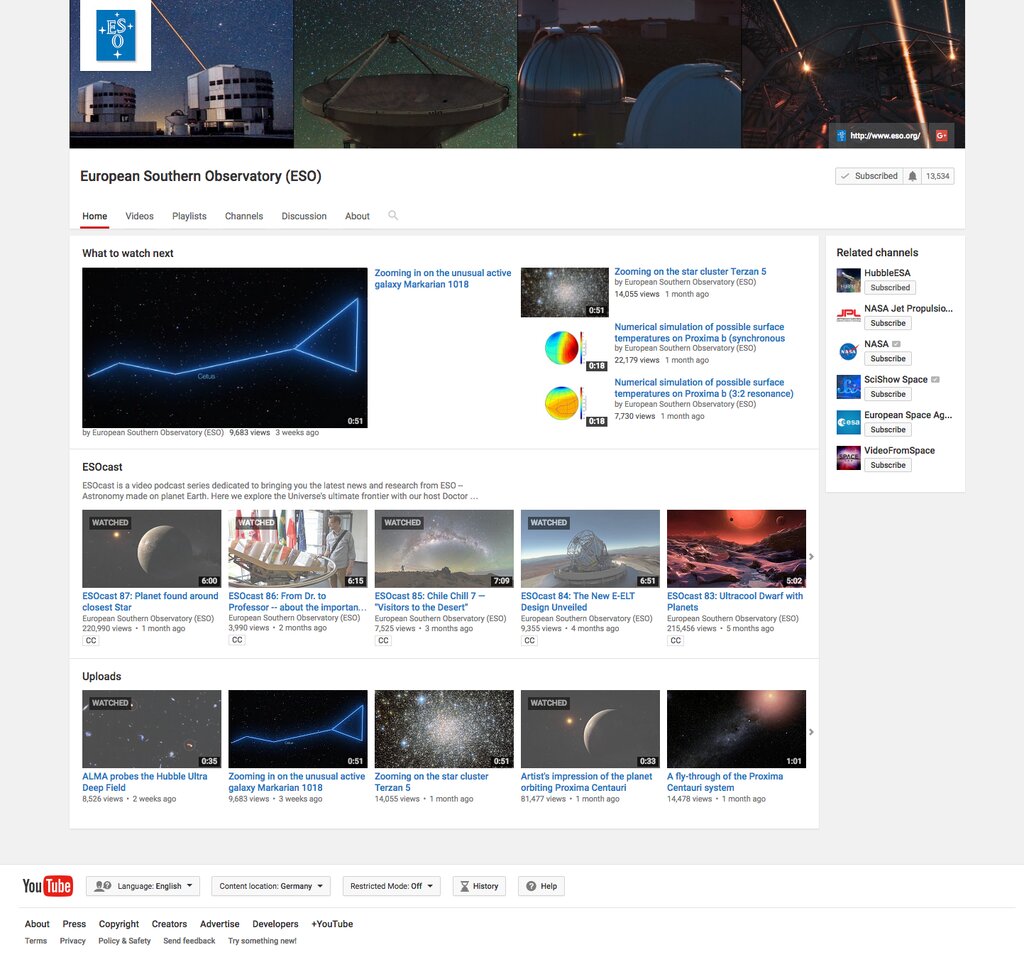
Your Profile Picture is the icon that appears next to all your videos and comments. It should be clear and easily recognizable, even at a small size. The Channel Banner is the large image at the top of your channel page. It's a great opportunity to visually communicate your channel's theme or personality.
You can also add a Video Watermark that appears on all your videos. This is often a small logo or a subscribe button that viewers can click.
Finally, don't neglect the About section. This is where you can write a short description of your channel, what viewers can expect, and add links to your website or social media profiles. It helps both viewers and YouTube understand your content's focus.
Understanding the Algorithm
You'll often hear creators talk about "the algorithm." It sounds mysterious, but it's just a recommendation system. YouTube's main goal is to keep viewers watching videos they enjoy. The algorithm is the tool YouTube uses to match the right video with the right viewer at the right time. It doesn't "favor" or "punish" channels. It simply follows the audience.
The YouTube algorithm is crucial in determining your channel's visibility and growth.
The system looks at several key signals to decide which videos to recommend. The two most important are:
-
Click-Through Rate (CTR): When your video appears on someone's homepage or in their recommendations, do they click on it? A compelling title and an eye-catching thumbnail are essential for a high CTR. It's the first hurdle your video has to clear.
-
Watch Time & Audience Retention: After someone clicks, how long do they watch? A long watch time signals to YouTube that the viewer is enjoying the content. Audience retention shows the percentage of your video that people watch on average. A video that holds viewers' attention is more likely to be recommended.
Other factors like likes, comments, and shares also play a role, as they indicate viewer engagement. But CTR and watch time are the core metrics. Your job as a creator isn't to "beat" the algorithm, but to create content that viewers genuinely want to click on and watch all the way through.
What is the first step required to create a YouTube channel?
Why is a Brand Account often recommended over a personal channel for new creators?
With these basics in hand, you have a solid foundation for building and growing your channel.