GPU Circuit Blocks Explained
Introduction to GPU Architecture
From Pixels to Parallel Power
In the early days of personal computing, the Central Processing Unit (CPU) did everything. It ran the operating system, managed your programs, and drew every single pixel on the screen. This was fine for simple text and basic shapes, but as games and applications demanded more realistic 3D graphics, CPUs started to struggle.
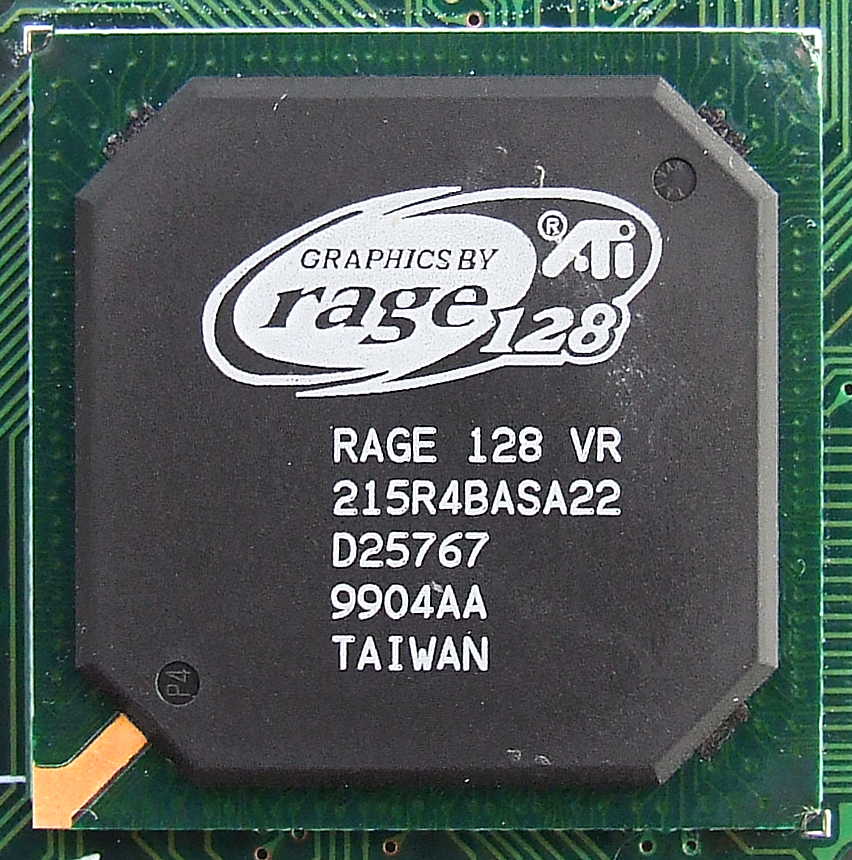
The solution was to offload the graphics-intensive work to a specialized chip: the Graphics Processing Unit, or GPU. The first GPUs were simple accelerators. Their job was to handle repetitive, straightforward tasks like drawing triangles and filling them with color, freeing up the CPU for more complex calculations.
Over time, developers wanted more creative control. Instead of fixed hardware for specific effects, they wanted to program the GPU to create custom visuals, like realistic water ripples or complex lighting. This led to the development of programmable shaders, small programs that run on the GPU to manipulate pixels and vertices (the corners of 3D shapes).
This programmability was a game-changer. Researchers realized that the GPU's ability to run thousands of small programs at once wasn't just for graphics. It could be used for any problem that could be broken down into many small, parallel tasks. This was the birth of General-Purpose GPU (GPGPU) computing, turning graphics cards into powerhouses for scientific research, AI, and data analysis.
Inside a Modern GPU
So, what makes a GPU so good at parallel processing? It all comes down to its architecture, which is fundamentally different from a CPU.
A CPU is like a master chef in a kitchen. It has a few highly sophisticated cores, each capable of quickly tackling a wide variety of complex tasks one after another. A GPU, on the other hand, is like an army of line cooks. It has thousands of simpler, smaller cores, each designed to do a specific, repetitive job efficiently and all at the same time.
Unlike CPUs (Central Processing Units) that focus on executing sequential tasks, GPUs are built to handle massive amounts of data simultaneously through parallel processing.
This army of cores is organized into a clear hierarchy. Let's look at the main components:
Core
noun
The most basic processing unit in a GPU. Modern GPUs contain thousands of these cores, which handle the actual mathematical calculations.
Streaming Multiprocessor
noun
A group of cores that work together, managed as a single unit. It's often abbreviated as SM (for NVIDIA) or called a Compute Unit (CU) (for AMD).
Finally, there's the Memory Hierarchy. To keep thousands of cores fed with data, GPUs have their own ultra-fast, dedicated memory called VRAM (Video RAM). This is separate from your computer's main RAM. Just like a CPU, a GPU also has several levels of smaller, faster memory banks called caches, which are located closer to the SMs to reduce delays.
The Graphics Rendering Pipeline
The primary job of a GPU is still graphics rendering. This process, called the rendering pipeline, is a series of steps that turns raw 3D data (like character models and environments) into the 2D image you see on your screen. A GPU's parallel architecture is perfect for this.
Imagine rendering a single frame of a video game. The scene might be composed of millions of triangles. The GPU can assign different groups of cores to work on different parts of the image at the same time. One SM might calculate the lighting for a character's face while another handles the texture on a nearby wall, and thousands more figure out the final color of each individual pixel.
This massive parallelism is why GPUs can render incredibly complex, high-resolution scenes in real-time. Each core does a simple job, but together they accomplish a massive task at breathtaking speed, updating the image on your screen 60, 120, or even more times every second.
Let's check your understanding of these core concepts.
What was the primary reason for the development of the first Graphics Processing Units (GPUs)?
Which analogy best describes the architectural difference between a CPU and a GPU?