Google Workspace AI Features
Introduction to Google Workspace AI Features
Your Workspace Just Got Smarter
The Google apps you use every day—like Docs, Sheets, and Gmail—are now infused with artificial intelligence. This isn't about learning a whole new suite of software. Instead, the tools you already rely on are becoming more helpful, acting like a built-in assistant that understands what you're trying to accomplish.
Think of it as a power-up for your productivity. The goal is to handle the tedious tasks so you can focus on the work that really matters.
How AI Helps You Work
AI integration in Google Workspace is designed to streamline your workflow in practical ways. Imagine you open a long document someone shared. Instead of reading the whole thing, you can ask AI to give you a quick summary. In Gmail, it can draft a reply to an email or pull the key action items from a long conversation thread.
Staring at a blank page in Google Docs? AI can help you brainstorm ideas, write a first draft, or refine your tone. In Sheets, it can help organize your data, create formulas, or even build entire project plans from a simple description. The core idea is to remove friction from your daily tasks and unlock new creative possibilities.
With Google Workspace, employees can collaborate more efficiently, streamline their work, and save time with integrated AI-powered productivity tools and insights.
Meet Your AI Assistant
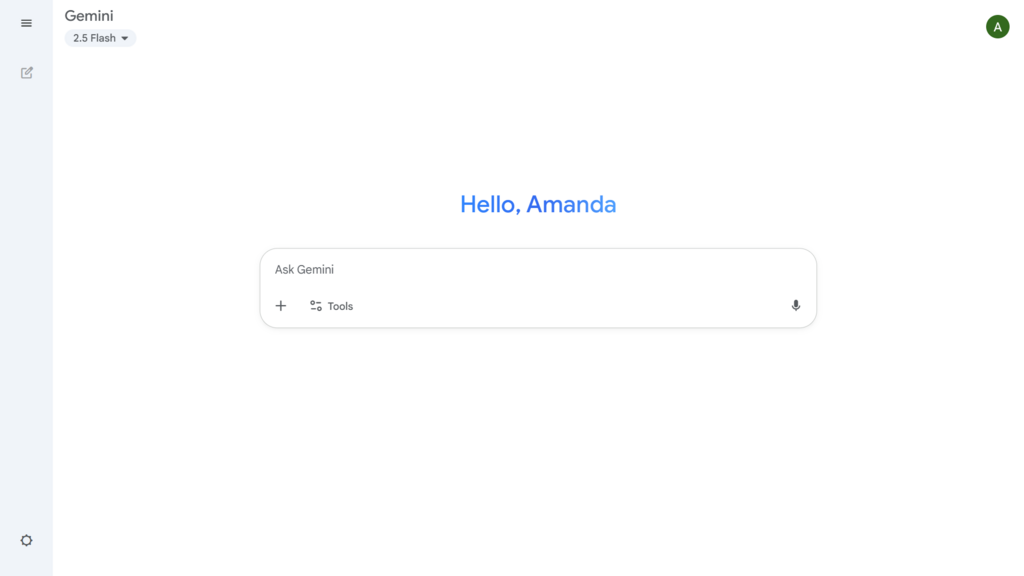
The intelligence behind these features is Google's AI assistant, Gemini. It’s the engine that powers these new capabilities across your workspace. You can think of Gemini as a creative partner and a productivity booster rolled into one.
It’s designed to be conversational and helpful, working alongside you directly within the apps. Whether you need to analyze data, write a report, or manage your inbox, Gemini is the assistant ready to help you get it done faster and more effectively.
Now that you understand the what and why, we'll start exploring how to put these tools into action.