Google Magic Link Authentication Explained
Introduction to Passwordless Authentication
Beyond the Password
For decades, passwords have been the standard keys to our digital lives. But they have a few problems. We forget them. We reuse them. And criminals are very good at stealing them. This weakness has led to a better, simpler way to log in: passwordless authentication.
Passwordless authentication is exactly what it sounds like. It's any method that verifies your identity without requiring you to remember and type a secret string of characters. Instead of relying on something you know (a password), it relies on something you have (like your phone) or something you are (like your fingerprint).
The goal is twofold. First, it dramatically increases security. Many of the most common cyberattacks, like phishing and brute-force attacks, are designed to steal passwords. If there’s no password to steal, these attacks become useless. Second, it makes logging in much more convenient. No more forgotten password resets or typing complex phrases on a tiny screen.
the passkey method is widely accepted as the next step toward a much more secure option — passwords can be easily guessed via either phishing or brute force, are stored on servers and are often reused or created in an insecure fashion in the first place.
Keys You Can't Forget
There are several ways to go passwordless, but most fall into a few common categories. Each one replaces the need to remember a password with a different, more secure action.
Biometrics
noun
Authentication that uses unique physical characteristics of an individual, such as a fingerprint, face, or iris pattern.
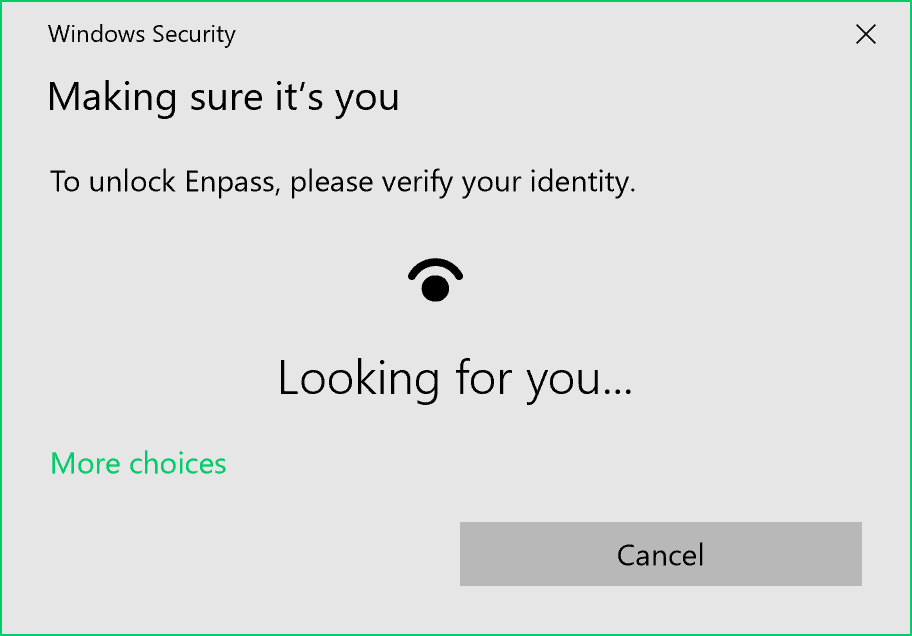
Biometric authentication uses your unique biological traits to verify your identity. Think of the fingerprint scanner on your phone or the facial recognition that unlocks your laptop. It's based on the idea that these traits are unique to you and difficult to replicate. A quick scan of your face or touch of your finger is all it takes to prove you are who you say you are.
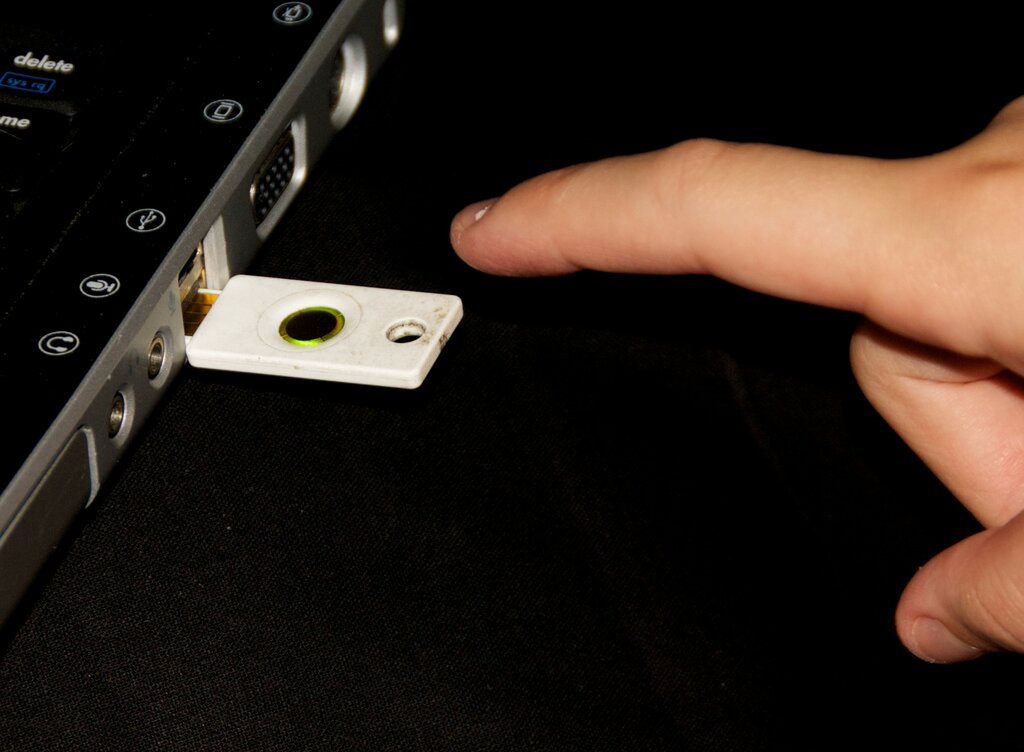
Another popular method involves hardware tokens. These are small physical devices, often resembling USB drives, that you use to log in. When prompted, you simply insert the token into your computer and tap a button on it. This action sends a secure, encrypted signal that confirms you physically possess the device, providing strong evidence of your identity.
Finally, there are magic links. You've likely used these without realizing it. When you want to log in, you enter your email address or phone number. The service then sends a unique, one-time link to your email or a code to your phone. Clicking the link or entering the code logs you in. This proves you have access to your own email account or phone, which acts as a trusted verifier of your identity.
Magic links and one-time codes are secure because they expire quickly and can only be used once, making them useless if intercepted later.
A Simpler, Safer Future
The shift away from passwords is not just about new technology; it's about fixing a fundamentally flawed system. Traditional passwords put the burden of security entirely on the user. You have to create strong, unique passwords for every account and somehow remember them all. This is an unrealistic expectation for most people, which is why weak and reused passwords are so common.
Passwordless methods flip this model. Security is built into the process through secure hardware and proven cryptographic techniques. This removes the weak link—human memory—from the equation, making your accounts much harder to compromise. At the same time, it makes your experience faster and less frustrating. A simple touch, glance, or click is all you need to get in.
By making the secure option the easy option, passwordless authentication represents a major step forward in protecting our digital identities.
Time for a quick check on these new concepts.
What is the fundamental principle behind passwordless authentication?
Which of the following is a primary security advantage of adopting passwordless methods?
Moving away from passwords makes logging in both safer and more convenient, improving the user experience while strengthening security.