Google Gemini Productivity Powerhouse
Introduction to Google Gemini
What is Google Gemini?
Think of Google Gemini as a smart assistant built directly into the Google apps you use every day. Its main job is to help you work more efficiently. Instead of you doing all the repetitive work, Gemini can handle tasks like drafting emails, summarizing long documents, or brainstorming ideas.
It uses artificial intelligence to understand what you need and then helps you get it done. The goal is to streamline your workflow, so you can spend less time on routine processes and more time on what's important.
Gemini in Your Everyday Apps
Gemini isn't a separate, standalone app you have to open. Instead, it's integrated directly into the Google Workspace suite, making it a seamless part of your daily tasks.
Here’s how it shows up in a few key places:
- Gmail: If you're facing an overflowing inbox, you can ask Gemini to summarize a long email thread for you. It can also help you draft a reply, saving you the time of typing it all out.
- Docs: Stuck on a blank page? Ask Gemini to write a first draft, create an outline for a report, or just brainstorm some ideas to get you started.
- Calendar: When you need to schedule a meeting, Gemini can help find a time that works for everyone involved by checking their calendars, then draft the invitation email.
With Google Workspace, employees can collaborate more efficiently, streamline their work, and save time with integrated AI-powered productivity tools and insights.
The Basic Interface
Interacting with Gemini is straightforward. In most Google apps, you'll find a side panel where you can chat with the AI. You type your request, also known as a prompt, and Gemini gets to work.
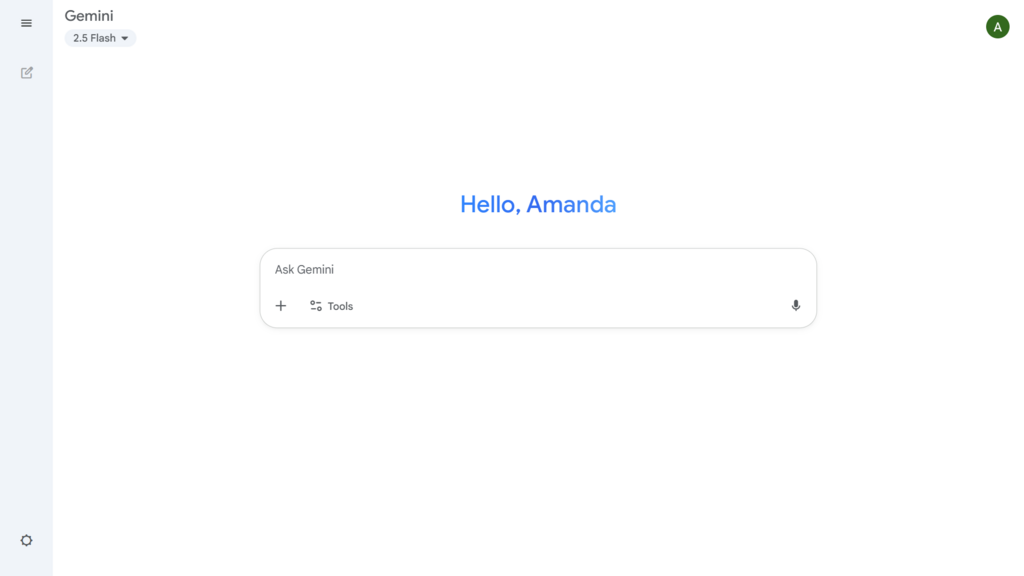
The key is to be clear and specific in your prompts. Instead of just saying "write an email," a better prompt would be, "Draft a professional email to the marketing team asking for their feedback on the Q3 report by Friday."
The more context you provide in your prompt, the better and more relevant Gemini's output will be.
Why Use an AI Assistant?
The primary benefit of using an AI tool like Gemini is efficiency. It automates small, time-consuming tasks that add up over the course of a day.
By summarizing information, it helps you quickly understand the key points of long documents or conversations without needing to read every word. By generating drafts, it helps you overcome writer's block and get a head start on your work. This lets you focus your energy on strategy, creative thinking, and decision-making.
If you're in the Google ecosystem (Gmail, Docs, Drive), Gemini Advanced offers unmatched integration.
Now that you have a basic understanding of what Gemini is and how it works, let's test your knowledge.
What is the main purpose of using Gemini in Google Workspace?
How do users typically interact with Gemini within a Google app?
This introduction covers just the basics. As you get more comfortable with Gemini, you'll discover more ways it can help you streamline your work.