GitHub Essentials for Developers
Introduction to Git and GitHub
Why Version Control Matters
Imagine you're writing a big report. You save your first draft as report_v1.docx. Then you make some changes and save it as report_v2.docx. A colleague adds their edits, and now you have report_v2_susan_edits.docx. Before you know it, your folder is a mess of files, and nobody is sure which one is the actual final version. This is a common problem, especially when working on complex projects like software.
Version control systems are tools designed to solve this exact problem. They provide a clean, organized way to track every change made to a project over time. Think of it as a detailed project history that lets you see who changed what, when they changed it, and why. If a new change breaks something, you can easily rewind to a previous working version. It also allows multiple people to work on the same project simultaneously without overwriting each other's work.
Version control is like a time machine for your project, allowing you to visit any point in its history.
Git and GitHub
Git is the most popular version control system in the world. It's a program that runs on your computer and keeps track of all the changes in your project's files. It's incredibly powerful because it's a distributed system. This means that every person working on the project has a full copy of its entire history on their own machine. This makes it fast and allows people to work offline.
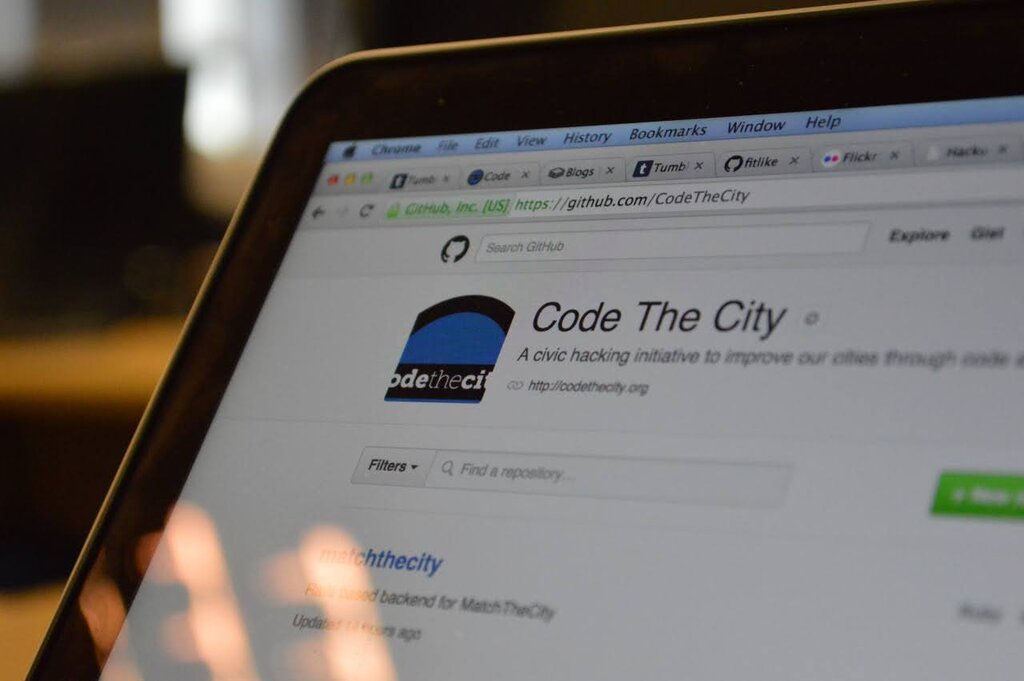
So, what is GitHub? If Git is the tool for tracking changes, GitHub is a website for storing your Git projects and collaborating with others. It's a central place where you can keep a copy of your project, share it with your team, and manage the workflow. You use Git on your computer to save changes, and then you use GitHub to share those changes with everyone else.
The Core Concepts
To get started with Git and GitHub, you only need to understand a few core ideas. These are the building blocks of every version control workflow.
Repository
noun
A project's main folder, containing all project files and the complete history of changes. Often called a "repo."
A repository, or "repo," is the container for your project. It's where all your code, images, documents, and other files live. More importantly, it also contains a hidden directory where Git stores the entire history of every change ever made to those files.
Commit
noun
A snapshot of the changes you've made to the files in your repository at a specific point in time.
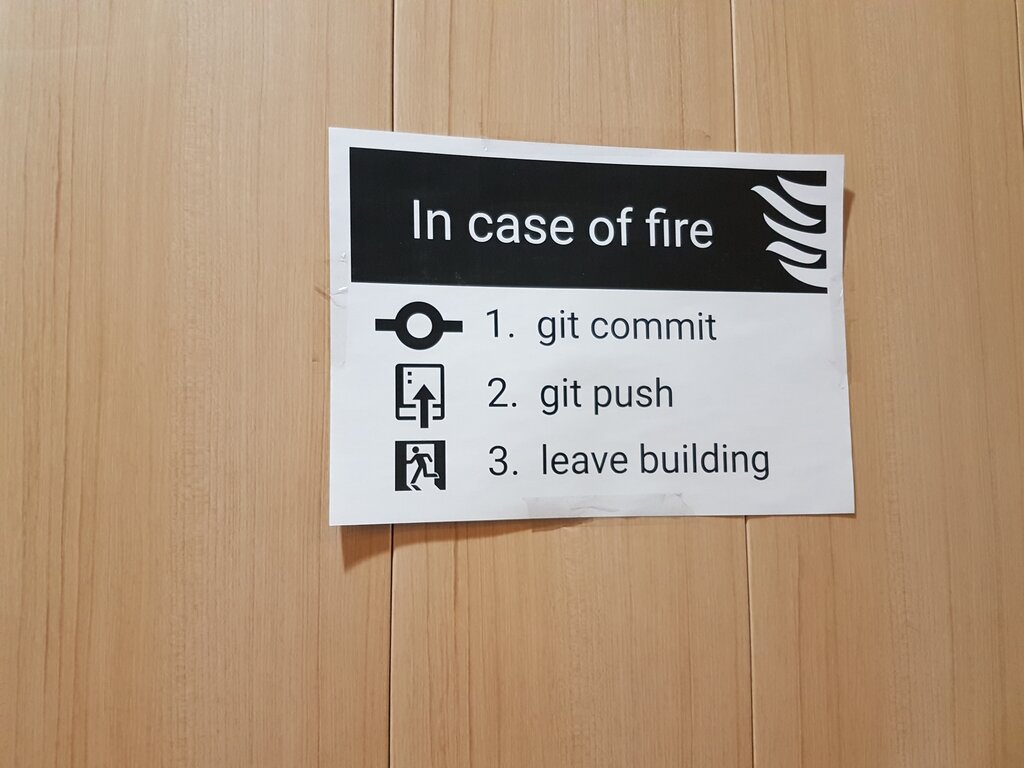
A commit is like saving your game at a checkpoint. When you've made a set of changes you're happy with—like fixing a bug or adding a new feature—you create a commit. Each commit has a unique ID and a descriptive message explaining what you did. This creates a timeline of checkpoints, making it easy to see how the project has evolved.
Finally, there's the concept of branches.
Branch
noun
An independent line of development within a repository. It allows you to work on new features or fixes without affecting the main project.
Imagine the main version of your project is a tree trunk. When you want to try out a new idea or work on a feature, you create a branch. This lets you experiment in isolation without disturbing the stable, main version of the project. If your experiment works, you can merge your branch back into the main trunk. If it doesn't, you can simply discard it. This workflow is what makes collaboration safe and organized.
These three concepts—repositories, commits, and branches—are the foundation of using Git. Understanding them allows you to track your work, experiment safely, and collaborate effectively with others.
What is the primary purpose of a version control system like Git?
Which statement best describes the relationship between Git and GitHub?