Git and GitHub Essentials
Introduction to Version Control
What Is Version Control?
Imagine you're writing a long research paper. You save the first draft as paper_v1.docx. After some edits, you save a new copy as paper_v2.docx. Then comes paper_final.docx, followed by the inevitable paper_REALLY_final_I_swear.docx.
This system is messy and confusing. It’s hard to remember what changed between versions or to find a specific paragraph you deleted three versions ago. A Version Control System (VCS) solves this problem, acting like a time machine for your project. It’s a tool that tracks and manages changes to files over time.
A VCS records every modification, allowing you to recall specific versions, compare changes, and see who made them and when. It’s an essential tool for any project, especially in software development.
Why Bother with Version Control?
Using a VCS might seem like extra work at first, but it offers powerful benefits that streamline development and prevent disasters.
First, it provides a complete history of your project. Every change is logged, so you can pinpoint exactly when a bug was introduced or understand the reasoning behind a particular piece of code. This detailed log is invaluable for debugging and maintaining a project over the long term.
Second, it makes collaboration seamless. Without a VCS, developers working on the same project might accidentally overwrite each other's work. It would be chaotic, like several people trying to edit a single document without any way to merge their changes. A VCS provides a structured way for a team to work on the same files simultaneously, merging their contributions without conflict.
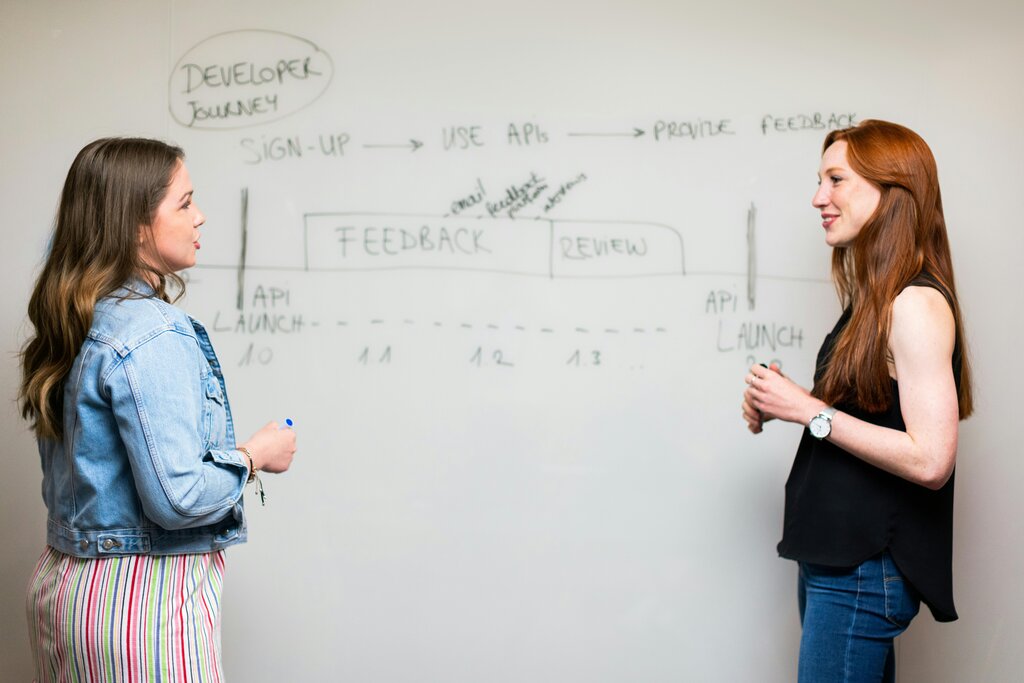
Finally, a VCS is a safety net. It encourages experimentation because you can always revert to a previous, stable version if something goes wrong. If you write code that breaks everything, you can simply roll back the changes and start fresh. This freedom to explore new ideas without fear of permanent damage is crucial for innovation.
Two Flavors of Control
Version control systems generally come in two types: centralized and distributed.
A Centralized Version Control System (CVCS) uses a single server to store all the project's files and their history. Developers "check out" files from this central server to work on them and then "check in" their changes. Think of it like a library. There’s one main copy of every book, and you have to check it out to read it.
The main weakness of a CVCS is its reliance on a single server. If that server goes down, no one can collaborate or save their changes. If the server's hard drive becomes corrupted and there are no backups, you lose the entire history of the project.
A Distributed Version Control System (DVCS) solves this problem. Instead of just checking out the latest files, each developer gets a full copy, or "clone," of the entire repository, including its complete history.
This distributed model is more robust. Since every developer has a full backup, the project history is safe even if the main server fails. Any of the clones can be used to restore the central repository. This setup also allows developers to work offline and collaborate more flexibly, as they can share changes directly with each other without needing to connect to a central server.
Git is the most popular example of a distributed version control system. It's powerful, flexible, and has become the standard for modern software development.
What is the primary function of a Version Control System (VCS)?
What is a key advantage of a Distributed Version Control System (DVCS) over a Centralized Version Control System (CVCS)?
Understanding version control is the first step toward more organized, collaborative, and resilient software development.