Git and GitHub Essentials
Introduction to Version Control
Saving Your Progress
Imagine you're writing a long research paper. You finish a draft, save it as paper_v1.docx. You make some big changes and save a new copy as paper_v2_final.docx. Then you get feedback and create paper_v3_final_I_really_mean_it_this_time.docx. Before you know it, your folder is a mess of confusing file names, and you're not sure which one has that one good paragraph you deleted two versions ago.
Software developers face this problem all the time, but on a much larger scale, with thousands of files and dozens of people working together. To solve it, they use a version control system (VCS).
version control
noun
A system that records changes to a file or set of files over time so that you can recall specific versions later.
A VCS is like a time machine for your project. It lets you save snapshots of your work at any point. You can rewind to a previous version, compare changes between snapshots, and see who changed what and when. This is incredibly useful for fixing bugs, understanding how a project evolved, and, most importantly, collaborating with a team without stepping on each other's toes.
Two Ways to Collaborate
Not all version control systems work the same way. They generally fall into two categories: centralized and distributed.
A Centralized Version Control System (CVCS) uses a single, central server that stores all the files and their history. Think of it like a library's main checkout desk. To work on a file, you "check it out" from the central server. When you're done, you "check it in." This model is straightforward, but it has a major weakness: if the central server goes down, nobody can save their work or collaborate.
A Distributed Version Control System (DVCS) solves this problem. Instead of just one central repository, every developer gets their own complete copy of the project, including its entire history. You can save changes, view past versions, and create new branches on your own machine, completely offline.
When you're ready to share your changes, you can "push" them to a common repository that other developers can "pull" from. This model is more flexible and resilient. If the main server is unavailable, you can still work and even share changes directly with other developers.
The Reign of Git
Today, the most popular DVCS by far is Git. It was created in 2005 by Linus Torvalds, the same person who created the Linux operating system. He needed a system that was fast, powerful, and could handle a massive project with thousands of contributors spread across the globe. Git was the result.
Because it's a distributed system, Git is incredibly flexible. It supports all kinds of workflows, from solo developers to huge, enterprise-level teams. It's fast, free, and open source, which has helped it become the standard for version control in modern software development.
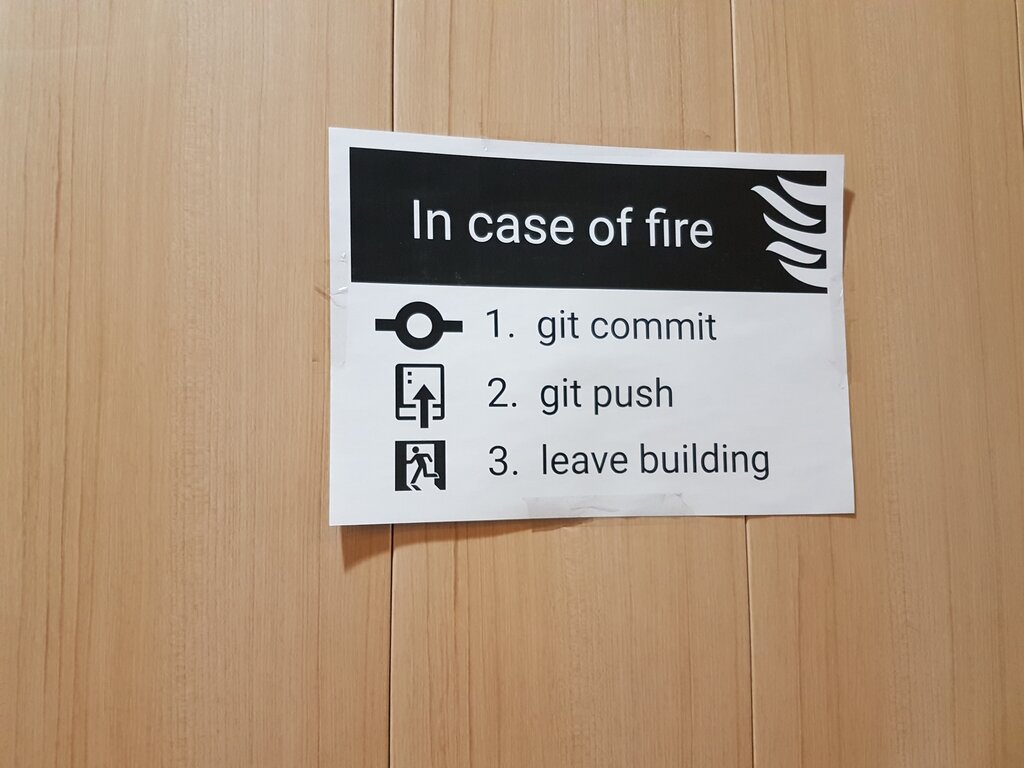
Understanding what version control is and why a distributed system like Git is so powerful is the first step. Next, you'll learn the basic commands to start tracking your own projects.