Generative Audio Systems Engineering
Audio Data Acquisition
Building the Audio Data Pipeline
Generative audio models are hungry for data. To train them effectively, you need vast datasets of clean, labeled audio. We're not talking about a few dozen files; we mean terabytes of raw material. Simple web scraping scripts that work for a handful of pages will break quickly at this scale. Websites actively defend against large-scale data harvesting.
They use techniques like IP address blocking, rate limiting, and CAPTCHAs to stop automated bots. Furthermore, modern web pages are dynamic. The content you need, like a link to an audio file, often doesn't exist in the initial HTML. It's loaded later by JavaScript, making it invisible to basic tools. To build a high-throughput pipeline, we need to operate like a professional data engineer, anticipating and overcoming these defenses.
Advanced Evasion Techniques
To acquire data reliably and at scale, your primary challenge is to make your automated scraper appear human. This involves two core strategies: IP rotation and evading headless browser fingerprinting.
IP rotation is straightforward. Instead of sending all your requests from a single IP address, you use a large pool of proxies. Each request is routed through a different IP, making it difficult for a target server to identify and block your scraping activity. Commercial proxy services offer pools of millions of residential or datacenter IPs to make this process manageable.
Evading headless browser fingerprinting is a more subtle art. A headless browser is a web browser without a graphical user interface, controlled programmatically. While powerful for interacting with dynamic sites, they have unique digital signatures. Websites can detect them by checking for inconsistencies in things like installed fonts, screen resolution, browser plugins, and the timing of user interactions. Successful evasion means modifying these characteristics to mimic a typical user's browser.
Once you've bypassed the defenses, the next step is extracting the data itself. For generative audio, we need more than just the sound file; we need the context. This means grabbing audio-text pairs. On a platform like YouTube, this pair would be the audio stream and the video's title, description, or even its auto-generated captions. On SoundCloud, it might be the track and its associated tags and comments. This metadata is crucial for training models that can generate audio from a text prompt.
# Conceptual example using yt-dlp to fetch audio and metadata
# Note: This requires yt-dlp and ffmpeg to be installed.

import yt_dlp

def get_audio_text_pair(video_url):
    """Extracts audio and metadata from a YouTube URL."""

    # Options for yt-dlp
    # 'bestaudio/best': download the best quality audio
    # 'postprocessors': extract audio, convert to wav, set rate to 44.1kHz
    ydl_opts = {
        'format': 'bestaudio/best',
        'postprocessors': [{
            'key': 'FFmpegExtractAudio',
            'preferredcodec': 'wav',
            'preferredquality': '192',
        }, {
            'key': 'FFmpegMetadata',
            'add_metadata': True
        }],
        'outtmpl': '%(id)s.%(ext)s', # Save file as video_id.wav
        'keepvideo': False, # Don't keep the original video file
        'nocheckcertificate': True,
        'quiet': True
    }

    with yt_dlp.YoutubeDL(ydl_opts) as ydl:
        try:
            info_dict = ydl.extract_info(video_url, download=True)
            audio_file = ydl.prepare_filename(info_dict).replace('.webm', '.wav').replace('.m4a', '.wav')
            title = info_dict.get('title', None)
            description = info_dict.get('description', None)

            print(f"Downloaded: {audio_file}")
            print(f"Title: {title}")
            return audio_file, title, description
        except Exception as e:
            print(f"Error downloading {video_url}: {e}")
            return None, None, None

# Example usage
# url = "https://www.youtube.com/watch?v=dQw4w9WgXcQ"
# get_audio_text_pair(url)
From Raw Files to Usable Data
Your scraping pipeline will produce a chaotic collection of files: different formats, bitrates, and volume levels. To create a usable dataset for model training, you must standardize this raw material through preprocessing. A key first decision is format.
Audio formats fall into two camps: lossless and lossy. Lossless formats like WAV or FLAC preserve every detail of the original audio, but the files are large. Lossy formats like MP3 discard some audio information to achieve much smaller file sizes. For initial storage, you might keep the original files or convert to a compressed lossless format like FLAC to save space. For training, however, everything must be converted to a uniform, uncompressed format like WAV.
| Feature | Lossy (e.g., MP3, AAC) | Lossless (e.g., WAV, FLAC) |
|---|---|---|
| File Size | Small | Large |
| Quality | Good, but some data is lost | Perfect, identical to original |
| Use in Pipeline | Common source format | Archival format, required for training |
| CPU Cost | Low to decode | Minimal for WAV, higher for FLAC |
The most critical preprocessing step is resampling. Your models require every audio file to have the exact same sample rate, which is the number of audio samples carried per second. A common standard for music and high-quality audio is 44.1kHz. If your dataset contains a mix of files at 48kHz, 22.05kHz, and 44.1kHz, you must convert them all to your target rate.
Along with resampling, you'll perform normalization. This adjusts the volume of each clip to a standard level, ensuring the model isn't biased by some files being louder than others. Libraries like librosa and pydub are essential tools for performing these operations in bulk.
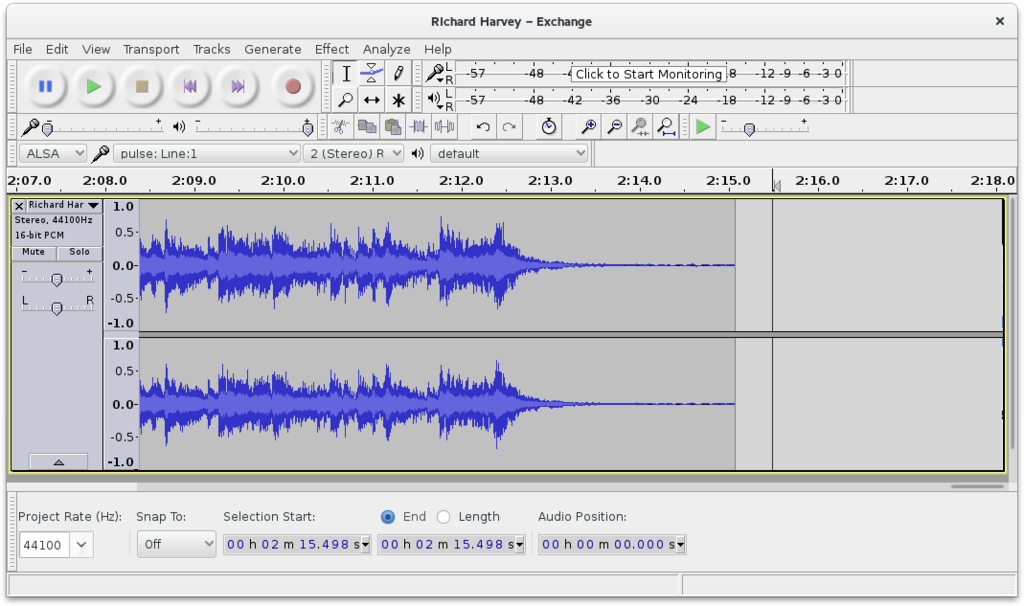
The pydub library is excellent for format conversion and basic manipulation, while librosa is a powerhouse for audio analysis and feature extraction. For a large-scale pipeline, you'd typically use pydub to handle initial file I/O and resampling, then pass the resulting raw audio data to librosa if more complex analysis is needed. The goal is to create an automated workflow that takes a raw audio file as input and outputs a clean, standardized WAV file at your target sample rate and volume.
Now that you have a grasp on acquiring and preparing the data, it's time to test your understanding.
When building a dataset for a generative audio model, why is it crucial to scrape more than just the audio file itself?
A website is blocking your data scraper after only a few requests from your server. Which technique is most directly designed to solve this specific problem?