Generate Realistic Cow Images
AI Image Tools Overview
From Words to Pictures
Generative AI for images turns text into pictures. You write a description, called a prompt, and the AI creates a visual based on your words. Think of it as collaborating with an artist who has studied nearly every image ever created. You provide the idea, and the AI handles the execution.
The basic workflow is simple: Write a prompt, generate images, then refine your prompt to get closer to what you envision.
This process allows you to create anything you can describe, from a photorealistic cow in a field to a cartoon cow on the moon. The quality of the result depends heavily on the tool you use and the clarity of your instructions.
The Tools of the Trade
Several powerful text-to-image models dominate the landscape. While they all perform the same core function, they have different strengths and user experiences. The most well-known are , , and .
Each tool has its own artistic flair. Some excel at photorealism, while others are masters of illustrative or anime styles. Exploring them is like trying out different types of paint or brushes to see which best suits your vision. Many artists use a combination of tools to achieve their desired results.
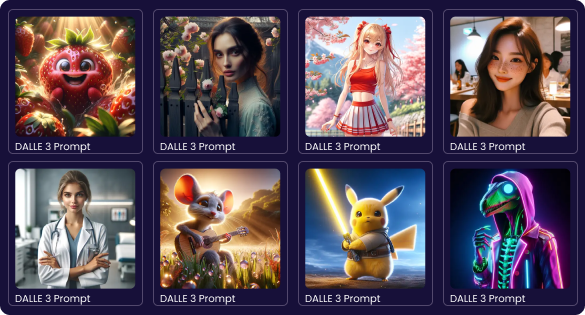
Choosing Your Brush
Selecting the right tool depends on your goals. Are you looking for ease of use, a specific artistic style, or maximum control? Some platforms are web-based and incredibly user-friendly, while others offer more customization at the cost of a steeper learning curve.
For example, DALL-E is integrated into other products like ChatGPT, making it very accessible. Midjourney has a unique, community-oriented interface on Discord. Stable Diffusion can be run locally on your own machine, giving you complete freedom but requiring technical setup. Other tools like Leonardo.ai offer a user-friendly interface for Stable Diffusion models, providing a good middle ground.
| Feature | DALL-E | Midjourney | Stable Diffusion |
|---|---|---|---|
| Best For | Creative prompting & ease of use | High-quality artistic images | Customization & control |
| Interface | Web-based (ChatGPT) | Discord Chat | Varies (Web UIs or local) |
| Accessibility | Easiest for beginners | Moderate learning curve | Can be technical (for local) |
| Cost Model | Subscription (often bundled) | Subscription | Free (open-source) but requires hardware |
Let's test your understanding of these core tools.
In the context of generative AI for images, what is the text description you provide to the model called?
A user wants the most control and customization possible, and is comfortable with a more technical setup to run the model on their own computer. Which tool is best suited for this goal?
Now that you have an overview of the landscape, you're ready to start thinking about the specific instructions you'll need to create your image.