Gemini Gems and AI News Curation
Introduction to Gemini Gems
What Are Gems?
Think of the standard Gemini chat as a general-purpose assistant. It's smart and capable, but you have to explain the context for every new task. Gems are like creating specialized versions of Gemini that remember your instructions for specific jobs.
Imagine having a team of experts on call. One is a creative writing partner who knows your preferred style. Another is a meticulous coder who understands your project's requirements. A third is a travel agent who knows your budget and taste. That’s the idea behind Gems. You create a custom AI assistant for a recurring task, so you don't have to start from scratch every time.
The main purpose of Gems is to save you time and effort by creating personalized AI assistants tailored to your specific needs.
Putting Gems to Work
Gems are useful for almost any task you do regularly. By setting the instructions once, you get more consistent and relevant results with less effort. Let's look at a few examples.
| Gem Example | Purpose |
|---|---|
| Sous Chef | You provide your dietary needs, favorite cuisines, and available ingredients. It generates recipes for you. |
| Code Reviewer | You specify a programming language and your team's style guide. It reviews your code for errors and style. |
| Workout Planner | It knows your fitness goals and available equipment, creating customized weekly workout routines. |
| Meeting Scribe | You paste in a messy meeting transcript, and it provides a clean, organized summary with action items. |
In each case, you're front-loading the instructions. You tell your Sous Chef Gem that you're vegetarian and dislike mushrooms once, and it will remember that for every future recipe request.
Creating and Customizing
Creating a Gem is straightforward. You give it a name and then write a set of instructions, often called a prompt, that defines its role and personality. This is where you tell the Gem how to behave.
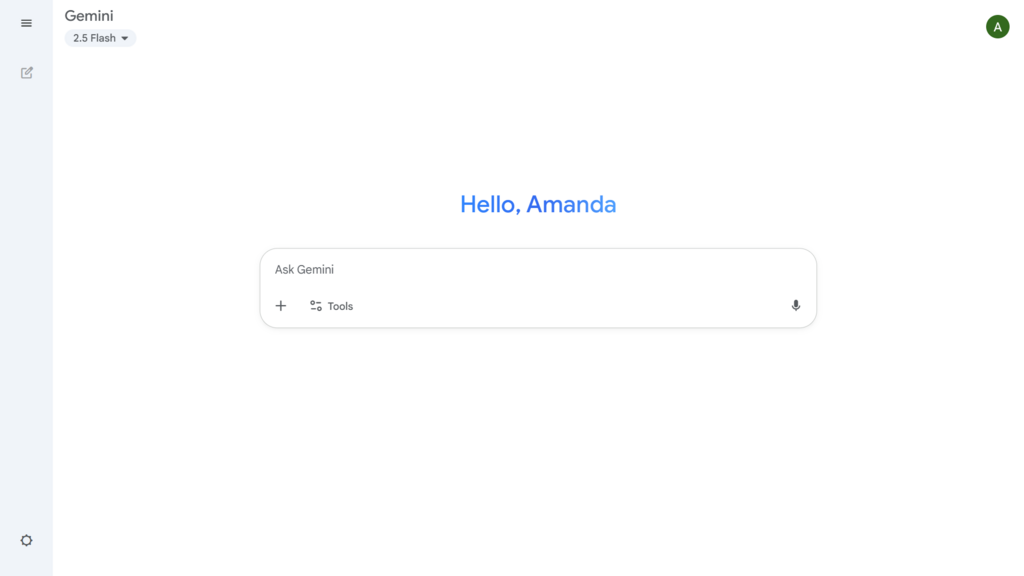
For example, to create a Gem that helps you write professional emails, your instructions might be:
"You are a helpful business communication assistant. Your tone is professional, clear, and concise. When I give you a topic, write a polite email that includes a clear subject line, a brief introduction, the main points, and a call to action."
Once you save these instructions, your "Email Assistant" Gem is ready. Now, instead of writing a long prompt every time you need an email, you can just say, "Write an email to the marketing team about the new project deadline."
Sharing Your Gems
Gems are not just for personal use. Once you create a Gem, you can share it with others by sending them a link. This is incredibly useful for teams and collaboration.
A marketing team could create a "Brand Voice Checker" Gem to ensure all their public-facing content is consistent. A new team member could use it to quickly learn the company's communication style. A customer support team could use a shared Gem trained on their product's FAQ to draft answers to common questions.
Use gems like ruby-openai, ruby-fann or torch.rb to tap into GPTs, neural networks, and deep learning.
Sharing Gems ensures everyone on a team is working from the same playbook, improving consistency and efficiency across the board.
Ready to test your knowledge?
What is the primary purpose of a Gem in the context of Gemini?
What is the key component you provide when creating a new Gem?
Gems offer a simple yet powerful way to customize your AI interactions. By defining specific roles and instructions, you can transform Gemini into a collection of specialized tools ready to tackle your unique tasks.