GarageBand for iPad Pro Production
Touch Instrument Architecture
The Touch Instrument Paradigm
GarageBand on iPad reimagines music creation for a touch-first world. Instead of clicking with a mouse, you interact directly with 'Touch Instruments.' This shift makes the process more tactile and intuitive, closer to playing a physical instrument.
Your journey starts in the Sound Browser. Think of it as your digital instrument closet. Here, you can swipe through categories like Keyboards, Guitars, Drums, and World instruments. Tapping a category reveals a selection of specific sounds, from grand pianos to 808 drum kits. It's designed for quick auditioning, so you can find the perfect sound without getting lost in menus.
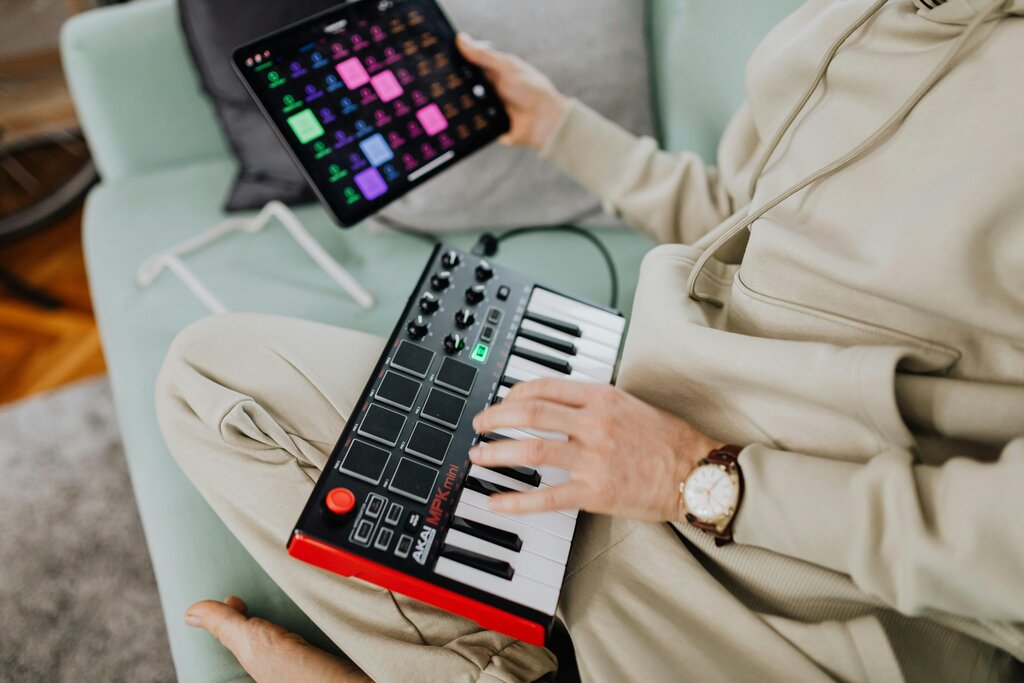
Once you've selected an instrument, GarageBand offers unique ways to play it. This is where the real power of the touch interface shines, especially with a category of instruments designed specifically for it.
Smart Instruments
Smart Instruments are designed to make playing chords and patterns easy, even if you don't know music theory. Instruments like the Smart Guitar and Smart Strings present you with a set of 'chord strips' instead of a traditional fretboard or keyboard. Each strip represents a common chord in the song's key, like G, C, or D.
Tapping a chord strips plays the chord. But you can also engage Autoplay, which offers a library of pre-programmed rhythmic patterns. Tapping a chord strip with Autoplay active triggers a professionally played pattern in that chord. You can switch between different patterns to build a dynamic performance, effectively directing a virtual musician with just a few taps.
Beyond choosing notes, you need to shape the sound. The Smart Control bar gives you a set of knobs to tweak your instrument's character in real time. For a synthesizer, this might mean adjusting the filter cutoff or resonance. For an organ, it could be controlling the speed of the rotary speaker effect. These controls are mapped to the most impactful parameters of each instrument, putting sound design at your fingertips.
Expressive Playing with Multi-Touch
The true magic of the iPad interface is how it responds to the nuances of your touch. Drum pads are velocity-sensitive; tapping harder produces a louder sound, just like a real drum. This allows for dynamic, human-feeling rhythms that are difficult to program with a mouse.
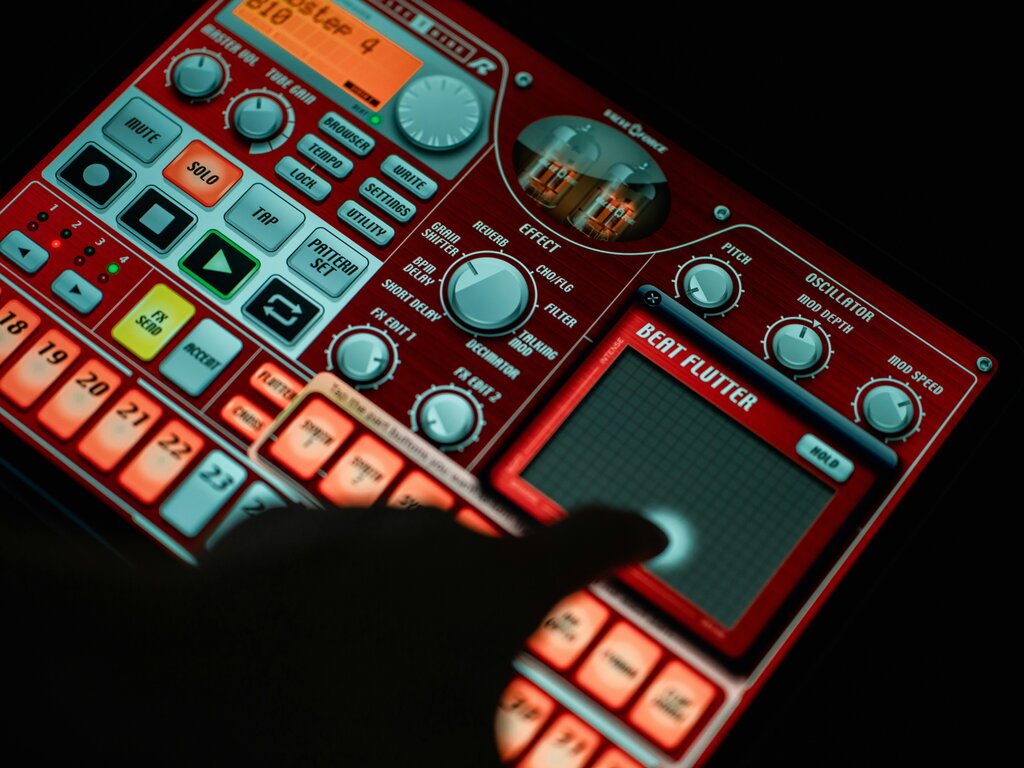
On keyboard instruments, you can bend notes by sliding your finger left or right after pressing a key. You can also control modulation effects by sliding your finger up and down the key. This mimics the expressive capabilities of MPE (MIDI Polyphonic Expression) controllers, allowing for incredible nuance on a flat glass screen. Using two or more fingers lets you play multiple notes at once, and each finger can apply its own expression independently.
Mastering these touch-based techniques is key to creating professional-sounding music in GarageBand. They transform the iPad from a simple sequencer into a genuinely expressive musical instrument. Let's review the core concepts.
Ready to test your knowledge?
What is the primary way users interact with instruments in GarageBand on iPad?
In GarageBand, which feature is specifically designed to help users without music theory knowledge play complex chords and patterns easily?
By understanding the Sound Browser, Smart Instruments, and Multi-Touch gestures, you've unlocked the foundation of mobile music production.