Game Development from Logic to Launch
Computational Logic Basics
From Player to Creator
Every game you've ever played, from a simple mobile puzzle to a massive open-world adventure, is built on a foundation of simple instructions. As a player, you see the magic. As a creator, you'll learn to write the spell book.
The first step is to stop thinking about actions and start thinking about recipes. Making a character jump isn't a single action; it's a sequence of small, precise steps that the game follows in order. This recipe of steps is called an —it's the core of all programming and game design.
Game development is the art of breaking down complex fun into simple, logical steps.
The Building Blocks of Logic
To create these recipes, you need a few core ingredients. Let's start with how games remember things.
Variable
noun
A container in a program used to store a piece of information that can change. Think of it as a labeled box where you can keep a number, a word, or a true/false value.
Variables are essential. A player's health, their score, the number of lives left, or whether they have a key—all of this information is stored in variables. When you pick up a health potion, the game doesn't just play a sound; it adds a number to your 'health' variable. When you defeat an enemy, it adds points to your 'score' variable.
Now, how do we use that information to make something happen? We use conditionals.
Conditional logic, or if-then-else statements, allows a game to make decisions. It follows a simple structure: IF a certain condition is true, THEN do this one thing, otherwise (ELSE) do this other thing.
- IF the 'health' variable is zero, THEN trigger the game over screen.
- IF the player is touching a lava tile, THEN decrease the 'health' variable.
- IF the 'score' variable reaches 10,000, ELSE award an extra life.
This simple logic is behind every choice and consequence in a game.
Repetition and Reaction
What about actions that happen over and over, like an enemy patrolling back and forth or a character's feet moving while they walk? It would be exhausting to write out "move left foot, move right foot" hundreds of times. Instead, we use loops.
A loop is a way to tell the computer to repeat a set of instructions until a certain condition is met. A character's walking animation isn't a long, pre-recorded video; it's a short loop of images that plays as long as the player is holding down a movement key. An enemy might be programmed to loop through a sequence: move 10 steps right, wait 1 second, move 10 steps left. This makes worlds feel alive without needing a unique instruction for every single moment.
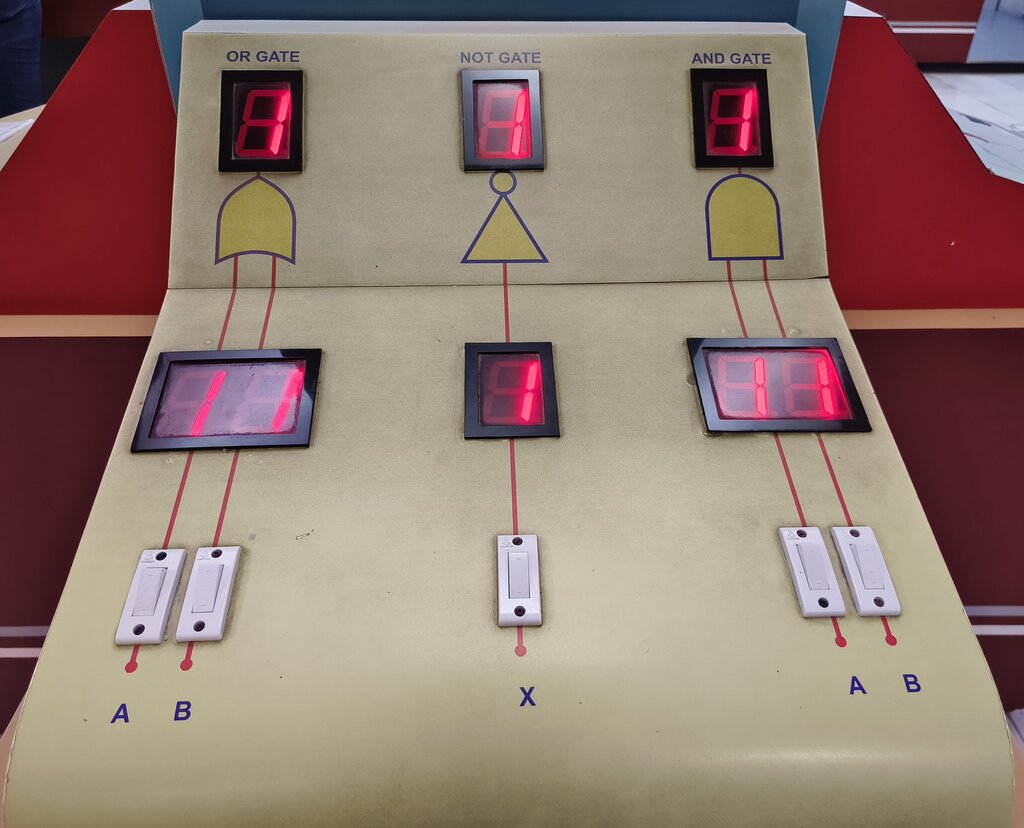
Finally, we need a way for the game to interact with the player. This is called (I/O).
Input is any information the player gives to the game. Pressing a button, moving a joystick, clicking a mouse—these are all inputs. The game constantly listens for them.
Output is how the game responds. A character jumping on screen, a sound effect playing, the score updating—these are all outputs. The entire experience of playing a game is a constant conversation between player input and game output, all governed by the algorithms, variables, conditionals, and loops you design.
Let's check your understanding of these core concepts.
In the context of game development, what is an "algorithm"?
A game character's walking animation plays continuously as long as the player holds a movement key. This is a classic example of a _______.
By understanding these fundamental building blocks, you've taken the first and most important step. You're beginning to see the system of logic that breathes life into the games you love.