Future-Proofing Your Skills as a Distributed Developer
Remote Collaboration
The Remote Toolbox
Working as a developer on a distributed team means your colleagues might be in another city, country, or continent. The office isn't a physical place—it's a collection of tools that keep everyone connected and moving in the same direction. Without the ability to swivel your chair and ask a question, you need a different way to collaborate.
Effective remote work relies on a solid toolkit. These tools aren't just for convenience; they're the foundation for clear communication, organized coding, and transparent project tracking. Let's break down the essential categories every remote developer uses.
Talking Across the Miles
In an office, communication happens organically in meetings, at your desk, or by the coffee machine. Remote teams need to create these opportunities intentionally. This is where communication platforms come in.
Tools like Slack and Microsoft Teams act as virtual offices. They organize conversations into channels, which are like chat rooms dedicated to specific topics. You might have a channel for your immediate team, another for a specific project, and even social channels for sharing pet photos or talking about hobbies. This keeps discussions focused and easy to find later.
These platforms support both real-time chats for quick questions and asynchronous messaging, which lets people respond when they're available. This flexibility is key to working effectively without constant interruptions.
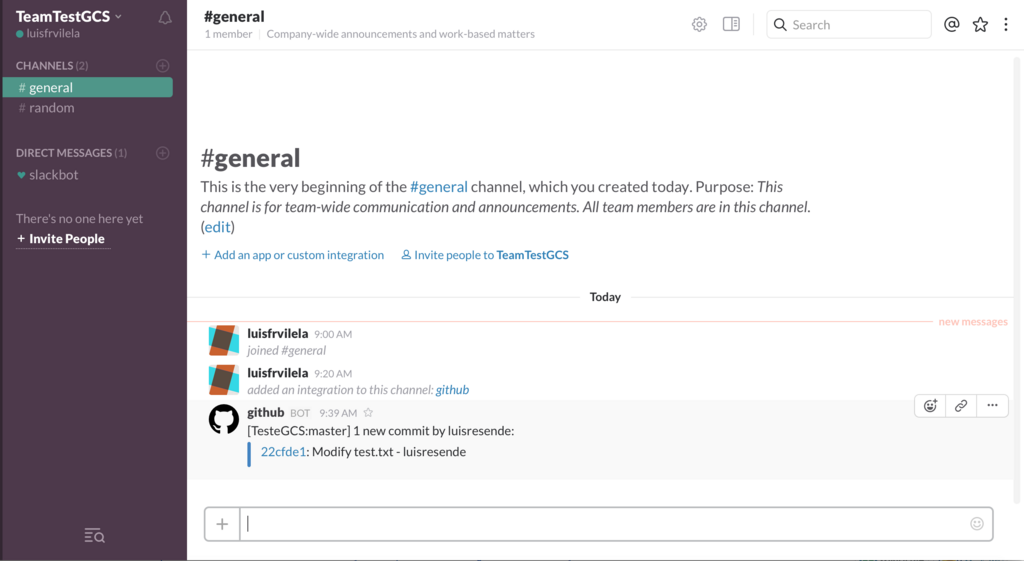
Clear, concise, and public communication is the default for successful remote teams. If a question could benefit others, ask it in a public channel instead of a private message.
A Single Source of Truth
When multiple developers work on the same codebase, things can get messy fast. How do you prevent one person's changes from accidentally deleting another's? The answer is version control.
A version control system (VCS) tracks every change made to the code. Think of it as a detailed history book for your project. The most popular VCS by far is Git. It allows developers to work on their own copies of the code and then merge their changes back into the main project in a controlled way.
Git enables a workflow where developers create a separate "branch" to build a new feature or fix a bug. This isolates their work from the main, stable version of the code. When the work is done, they open a "pull request," which is a formal proposal to merge their changes. This gives other team members a chance to review the code, offer feedback, and catch potential issues before they become part of the project. For a remote team, this process is essential for maintaining code quality.
Keeping Projects on Track
How does a remote team know what to work on? How do they see the big picture and track progress? Project management tools are the answer. They provide a shared view of all the work that needs to be done, what's in progress, and what's completed.
Platforms like Jira and Trello are popular choices. Trello uses a simple, visual system of boards, lists, and cards. A card might represent a task, which moves from a "To Do" list to "In Progress" and finally to "Done." It's intuitive and great for managing straightforward workflows.
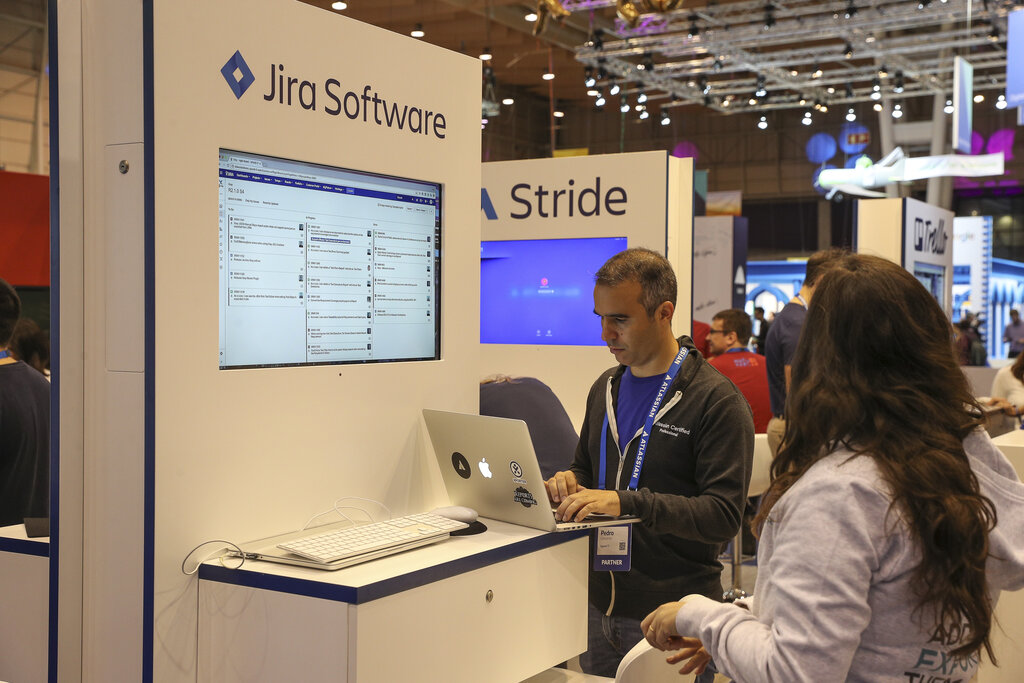
Jira is more powerful and structured, designed for complex software projects. It allows teams to plan work in sprints, track bugs, and manage detailed project roadmaps. Both tools serve the same core purpose: to make the work visible to everyone on the team, no matter where they are.
Beyond the tools, successful remote work depends on good habits. Over-communicating is better than under-communicating. It's important to be clear about your working hours and availability, especially when teammates are in different time zones.
Working across time zones requires careful planning. Try to find a few hours of overlap for real-time meetings, but rely on asynchronous communication for most things. Document everything. Detailed pull requests, clear task descriptions, and meeting notes ensure that colleagues who were asleep can catch up quickly when they start their day. This level of documentation is the glue that holds a distributed team together.
Respecting time zones means being patient. The answer to your question might not come for a few hours, and that's okay. Plan your work accordingly.
Time to review what you've learned about remote collaboration.
What is the primary role of a communication platform like Slack in a remote development team?
In a distributed team using Git, what is the main purpose of creating a pull request?
Mastering these tools and practices is what separates a group of people working from home from a truly cohesive and productive distributed team.