Full-Stack Web Development with React and Next.js
HTML and CSS Basics
Building the Web's Skeleton
Every website you visit has a skeleton, and that skeleton is built with HTML, which stands for HyperText Markup Language. Think of it as the frame of a house. It defines the structure: where the walls go, where the doors are, and what separates one room from another. It doesn't decide the color of the paint or the style of the furniture, just the core structure.
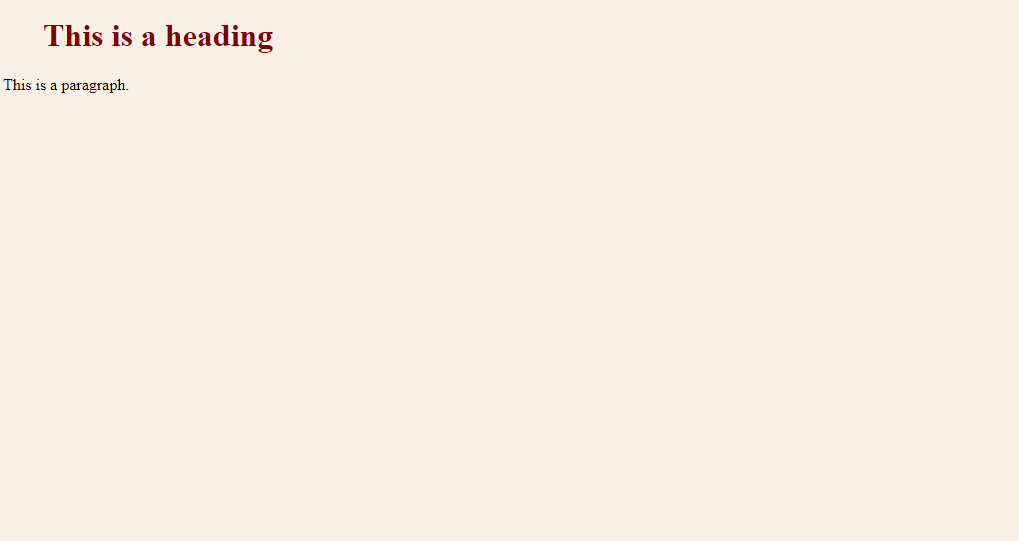
HTML uses 'tags' to define different types of content. Most tags come in pairs: an opening tag like <p> and a closing tag like </p>. Whatever you put between them becomes that type of element. For example, <p>This is a paragraph.</p> creates a paragraph on the page.
The text you see in a browser is the content. The tags that surround it are the markup, telling the browser how to display that content.
Let's look at the most common building blocks you'll use.
<!-- Headings for titles and subtitles -->
<h1>This is the main heading</h1>
<h2>This is a subheading</h2>

<!-- A simple paragraph of text -->
<p>This is a paragraph. It's where most of your text will go.</p>

<!-- An unordered (bulleted) list -->
<ul>
  <li>First item</li>
  <li>Second item</li>
</ul>

<!-- A link to another website -->
<a href="https://www.example.com">Visit Example.com</a>

<!-- An image -->
<img src="image-url.jpg" alt="A description of the image">
The <h1> tag is for the most important heading, while <h2> through <h6> represent decreasing levels of importance. The <a> tag creates a hyperlink, and its href attribute tells the browser where to go when clicked. The <img> tag is a bit different; it's a single tag, and the src attribute points to the image file, while the alt attribute provides descriptive text for accessibility.

Adding Style with CSS
An HTML document on its own is pretty plain. To add visual style—colors, fonts, and spacing—we use CSS, or Cascading Style Sheets. If HTML is the skeleton of the house, CSS is the interior design: the paint, the wallpaper, and the placement of the furniture.
HTML and CSS are the basic programming languages for web development and design.
CSS works by selecting an HTML element and then applying a set of rules to it. You might select all paragraphs (p) and make their text blue. Or you could select just the main heading (h1) and make its font size larger. A rule consists of a property (like color or font-size) and a value (like blue or 24px).
/* This is a CSS comment */

/* Select all <p> elements */
p {
  color: #333333; /* A dark gray color */
  font-family: sans-serif;
}

/* Select the <h1> element */
h1 {
  color: #005A9C; /* A shade of blue */
  font-size: 36px;
}

/* Select any element with the class 'container' */
.container {
  padding: 20px; /* Add 20 pixels of inner space */
  margin: 10px;  /* Add 10 pixels of outer space */
}
Spacing is controlled by two key properties: padding and margin. Think of an element as being inside a box. padding is the space between the content and the edge of the box, pushing inward. margin is the space outside the box, pushing other elements away.
Arranging Content
Beyond styling individual elements, CSS is crucial for arranging them on the page. For years, this was tricky, but modern CSS provides two powerful layout systems: Flexbox and Grid.
Flexbox is designed for laying out items in a single dimension—either in a row or in a column. Imagine a set of books on a shelf. You can line them up, space them out evenly, or push them all to one side. Flexbox lets you do the same with HTML elements inside a container.
Grid is even more powerful. It's designed for two-dimensional layouts—arranging items into both rows and columns at the same time. Think of a newspaper or a spreadsheet. Grid lets you define a set of rows and columns and then place items precisely where you want them within that grid.
By combining HTML for structure and CSS for styling and layout, you can create a huge variety of static web pages. These are the fundamental skills every web developer needs.
Time to check what you've learned.
What is the primary role of HTML in web development?
You want to create space inside an element's border, between the border and the content. Which CSS property should you use?
Mastering these building blocks is the first major step in web development. With a solid grasp of HTML structure and CSS styling, you're ready to build well-designed, static websites.