Frontend Development and Product Design Fundamentals
Introduction to Web Development
The Building Blocks of the Web
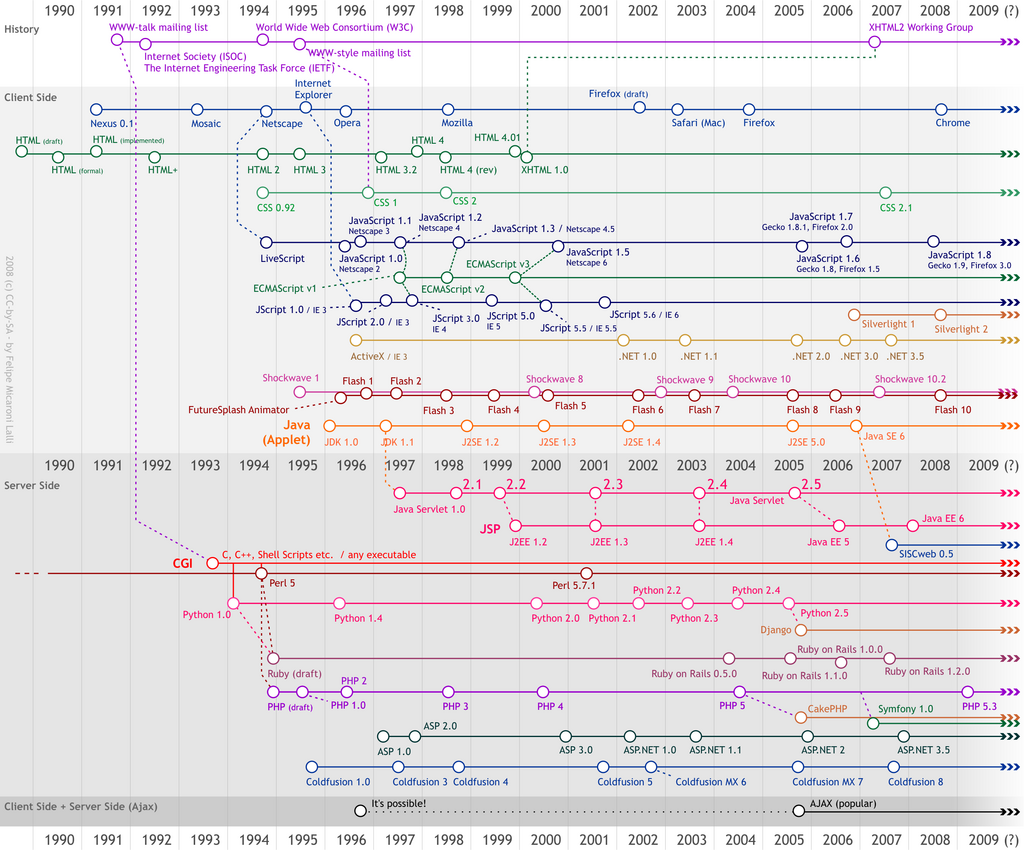
Every website you visit, from your favorite social media feed to a simple blog, is built using three core technologies: HTML, CSS, and JavaScript. Think of them like the components of a house.
HTML (HyperText Markup Language) is the structure. It's the foundation, the walls, and the roof. It defines the content and its basic layout, like creating paragraphs, headings, and images.
CSS (Cascading Style Sheets) is the decoration. It controls the visual presentation: the paint colors, the furniture, and the landscaping. It dictates fonts, colors, spacing, and the overall look and feel of the site.
JavaScript (JS) provides the interactivity. It's the electricity and plumbing that make the house functional. It handles things like animations, form submissions, and updating content without reloading the page.
These three languages work together in your web browser. When you navigate to a website, your browser receives files for each of them. It first reads the HTML to understand the structure, then applies the CSS for styling, and finally runs the JavaScript to add interactive features. This process turns simple text files into the rich, dynamic web pages we use every day.
Your Development Toolkit
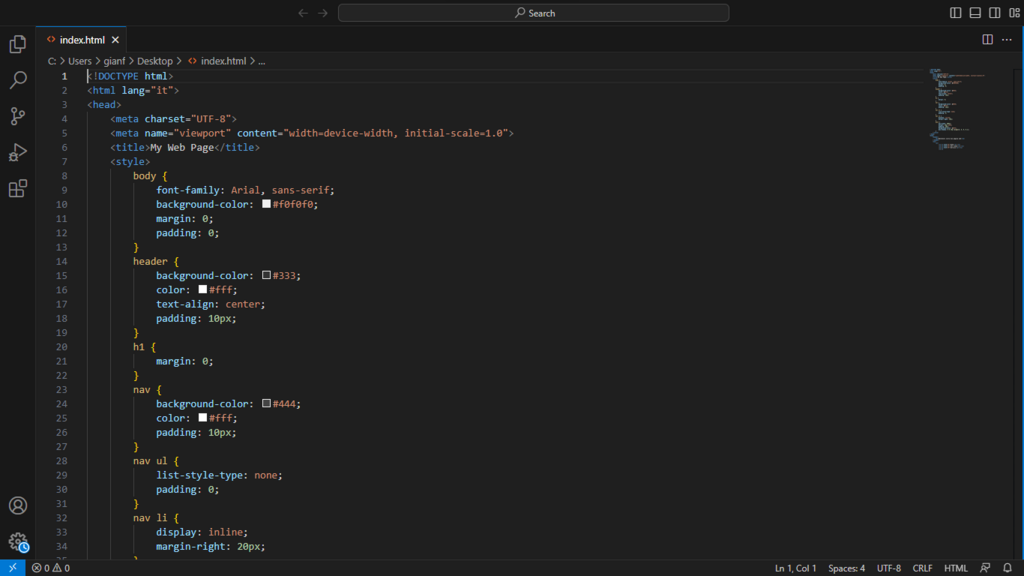
To start building websites, you don't need much. The two essential tools are a code editor and a web browser, both of which are freely available.
Code Editor
noun
A text editor program designed specifically for editing the source code of computer programs.
A code editor is like a word processor, but built specifically for writing code. It helps by color-coding your text (called syntax highlighting) to make it more readable and can help you auto-complete code to speed up your workflow. Popular choices include Visual Studio Code (VS Code), Sublime Text, and Atom.
The second tool is one you already use every day: your web browser. Browsers like Chrome, Firefox, and Safari are not just for viewing websites; they also contain powerful tools for building them.
Meet the Developer Tools
Every modern browser includes a suite of tools called "Developer Tools" or "DevTools." You can usually open them by right-clicking anywhere on a webpage and selecting "Inspect."
These tools let you look under the hood of any website. You can see the HTML structure, view and even temporarily change the CSS styles to see how it affects the page, and debug your JavaScript code. This makes it an indispensable tool for figuring out why your page doesn't look or behave the way you expect it to.
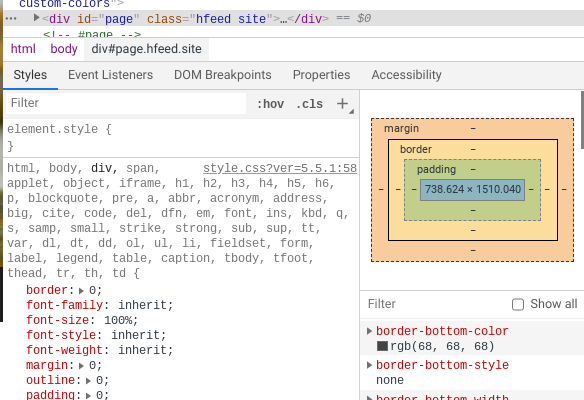
The basic development workflow is a simple loop:
- Write or edit your HTML, CSS, and JavaScript files in your code editor.
- Save your changes.
- Open or refresh the HTML file in your web browser to see the result.
- Use the browser's developer tools to inspect your work and identify any issues.
- Go back to your code editor to make adjustments, and repeat the cycle.
Now that you understand the basic components and tools, let's test your knowledge.
Which technology is primarily responsible for the structure and content of a webpage, similar to the frame of a house?
What are the two essential tools mentioned as necessary to start building a website?
With a code editor and a browser, you have everything you need to begin creating for the web. This simple setup is how every web developer gets their start.