From Input to Output Computer Processing
Introduction to Computer Systems
What Makes a Computer Tick
At its heart, a computer is a machine that follows a simple, powerful pattern: it takes in information, works with it, and then presents the result. This fundamental flow is known as the Input-Process-Output (IPO) model. Think of it like baking a cake. Your ingredients (flour, sugar, eggs) are the input. Mixing and baking them is the process. The finished cake is the output.
In any system—whether it’s a digestive system, a computer system, or a transit system—you have three main components: input, process, and output.
Every action you take on a computer, from typing a message to clicking a link, fits into this model. To make it all happen, computers rely on four main types of physical components, or hardware.
The Four Key Players
Let's break down the main hardware components that power the IPO model.
| Component | Role | Examples |
|---|---|---|
| Input Devices | Get data into the computer | Keyboard, mouse, microphone, touchscreen |
| Processing Unit | Performs calculations and executes instructions | Central Processing Unit (CPU) |
| Output Devices | Present processed data to the user | Monitor, speakers, printer |
| Storage | Saves data and programs | Hard drive, Solid-State Drive (SSD), RAM |
Input devices are your way of communicating with the computer. When you type on a keyboard or click a mouse, you're providing raw data and commands.
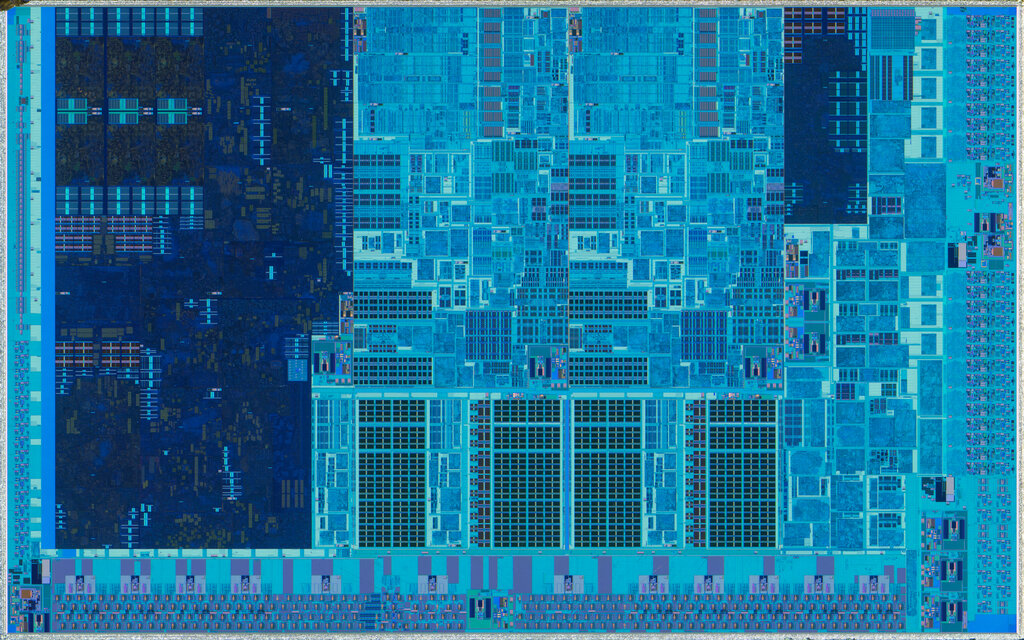
The Central Processing Unit, or CPU, is the brain of the operation. It takes your input, follows instructions from software, and performs all the necessary calculations. It's constantly crunching numbers and making decisions to turn your commands into action.
Output devices show you the results of the CPU's work. The text appearing on your monitor as you type is a classic example. The sound from your speakers or a page from your printer are other forms of output.
Finally, storage components hold all the information. There are two main types. Memory (RAM) is short-term storage for data the CPU is actively using. It's fast but volatile, meaning it forgets everything when the power is turned off. Storage drives (like SSDs or hard drives) are for long-term storage. They hold your files, applications, and the operating system, even when the computer is off.
Storage and memory work together. When you open a program, the computer copies it from the long-term storage drive into the short-term RAM so the CPU can access it quickly.
Putting It All Together
Let's trace a simple action: opening a music file.
- Input: You use your mouse to double-click the music file icon. This sends a command and the file's location to the computer.
- Process: The CPU receives this command. It finds the music file in long-term storage (your hard drive) and loads it into RAM. It then begins processing the file's data, converting it into audio signals according to the instructions of your music player software.
- Output: The CPU sends these audio signals to your speakers, which convert them into the sound waves you hear.
Every interaction, no matter how complex it seems, is just a series of these input, process, and output steps, managed by the core components of your computer system.
The fundamental pattern a computer follows—taking in information, working with it, and presenting the result—is known as what?
In the IPO model, what is the role of the Central Processing Unit (CPU)?
This basic model is the foundation of everything computers do.