Free Online Video Montage Maker
Introduction to Video Editing
Crafting Stories with Pictures and Sound
Video editing is the art of arranging video clips, images, and sound to tell a story or share an idea. It’s how raw footage becomes a polished movie, a funny social media clip, or an emotional tribute. You don't need a Hollywood studio to get started. In fact, one of the simplest and most powerful forms of video is the montage.
A video montage is a sequence of photos or short video clips set to music. Think of it like a dynamic photo album. Instead of flipping through pages, you watch a series of images flow together, guided by a soundtrack. Montages are perfect for showing a passage of time, celebrating an event like a graduation, or capturing the feeling of a vacation.
The goal of a montage isn't just to show pictures. It's to evoke an emotion and tell a story in a short amount of time.
Tools of the Trade
Getting started with video editing is more accessible than ever. You don't need expensive, complicated software. Many free online tools are designed specifically for creating simple videos and montages. They often use templates and drag-and-drop interfaces, making them perfect for beginners.
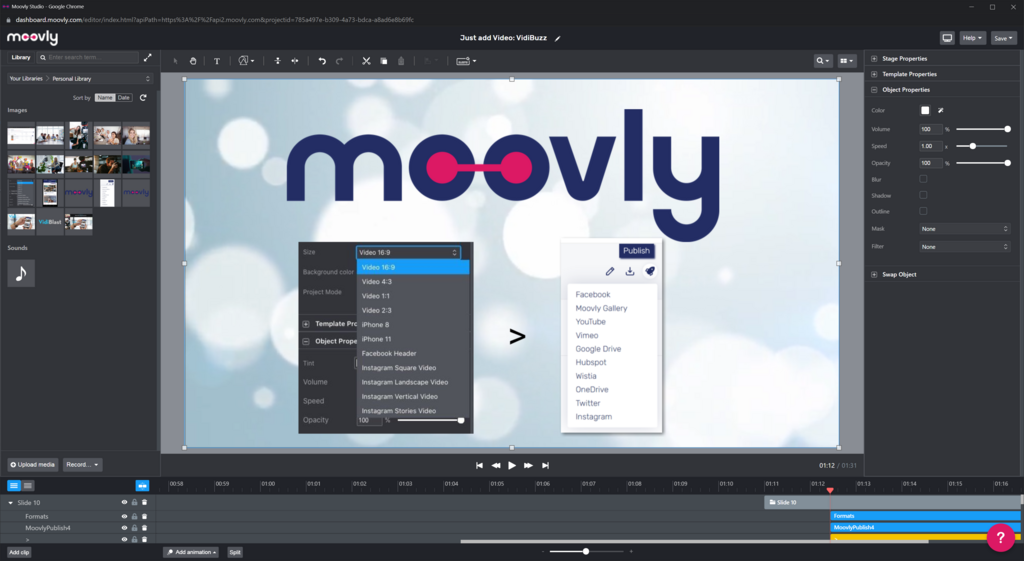
These tools handle the technical heavy lifting so you can focus on the creative side. They provide libraries of licensed music, pre-designed text styles, and smooth transitions to place between your photos. Here are a few examples of what's out there:
| Tool Type | Key Features |
|---|---|
| Template-Based | Offers pre-made video styles for quick creation. |
| Simple Timeline | Provides a drag-and-drop timeline for control. |
| Mobile Apps | Designed for fast editing directly on your phone. |
Choosing a tool often comes down to personal preference and the specific features you need. Most are free to start, so you can experiment to find one you like.
Basic Principles of Editing
Whether you're using a simple app or professional software, the core ideas of good editing remain the same. For a montage, three principles are key: pacing, story, and consistency.
Your music choice sets the mood for the entire video. It’s the foundation you’ll build upon.
Pacing and Rhythm: The music dictates the pace of your montage. An upbeat, fast-tempo song calls for quick cuts, with each photo appearing on screen for only a second or two. A slow, emotional ballad works better with longer durations, giving the viewer time to absorb each image. Try to time your photo changes to the beat of the music for a powerful, professional- Labeled feeling.
Storytelling: Even a simple photo montage should have a narrative. Think about a beginning, a middle, and an end. For a vacation video, you might start with photos of the journey, show the main activities in the middle, and end with a beautiful sunset on the last day. Arranging your photos in a thoughtful order turns a random collection of images into a compelling story.
Visual Consistency: To make your montage feel cohesive, try to select photos that have a similar look or feel. This could mean using photos with similar color tones, lighting, or subject matter. If your photos vary wildly, some editing tools allow you to apply a single filter across all of them to create a more unified aesthetic.
Now that you understand the basic concepts, you're ready to test your knowledge.
What is a video montage?
When creating a montage with an upbeat, fast-tempo song, how should the photos be paced?