Foundations of UI UX Web Design
Introduction to UI and UX
The Look and The Feel
When you use a website or an app, your interaction has two major components: what you see and how you feel using it. These are the domains of User Interface (UI) and User Experience (UX) design. Though often used together, they represent distinct aspects of the design process.
User Interface (UI)
noun
The visual elements of a digital product that a user interacts with. This includes everything from screens and pages to buttons and icons.
Think of UI as the dashboard of a car. It’s the collection of gauges, buttons, and screens you use to operate the vehicle. Good UI is about making these controls visually appealing, clear, and easy to understand at a glance. It's concerned with the look.
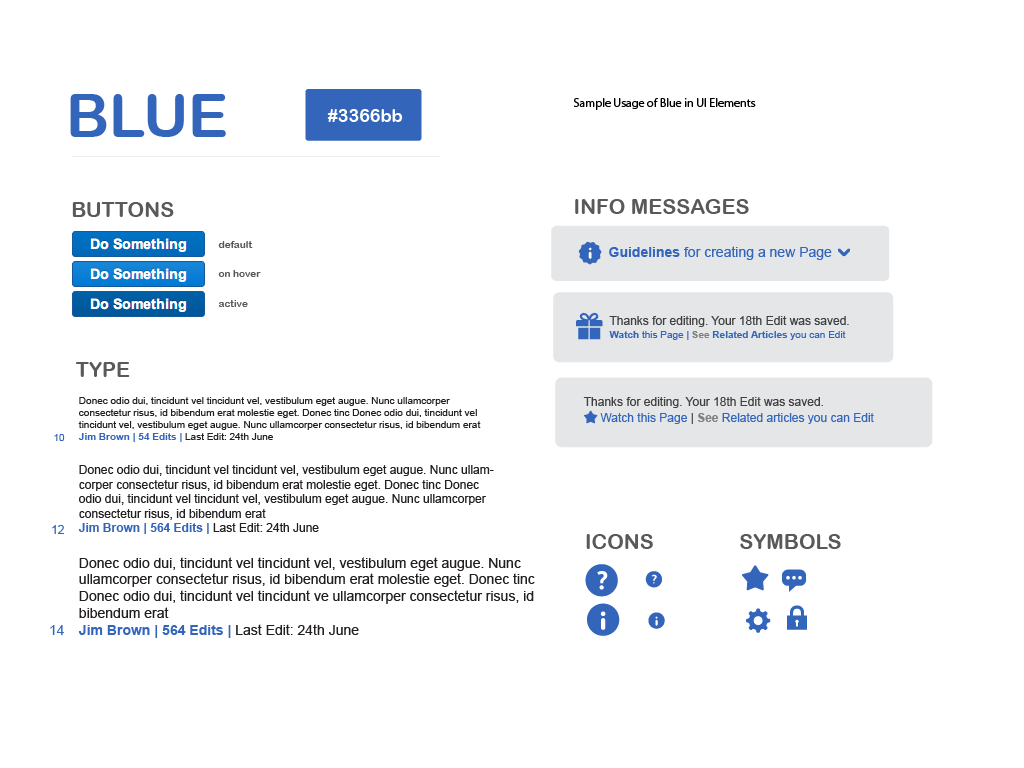
The Experience Behind the Screen
User Experience (UX)
noun
The overall experience a user has when interacting with a product, including their emotions, perceptions, and responses. It encompasses all aspects of the end-user's interaction with the company, its services, and its products.
If UI is the car's dashboard, UX is the entire driving experience. Does the seat feel comfortable? Is the ride smooth? Can you easily reach the cup holder? Is the engine responsive? UX is the whole journey. It's concerned with the feel and how effectively the user can accomplish their goals.
A beautiful app that's confusing to use has good UI but bad UX. A simple-looking app that solves a problem effortlessly has good UX, even with basic UI.
Putting It All Together
UI and UX are not in competition; they are two sides of the same coin. A product needs both to succeed. Great UX can be ruined by poor, clunky UI. And the most beautiful UI won't save a product that's confusing or doesn't meet the user's needs.
| Aspect | User Interface (UI) | User Experience (UX) |
|---|---|---|
| Focus | Visuals & Interaction | Overall Feel & Usability |
| Goal | Create an aesthetically pleasing and intuitive interface | Create a seamless and enjoyable journey for the user |
| Concerns | Colors, fonts, layouts, buttons | User research, information architecture, user flow |
| Analogy | The look of a restaurant (decor, menus) | The entire dining experience (service, food, ambiance) |
As you can see, UX is a broader field that often includes UI as one of its key components. A UX designer maps out the user's entire journey, and a UI designer focuses on crafting the specific touchpoints along that path.
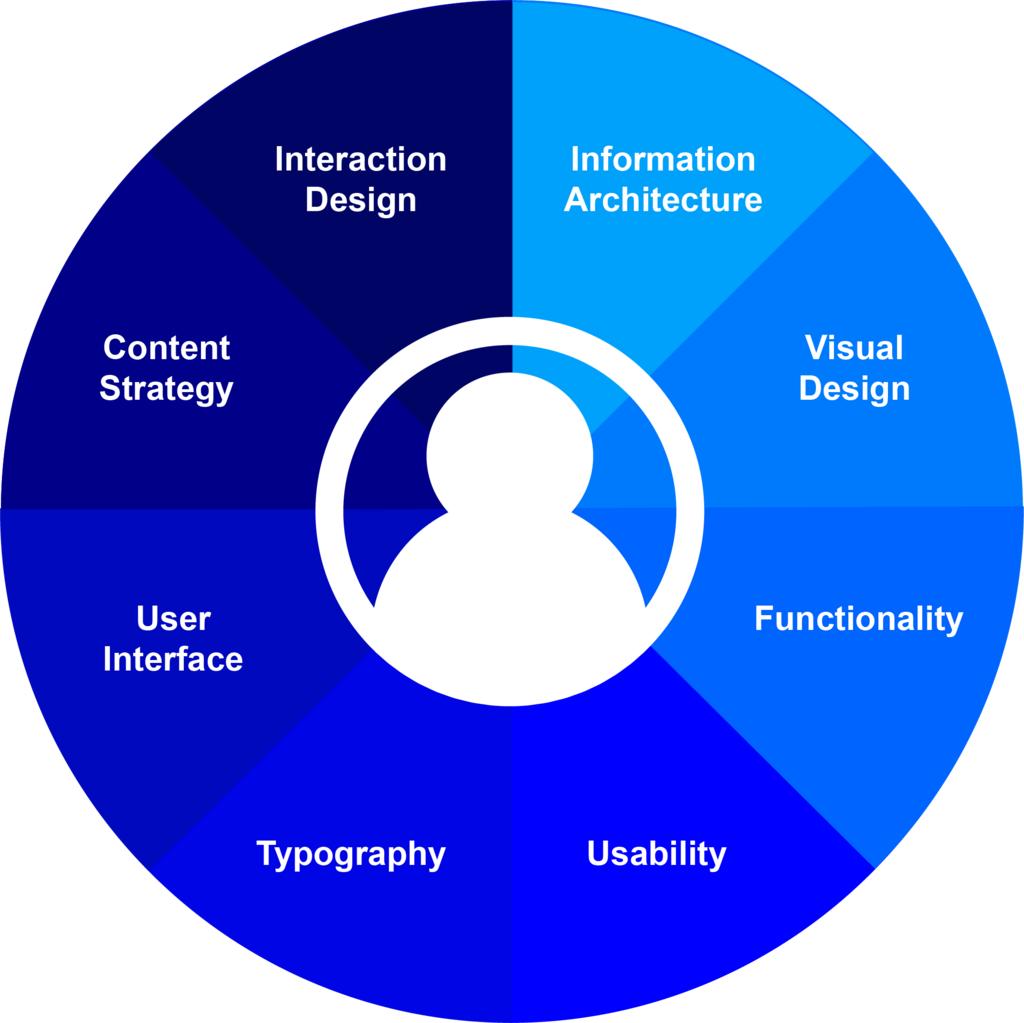
In web design, a strong partnership between UI and UX ensures the final product isn't just a collection of pretty pages, but a functional and delightful tool that solves a real problem for its users.
Today, UI/UX design is a fundamental factor in making your product successful in the market.
Let's check your understanding of these core concepts.
Which of the following best describes the primary focus of User Interface (UI) design?
A user complains that an app's checkout process is confusing because the 'Next' button is hard to find and the form fields are poorly organized. This is primarily an issue with...
Grasping the distinction between the interface and the experience is the first step toward creating websites that people truly love to use.