Foundations of Computing
Introduction to Computers
What is a Computer?
At its heart, a computer is a machine that follows instructions. It takes in information, works with it, and produces a result. Think of it as an incredibly fast and obedient assistant that deals with data, which is just another word for information like numbers, text, images, and sounds.
Computer
noun
An electronic device for storing and processing data, typically in binary form, according to instructions given to it in a variable program.
This single idea powers everything from your smartphone to the systems that guide airplanes. While they look different, they all perform the same four basic functions.
The Four Basic Jobs
Every computer, regardless of its size or purpose, performs four fundamental jobs. This cycle is often called the information processing cycle.
-
Input: This is how the computer receives data. When you type on a keyboard, click a mouse, or tap a screen, you're providing input.
-
Processing: This is the computer's "thinking." The central processing unit (CPU) acts like the brain, taking the input data and following instructions to perform calculations or manipulate the information.
-
Storage: The computer needs a place to keep data. It uses memory to hold information it's actively working on (short-term) and storage drives to save it for later (long-term).
-
Output: This is how the computer presents the results of its processing. Displaying words on a screen, playing a sound through speakers, or printing a document are all forms of output.
This cycle happens constantly, often millions of times per second, allowing you to see the results of your actions almost instantly.
Hardware vs. Software
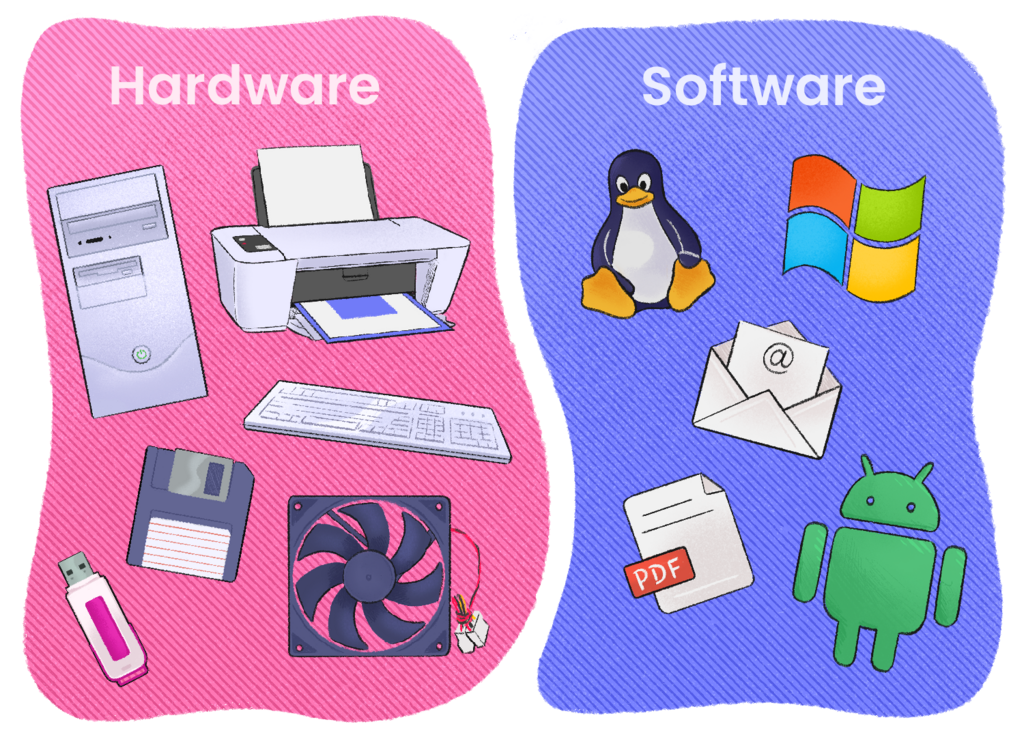
A computer system is made of two main parts: hardware and software. They are fundamentally different, but they need each other to work.
Hardware refers to the physical components you can see and touch. This includes the screen, keyboard, mouse, and all the wires and chips inside the machine.
Software is the set of instructions that tells the hardware what to do. You can't touch software. It includes the apps on your phone, the programs on your laptop like a web browser or a word processor, and the operating system that manages everything.
A simple analogy: Hardware is the piano, and software is the sheet music. One is useless without the other.
Here's a quick breakdown of common examples.
| Hardware (Physical Parts) | Software (Instructions) |
|---|---|
| Monitor or Screen | Operating System (e.g., Windows, macOS) |
| Keyboard & Mouse | Web Browser (e.g., Chrome, Safari) |
| CPU (Central Processing Unit) | Word Processor (e.g., Microsoft Word) |
| Memory (RAM) | Mobile Apps (e.g., Instagram, Maps) |
| Hard Drive or SSD | Video Games |
Computers Are Everywhere
When we hear the word "computer," we often picture a desktop or laptop. But computers are now integrated into countless devices we use every day.
Your smartphone is a powerful pocket-sized computer. The system that manages the engine in a modern car is a computer. Smart TVs, digital watches, ATMs, and even some refrigerators run on computers.
They help us communicate, work, shop, and stay entertained. They process credit card payments at the grocery store and help doctors diagnose illnesses. By understanding the basic definition of a computer as a device that processes information, you can start to see just how widespread they've become.