Foundations of Computer Systems
Introduction to Computer Systems
What is a Computer System?
A computer isn't just a single thing. It's a complete system where many parts work together to turn your commands into action. Think of it like a kitchen. You have the physical tools—the oven, the bowls, the whisks—and you have the recipe. Neither is useful without the other. To bake a cake, you need both the tools and the instructions.
In the world of computing, these two parts are called hardware and software. Hardware is the collection of physical components you can touch, while software is the set of digital instructions that tells the hardware what to do.
A computer system is a collection of hardware and software components that work together to receive, process, store, and output data.
The Physical Parts: Hardware
Hardware gives a computer its physical form. While there are many components inside a modern computer, they all fall into a few basic categories. This fundamental structure is often called computer architecture.

Let’s break down the main players:
- Input Devices: This is how you communicate with the computer. Keyboards, mice, touchscreens, and microphones are all input devices. They convert your physical actions into digital signals the computer can understand.
- Central Processing Unit (CPU): If the computer has a brain, this is it. The CPU executes commands and runs the programs. It performs all the calculations and logical operations that make the computer work.
- Memory (RAM): This is the computer's short-term, working memory. When you open an application or a file, it's loaded into RAM for quick access by the CPU. Think of it as a workbench; you only put the tools you're currently using on it. When the power is turned off, whatever is in RAM is lost.
- Storage: This is the computer's long-term memory, like a hard disk drive (HDD) or solid-state drive (SSD). It's where your files, applications, and operating system are kept permanently, even when the power is off. It's the filing cabinet where you store everything until you need it again.
- Output Devices: These are how the computer communicates back to you. The monitor shows you images, the speakers play sounds, and a printer creates physical copies. They turn digital signals back into something you can see, hear, or touch.
CPU
noun
The Central Processing Unit is the electronic circuitry that executes instructions comprising a computer program. The CPU performs basic arithmetic, logic, controlling, and input/output (I/O) operations specified by the instructions.
The Digital Instructions: Software
Hardware is just a collection of plastic and metal without software to give it purpose. Software is the set of instructions that brings the hardware to life. There are two main kinds of software that you'll interact with.
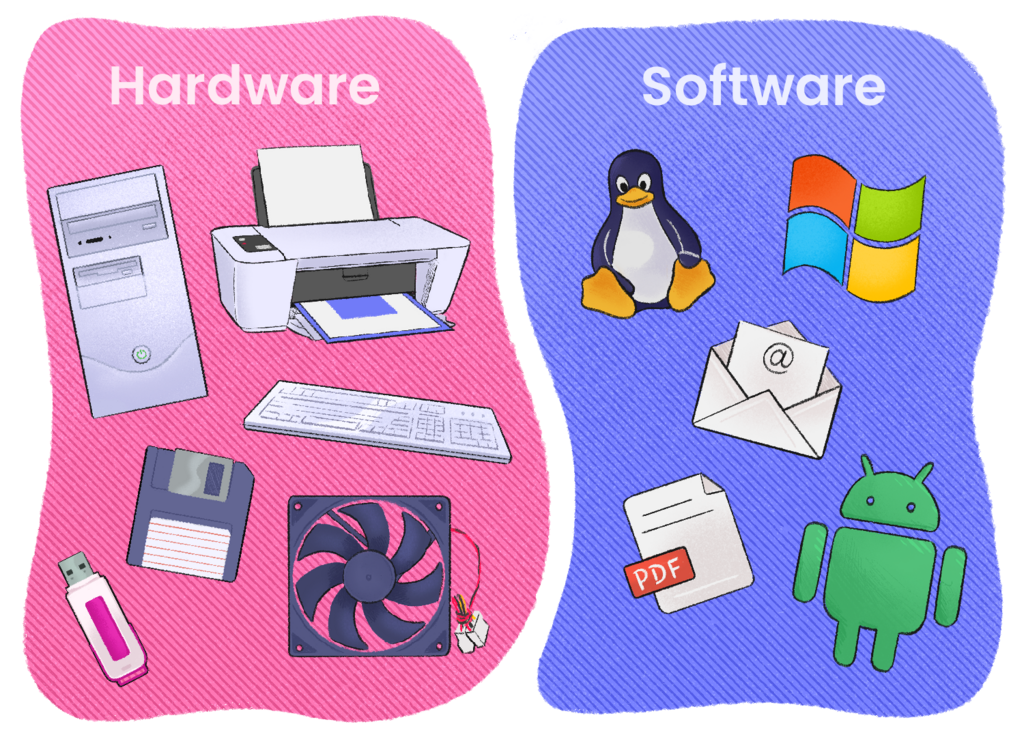
First, there's system software. The most important piece of system software is the operating system (OS), like Windows, macOS, or Android. The OS acts as a manager or a translator. It manages all the computer's resources, like the CPU, memory, and storage, and allows the hardware and software to communicate with each other. You don't directly interact with the OS most of the time, but it's always running in the background, making sure everything works smoothly.
Second, there's application software, or "apps." These are the programs you use to perform specific tasks. A web browser, a word processor, a video game, or a photo editor are all examples of application software. They rely on the operating system to function. For example, when you click "save" in a text document, the application tells the operating system, and the OS handles the technical work of writing the file to your storage drive.
Hardware provides the raw power, but software tells it what to do. They are two sides of the same coin, and a computer system needs both to function.
This constant dialogue between you, the application software, the operating system, and the hardware is what happens every time you use a computer. Understanding these core pieces is the first step to seeing how these powerful machines really work.