Foundations of Computer Science Engineering
Introduction to Programming
The Building Blocks of Code
At its heart, programming is about giving a computer a set of instructions. But to give instructions, you first need a way to store and label information. In programming, we use variables for this. Think of a variable as a labeled box where you can keep a piece of data. You give the box a name, and you can put something inside it. Later, you can look inside the box by using its name, or you can even swap out the contents for something new.
# Creating a variable named 'city' and storing the text "Paris"
city = "Paris"

# Creating a variable for the year and storing the number 2024
year = 2024

# We can print the contents of these variables
print(city)
print(year)
The information you store in variables comes in different flavors, called data types. You wouldn't treat a number the same way you treat a sentence, and programming languages don't either. Python has several basic data types that you'll use all the time.
| Data Type | Description | Example Code |
|---|---|---|
| String | A sequence of characters, or text. | "Hello, world!" |
| Integer | A whole number, without a decimal. | 42 or -100 |
| Float | A number that has a decimal point. | 3.14 or -0.001 |
| Boolean | Represents one of two values: True or False. | True or False |
Talking to Your Program
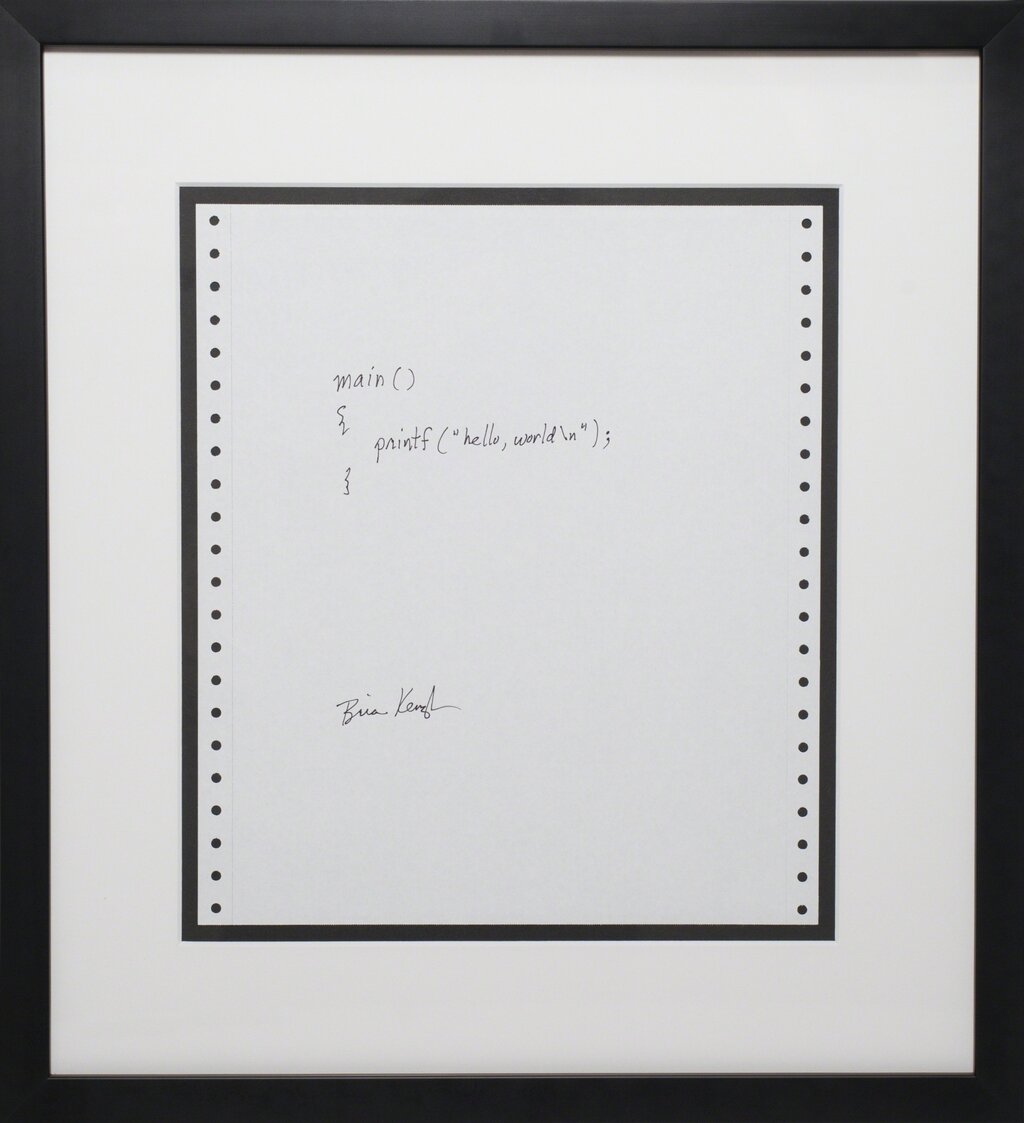
A program isn't very useful if it can't communicate. The simplest way for a program to give you information is by printing it to the screen. In Python, you do this with the print() function. You put whatever you want to display inside the parentheses.
print("This message will appear on the screen.")

user_age = 25
print("The user's age is:", user_age)
Getting information from the user is just as important. For that, Python gives us the input() function. When your program calls input(), it pauses and waits for the user to type something and press Enter. Whatever the user types is then returned as a string, which you can store in a variable.
# Ask for the user's name and store it
name = input("What is your name? ")

# Greet the user personally
print("It's nice to meet you, " + name + "!")
Making Decisions and Repeating Actions
So far, our programs run from top to bottom, executing every line in order. But real power comes from controlling which lines run and how many times they run. This is called control flow.
The most basic form of control is a conditional statement. It's just an if test. If a certain condition is true, the program does one thing. Optionally, you can add an else block to do something different if the condition is false.
temperature = 15

if temperature > 25:
    print("It's a hot day!")
else:
    print("It's not so hot today.")
The other key to control flow is the ability to repeat actions without rewriting code. This is done with loops.
A for loop is used when you want to repeat a block of code a specific number of times. For example, you can loop through a range of numbers.
# This loop will run 5 times, for numbers 0 through 4
for number in range(5):
    print("Looping, count:", number)
A while loop is used when you want to keep repeating an action as long as a certain condition remains true. You might not know ahead of time how many repetitions you'll need.
Be careful with
whileloops! If the condition never becomes false, you'll create an infinite loop, and your program will never end.
count = 1

# Keep looping as long as count is less than or equal to 3
while count <= 3:
    print("This is while loop iteration", count)
    count = count + 1 # Increment the count

print("The loop has finished.")
With variables, input/output, and control structures, you have the fundamental tools to write simple, yet functional, programs.
In programming, what is the primary purpose of a variable?
A for loop is the best choice when you know exactly how many times you need to repeat an action.