Foundations of Cloud Engineering
Cloud Computing Basics
What Is Cloud Computing?
Think about how you listen to music. A decade or two ago, you probably owned physical CDs or bought digital files to store on your device. Now, you likely use a streaming service. You don't own the music files; you just access a massive library over the internet whenever you want.
Cloud computing applies this same idea to computing resources. Instead of buying and maintaining your own servers, storage, and software, you access them as a service from a provider over the internet.
Cloud computing is the delivery of computing services—servers, storage, databases, networking, software, analytics, and intelligence—over the internet (“the cloud”).
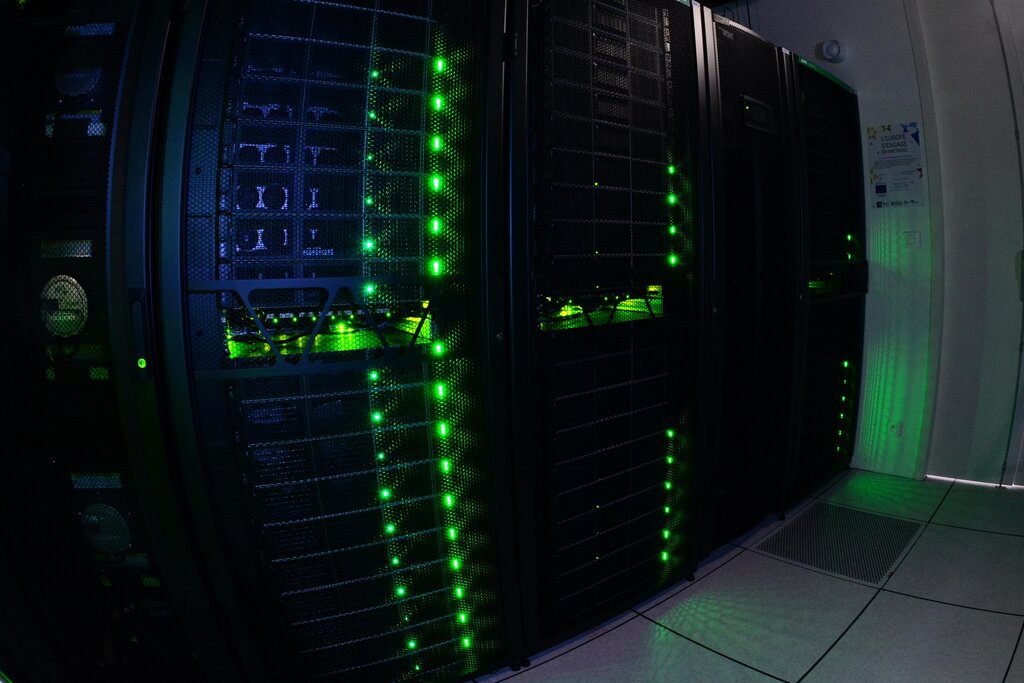
When we say "the cloud," it isn't some abstract entity in the sky. It's a physical network of massive data centers located all over the world. These data centers are filled with powerful computer servers, all connected and managed by a cloud provider like Amazon Web Services (AWS), Google Cloud, or Microsoft Azure.
The Three Service Models
Cloud computing isn't a one-size-fits-all solution. It's offered in three main service models, each giving you a different level of control and management. A helpful analogy is ordering a pizza.
Infrastructure as a Service (IaaS): This is the most basic level. You rent IT infrastructure like servers, storage, and networks. It's like buying a pre-made pizza dough and sauce from the store. You still have to add toppings and bake it in your own oven, giving you a lot of control.
Platform as a Service (PaaS): This model provides a platform for developers to build, test, and deploy applications without worrying about the underlying infrastructure. It's like ordering a pizza for delivery. The pizza shop handles the ingredients, the oven, and the cooking. You just provide the plates and drinks.
Software as a Service (SaaS): This is the most common model. You use software that is hosted and managed by a provider. Think of services like Gmail, Dropbox, or Salesforce. This is like going out to a restaurant for pizza. You just show up and eat; the restaurant handles everything else from start to finish.
Benefits and Challenges
Adopting the cloud brings significant advantages, but it's not without its hurdles.
| Benefits | Challenges |
|---|---|
| Cost Savings | Security Concerns |
| Pay only for what you use, avoiding large upfront hardware costs. | Entrusting sensitive data to a third party requires careful consideration. |
| Scalability | Complexity |
| Easily scale resources up or down to meet changing demand. | Managing cloud environments can be complex and require new skills. |
| Flexibility & Agility | Vendor Lock-In |
| Quickly deploy new applications and services to innovate faster. | Migrating from one cloud provider to another can be difficult and costly. |
| Reliability | Potential Downtime |
| Providers offer data backup, disaster recovery, and redundancy. | Dependency on the provider means their outages can affect your services. |
The key is to weigh these factors. For most businesses, the flexibility and cost-efficiency of the cloud outweigh the challenges, which can often be managed with careful planning and the right expertise.
Ready to check your understanding? Let's see what you've learned.
According to the text, what is the best description of "the cloud"?
A software development company wants to build and deploy a new application. They want to manage their application and data, but they don't want to manage the underlying servers, operating systems, or databases. Which cloud service model fits their needs best?
Understanding these core concepts provides a solid foundation for exploring the world of cloud computing. You now know what the cloud is, the different ways you can use it, and the key trade-offs involved.