Foundations of C Programming
Introduction to C Programming
Where C Came From
C is one of the oldest and most influential programming languages still in wide use today. It was created in the early 1970s by a computer scientist named Dennis Ritchie at Bell Labs. Its original purpose was to help build the Unix operating system, which itself became the foundation for many modern operating systems, including Linux and macOS.
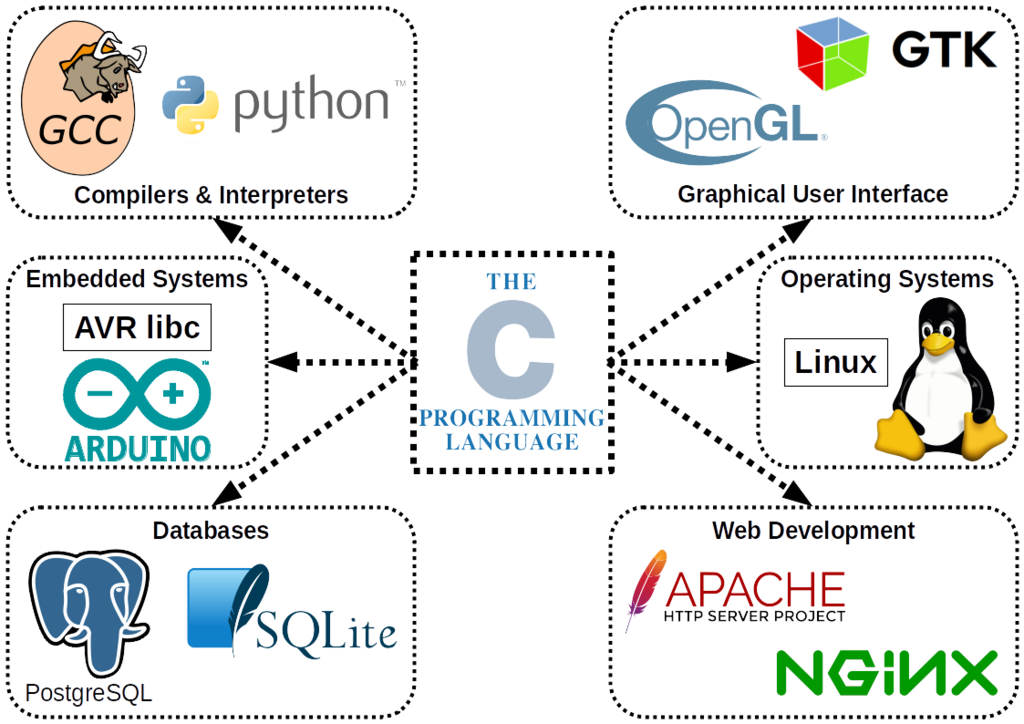
What makes C special is its position as a “middle-level” language. It’s close enough to the computer's hardware to be very fast and efficient, which is why it's used for performance-critical tasks. Think of game engines, device drivers, and the core parts of your operating system. At the same time, it’s readable and structured enough for humans to write complex software. This blend of power and readability is why C has been a cornerstone of software development for decades.
Getting Your Tools Ready
Before you can write a C program, you need two essential tools: a compiler and a text editor. Often, these come bundled together in an application called an Integrated Development Environment (IDE).
A compiler is a special program that translates the C code you write into machine code, the 1s and 0s that a computer's processor can actually understand. Think of it as a translator converting a novel from English into French so a French speaker can read it.
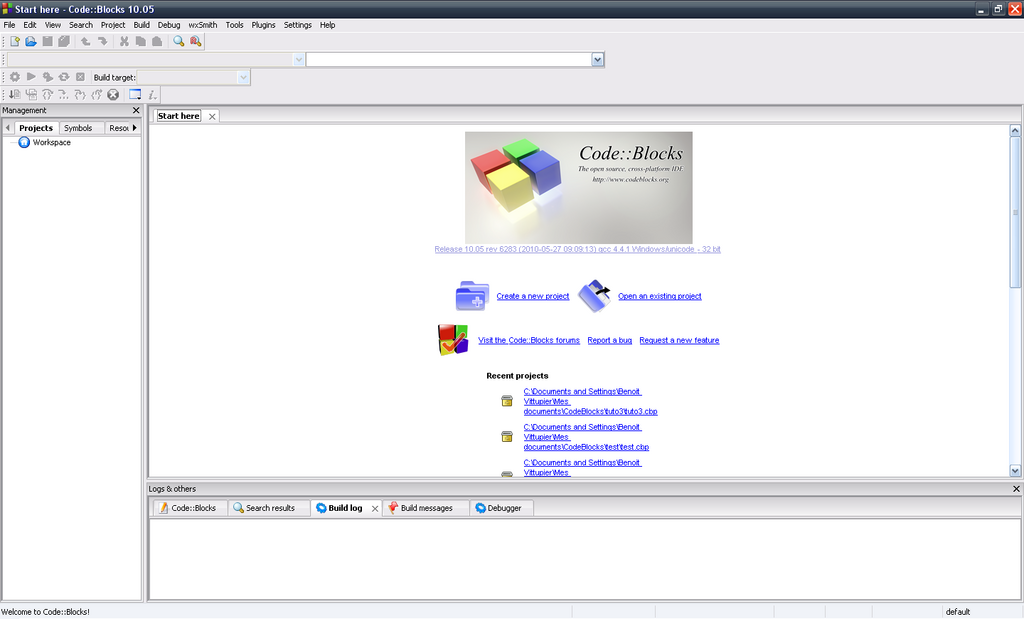
An IDE brings together everything you need to write, compile, and test your code in one place. It includes a text editor designed for coding, access to the compiler, and other helpful tools. For beginners, IDEs like Code::Blocks, Visual Studio Code (with C/C++ extensions), or even simple online compilers are great places to start.
Your First Program
It's a tradition in programming to start with a simple program that just prints “Hello, World!” to the screen. It's a great way to confirm that your compiler and setup are working correctly. Here is the code.
// This is the classic "Hello, World!" program in C.

#include <stdio.h>

int main() {
    // This line prints the text to the screen.
    printf("Hello, World!\n");

    return 0;
}
Let’s break that down piece by piece:
-
#include <stdio.h>: This line is a preprocessor directive. It tells the compiler to include the “standard input/output” library. This library contains functions for common tasks, like printing text to the screen. We need it for theprintffunction. -
int main(): This is the main function. Every C program has one. When you run your program, this is the first piece of code that gets executed. The program starts here. -
printf("Hello, World!\n");: This is the command that does the work.printfis a function from thestdio.hlibrary that prints formatted text to the console. The text inside the quotes is what gets printed. The\nat the end is a special character that means “new line,” so the cursor moves to the next line after printing. -
return 0;: This line tells the operating system that the program finished successfully. A return value of 0 is the standard for a successful execution.
To see it work, you would save this code in a file (e.g., hello.c), then use your IDE's “build” or “compile” button, and finally “run” the program. You should see Hello, World! appear in a terminal window.
C was originally created for what primary purpose?
What is the main function of a C compiler?
That's your first step into the world of C programming. You've learned where the language comes from, what tools you need, and how to write and understand a basic program.