Flutter Development Essentials
Introduction to Flutter
What is Flutter?
Think of building a mobile app like building a house. In the past, if you wanted a house that worked in two different climates, say, the arctic and the tropics, you'd need to build two completely separate houses using different materials and designs. This is similar to traditional app development, where you'd write one version of your app for iPhones (in a language like Swift) and a completely different one for Android phones (in a language like Kotlin). That's double the work, double the cost, and double the time.
Flutter is an open-source UI software development kit (SDK) created by Google.
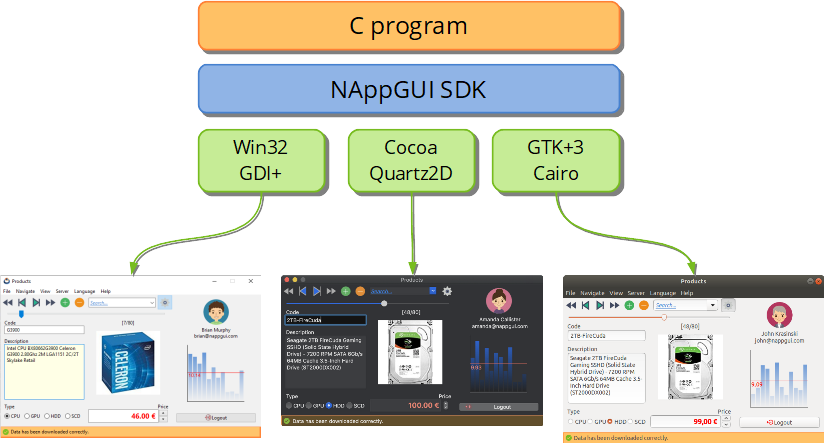
Flutter changes the game. It’s a UI toolkit that lets you build one app from a single codebase, and that app will run beautifully on iPhones, Android phones, websites, and even desktop computers. It's like designing a universal house that's perfectly comfortable in both the arctic and the tropics, all from one set of blueprints. This “write once, run anywhere” approach saves a massive amount of time and resources.
The Flutter Advantage
So, why are so many developers excited about Flutter? It comes down to a few key advantages.
Speedy Development: One of Flutter’s most beloved features is called "Hot Reload." Imagine you're painting a picture and want to see how a different color looks. With Hot Reload, you can make a change in your code and see it reflected on the screen almost instantly, without losing your current progress. This makes experimenting and fixing bugs incredibly fast.
Expressive UIs: Flutter isn't about making cookie-cutter apps. It gives developers precise control over every pixel on the screen. This allows for the creation of beautiful, highly customized, and smoothly animated user interfaces that can match a brand's exact vision.
Native Performance: Even though you're writing code once, Flutter apps look and feel like they were built specifically for the device they're running on. The code is compiled directly into native machine code, which means it's fast and responsive, with no clunky performance issues.
In short, Flutter aims to provide a faster development experience, beautiful user interfaces, and excellent performance across all platforms.
The Language of Flutter
Every toolkit needs a language to give it instructions. For Flutter, that language is Dart. Also created by Google, Dart is a modern, object-oriented language that’s optimized for building user interfaces. It's designed to be easy to learn, especially if you have experience with other popular languages like JavaScript, Java, or C#.
You don't need to be a Dart expert to start with Flutter, but it's the language that powers everything you'll build. It's what makes features like Hot Reload possible and ensures your apps run smoothly.
Getting Started
Ready to give it a try? Setting up your development environment is the first step. You'll need two main things:
1. The Flutter SDK: This is the core toolkit. You download it directly from the Flutter website and it contains all the command-line tools and libraries needed to develop and compile your apps.
2. An Editor: While you can write code in any text editor, using an Integrated Development Environment (IDE) makes life much easier. The two most popular choices are Visual Studio Code (VS Code) and Android Studio. Both offer powerful extensions for Flutter and Dart that provide features like code completion, debugging tools, and that magical Hot Reload button.

Once you've installed the SDK and set up your editor with the Flutter and Dart plugins, you're ready to create your first project. The official Flutter documentation provides excellent, step-by-step guides for installation on Windows, macOS, and Linux.