Flutter App Development Fundamentals
Introduction to Flutter
What is Flutter?
Flutter is a toolkit for building apps that run on mobile, web, and desktop from a single codebase. Instead of writing separate code for Android, iOS, and the web, you write it once with Flutter. This saves a massive amount of time and effort.
Flutter is Google's UI toolkit for building beautiful, natively compiled applications for mobile, web, and desktop from a single codebase.
The main advantages are speed and consistency. Development is fast because of features like "hot reload," which lets you see changes to your code instantly without restarting your app. The user interface is consistent because you control every pixel on the screen, ensuring your app looks and feels the same everywhere.
Everything is a Widget
The core idea in Flutter is simple: everything is a widget. A widget is a basic building block for your app's user interface. A button is a widget. A line of text is a widget. Even the layout of your app, like centering something on the screen, is a widget.
You build your app by composing these widgets together in a tree-like structure. An app might start with a root widget, which contains a layout widget, which in turn contains a navigation bar widget and a list widget. The list widget is then filled with individual item widgets.
This widget tree is then rendered to the screen by Flutter's high-performance graphics engine, called Skia. Flutter doesn't use the native UI components of the device. Instead, it draws its own widgets directly. This is how it achieves high performance and visual consistency across different platforms.
Setting Up Your Workspace
Before you can build an app, you need to set up your development environment. This involves installing the Flutter software development kit (SDK) and an editor to write your code in.
First, download the Flutter SDK from the official Flutter website. The SDK is a collection of tools that includes everything you need to compile your code and build your apps.
Next, you'll need a code editor, also known as an Integrated Development Environment (IDE). The two most popular choices for Flutter development are Android Studio and Visual Studio Code. Both are excellent and offer great support for Flutter through special plugins.
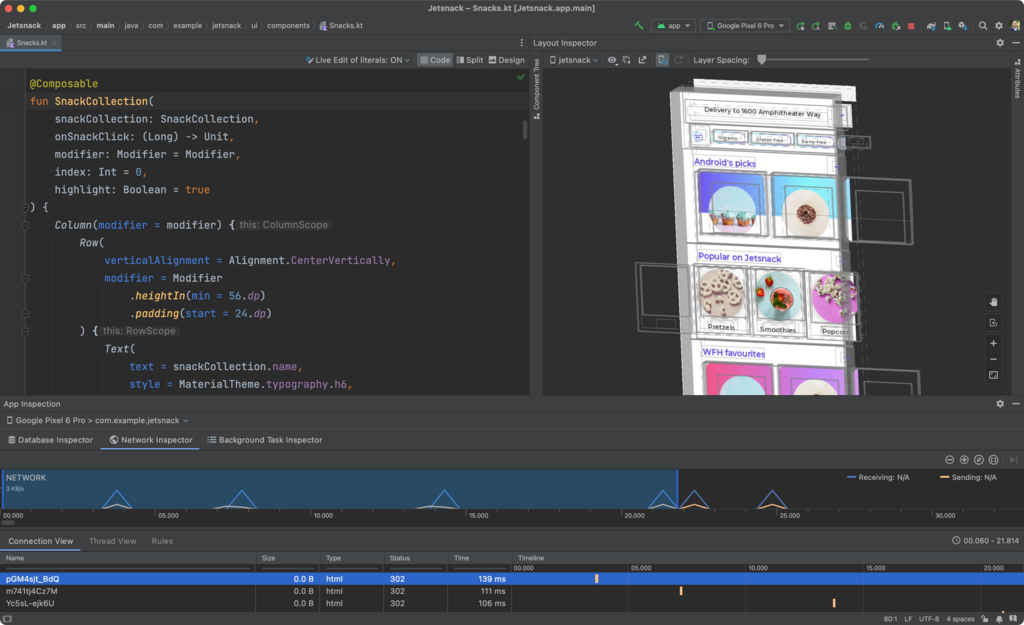
Visual Studio Code is another popular choice, known for being lightweight and fast.

Once you've chosen an IDE, you'll install the Flutter and Dart plugins. These add features like code completion, syntax highlighting, and debugging tools that make writing Flutter apps much easier.
Finally, Flutter comes with a handy command-line tool to check if your environment is set up correctly. Open your terminal or command prompt and run this command:
flutter doctor
The flutter doctor command checks your system and shows a report of the status of your Flutter installation. If there are any issues, it will tell you what's wrong and how to fix it. Once all checks pass, you're ready to start building.
Let's review what we've covered.
What is the primary purpose of Flutter?
What is the fundamental building block of a user interface in Flutter?
Now that you have a grasp of what Flutter is and have your environment set up, you're ready to create your first project.