Flutter App Development Fundamentals
Introduction to Flutter
What is Flutter?
Flutter is a toolkit from Google for building apps that run on multiple platforms from a single set of code. Think of it like a master key. Instead of needing a separate key for iOS and another for Android, you can use one key to open both doors. This saves developers a huge amount of time and effort.
This “write once, run anywhere” approach isn't just for mobile. Flutter can also build apps for web, desktop, and more. It achieves this with its own high-performance rendering engine, which is a fancy way of saying it draws the app's interface itself. This results in smooth animations and a consistent look and feel across all devices.
Flutter is Google's recommended SDK for when you want to share business logic and UI code across all platforms to deliver a consistent, reliable user experience.
Setting Up Your Workspace
Before you can start building, you need to set up your development environment. This involves two main steps: installing the Flutter SDK and configuring a code editor.
Install the Flutter SDK
An SDK, or Software Development Kit, is a collection of tools that allow you to create applications for a certain platform. The Flutter SDK contains everything you need to compile your code into a working app for iOS or Android.
The best place to get the SDK is from the official Flutter website, which has detailed, up-to-date instructions for your specific operating system (Windows, macOS, or Linux). After following the installation guide, you can run a helpful command in your terminal:
flutter doctor
This command checks your system and tells you if any necessary software is missing or needs to be configured. It's a great way to make sure your setup is ready to go. If flutter doctor reports any issues, it will also provide guidance on how to fix them.
Configure Your Code Editor
While you could write Flutter code in a plain text editor, an Integrated Development Environment (IDE) makes the process much easier. An IDE is like a super-powered text editor with built-in tools for debugging and testing your code. The two most popular choices for Flutter are Android Studio and Visual Studio Code.
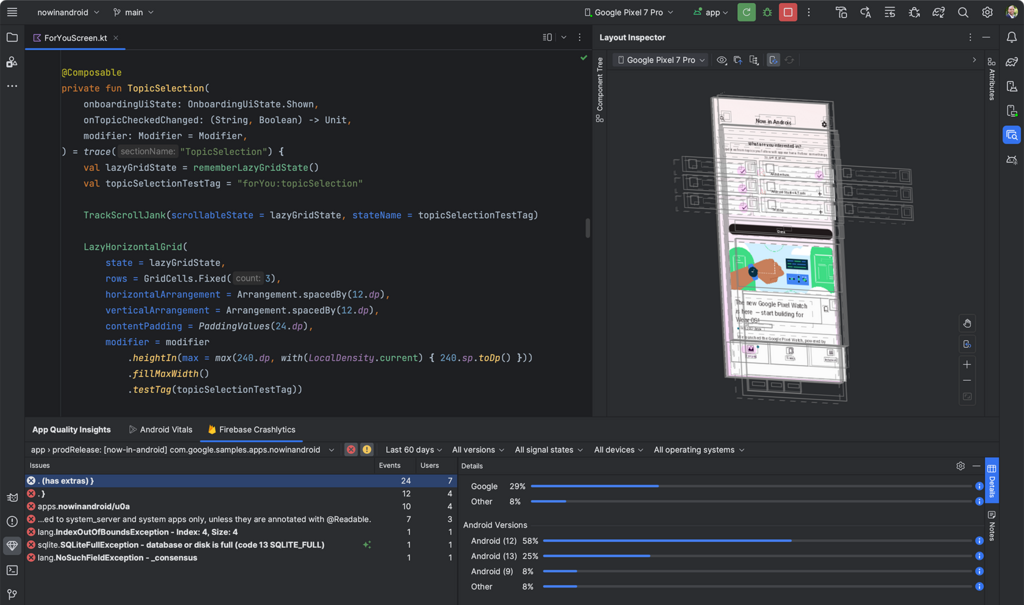
Whichever you choose, you'll need to install a special plugin to get it ready for Flutter development. Simply open your editor's extension or plugin marketplace, search for “Flutter,” and click install. This plugin enables features like code completion, syntax highlighting, and tools for running and debugging your apps directly from the editor.
Now that your environment is set up, let's test your knowledge.
What is the primary purpose of Flutter?
What is an SDK (Software Development Kit) in the context of Flutter?
With the tools installed and your editor configured, you have the foundation needed to start building beautiful, cross-platform applications with Flutter.