Fitness Video Editing Essentials
Introduction to Video Editing Software
Choosing Your Tool
Video editing software is your digital studio for turning raw footage into polished, engaging content. Think of it like a kitchen. You bring in your raw ingredients—the video clips you filmed—and use the tools available to chop, mix, and season them into a final dish. The best software isn't necessarily the most expensive or complex one; it's the one that fits your workflow and helps you create what you envision.
Selecting the appropriate video editing software is the foundational step in your video editing journey.
For creating fitness content, you don't need Hollywood-level software. Many free tools are incredibly powerful and more than capable of producing professional-looking videos. Let's look at three excellent options that are perfect for beginners and cover a range of needs.
Three Great Free Options
We'll explore three different types of editors: a mobile-first app, a browser-based tool, and a more traditional desktop program. Each has its own strengths.
CapCut
noun
A free, all-in-one video editing app for mobile devices, known for its user-friendly interface and features tailored for social media content.
CapCut is a powerhouse on your phone. Its biggest advantage is convenience. You can film a set of exercises and immediately start editing without transferring files to a computer. It’s packed with features perfect for short-form fitness content, like what you see on TikTok or Instagram Reels.
It offers a massive library of trending sounds and music, which is crucial for discoverability on social media. Its auto-captioning tool is remarkably accurate, saving you the time of typing out instructions or dialogue. Plus, its templates allow you to drop your clips into pre-made sequences for a polished look in seconds.
Use CapCut if you primarily create short, punchy videos for social media and want to edit on the go.
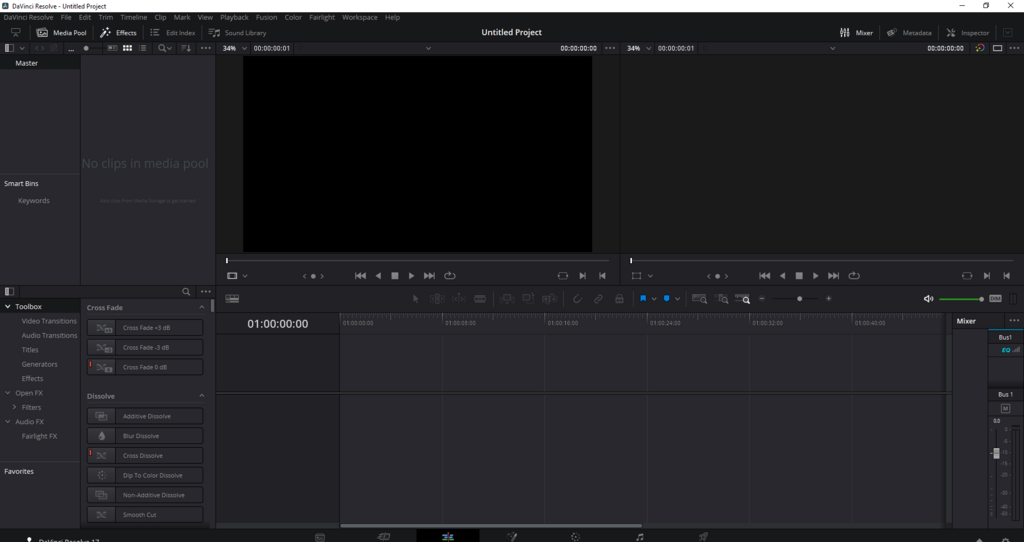
Next up is VEED.IO. This is a browser-based editor, which means you don't have to install any software. You just go to their website, upload your footage, and start editing. This is ideal if you switch between computers or if you're collaborating with someone else.
VEED shines with its suite of tools beyond simple cutting. It has a built-in teleprompter for recording voice-overs, progress bar generators to show workout timers, and the ability to add your own branding, like logos and color schemes. Because it works in the cloud, you can start a project on your laptop and finish it on a different computer without missing a beat.
Finally, there's VSDC Free Video Editor. This is a more traditional desktop application for Windows users. While it has a steeper learning curve than CapCut or VEED, it offers a much higher degree of control. VSDC is a non-linear editor, meaning you can place clips and effects anywhere on the timeline, layering them in complex ways.
This makes it a great choice for longer, more detailed videos, like a full 30-minute follow-along workout for YouTube. It supports a wide range of formats and provides tools for color correction and audio editing that are more advanced than what you'll find in most mobile or web-based apps. If you plan to create more structured, long-form content, investing time to learn VSDC is a great move.
How to Pick Your Editor
Choosing the right software depends entirely on your goals and workflow. Are you editing quick clips on your phone right after filming, or are you sitting down at a desktop to produce a longer video? Here’s a quick breakdown to help you decide.
| Software | Platform | Best For... | Key Feature |
|---|---|---|---|
| CapCut | Mobile (iOS/Android) | Short social media videos (Reels, TikToks) | Templates & trending audio library |
| VEED.IO | Web Browser | Quick edits on any computer, collaboration | All-in-one toolkit (subtitles, branding) |
| VSDC | Desktop (Windows) | Longer YouTube videos, detailed projects | Non-linear editing & advanced control |
Don't feel pressured to pick one and stick with it forever. The best way to learn is by doing. Try one out, create a short video, and see how it feels. Many creators use a combination of tools—perhaps CapCut for daily social posts and VSDC for a weekly YouTube series.
A fitness creator wants to edit short videos for TikTok and Instagram Reels directly on their phone after filming. Which software is best suited for this workflow?
What is the primary advantage of a browser-based editor like VEED.IO?
With a better understanding of the tools available, you're ready to start piecing your footage together.