File Uploads for Learning
Introduction to File Uploads
What Are File Uploads?
File uploads are a fundamental feature of most online platforms, especially in education. At its core, uploading is simply the process of transferring a file from your personal device, like a laptop or phone, to a remote system, such as a course website or a learning management system (LMS).
Think of it like mailing a physical document. You select your paper (the file), put it in an envelope (the upload process), and send it to an address (the server where the platform is hosted). Once it arrives, your instructor or classmates can view it.
Whether you're submitting a homework assignment, sharing a presentation, or adding a profile picture, you're using the file upload feature.
How It Works
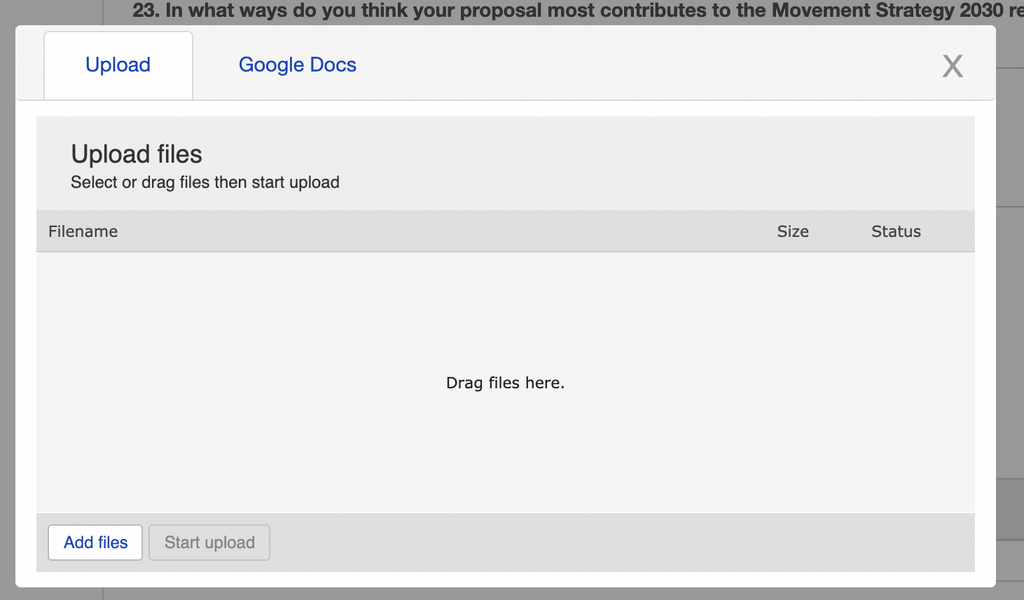
The mechanics of uploading a file are usually straightforward. The process involves a conversation between your web browser and the platform's server. It typically follows these steps:
- Initiation: You click a button on the website, often labeled "Upload," "Add File," or "Choose File."
- Selection: Your computer's file manager opens, allowing you to browse and select the file you want to upload.
- Transmission: Once you confirm your choice, your browser reads the file and sends its data across the internet to the platform's server.
- Storage: The server receives the data, reassembles it into the original file, and stores it in a designated location. The file is now accessible to others on the platform.
Enhancing the Learning Experience
File uploads are more than just a technical feature; they transform online learning from a passive experience into an active and collaborative one. Without them, you could only consume information provided by the instructor. With uploads, you become a contributor.
By offering adaptive learning paths, multimedia content, and collaborative tools, students can actively participate in their education, enhancing comprehension and retention.
For students, this means submitting essays, lab reports, and creative projects. It allows you to share research, participate in forum discussions with your own images or documents, and collaborate with peers on group work.
For instructors, uploads are essential for distributing course materials like syllabi, lecture slides, and reading assignments. They can also share video tutorials, audio feedback, and other rich media that make learning more engaging and accessible.
Now, let's test your understanding of these core concepts.
What is the primary function of a file upload?
In the typical file upload process, what happens immediately after you select a file from your computer's file manager and confirm your choice?
Understanding how file uploads work is the first step. Next, we'll explore the different types of files you'll encounter and why they matter.