Figma UI/UX Design Fundamentals
Introduction to UI/UX Design
What Are UI and UX?
Have you ever used an app that felt confusing and frustrating? Or one that was so simple and enjoyable you barely had to think? The difference between these two experiences often comes down to two closely related concepts: User Interface (UI) and User Experience (UX).
Think of a product like a restaurant. The UX is the entire experience: the host who greets you, the comfortable chairs, the music, the lighting, and how easily you can find the restroom. It's the overall feeling you get from the moment you walk in to the moment you leave.
The UI, on the other hand, is more specific. It's the menu you hold, the design of the plates, and the salt and pepper shakers on the table. These are the specific tools and objects you interact with during your meal.
User Interface (UI)
noun
The visual elements of a digital product that a person interacts with, such as buttons, icons, and menus. It focuses on the product's look and feel.
In the digital world, UI is about the aesthetics. It's the graphical layout of an application. It consists of the buttons users click on, the text they read, the images, sliders, text entry fields, and all the rest of the items the user interacts with. This includes screen layout, transitions, interface animations, and every single micro-interaction. Any sort of visual element, interaction, or animation must all be designed.
User Experience (UX)
noun
The overall experience a person has when using a product, especially in terms of how easy or pleasing it is to use. It focuses on the product's functionality and usability.
UX, on the other hand, is the internal experience that a person has as they interact with every aspect of a company’s products and services. It’s not just about looks; it's about the entire journey. A UX designer makes sure the product logically flows from one step to the next. They determine how the interface is structured and how it functions.
UI vs. UX
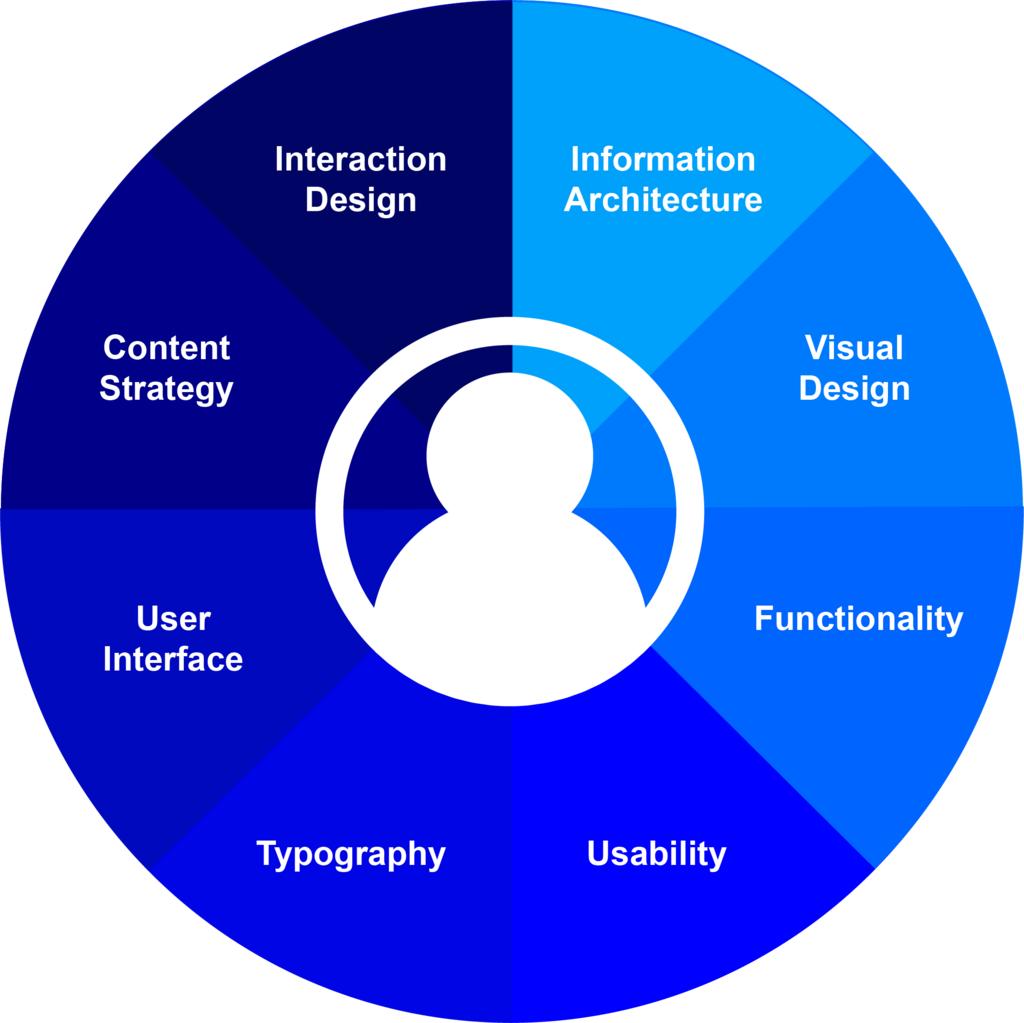
So, while they work together, UI and UX are different disciplines. UX design comes first. It's the process of mapping out the user's journey and solving their problems. UI design comes next, giving that journey a visually appealing and interactive skin.
A beautiful app (great UI) that is confusing to navigate (poor UX) will fail. Similarly, an app that is easy to use (great UX) but looks dated and ugly (poor UI) might not be trusted by users. They need each other to create a great product.
| Aspect | User Interface (UI) | User Experience (UX) |
|---|---|---|
| Focus | Visuals & Interaction | Journey & Feeling |
| Goal | Create an intuitive, aesthetically-pleasing interface | Create a seamless, enjoyable, and useful product |
| Questions | How does it look? What do I click? | How does it work? How does it make me feel? |
| Analogy | The paint, furniture, and appliances in a house | The architectural blueprint and flow of the rooms |
Ultimately, UX is a broad field that includes many disciplines, and UI is just one of them. A good user experience is about much more than just the screen.
Core Principles of Good Design
To create effective digital products, designers follow a few key principles. These aren't strict rules, but rather foundational guidelines that help ensure products are both functional and enjoyable.
Good design is about making something intelligible and memorable. Great design is making something memorable and meaningful.
- Dieter Rams
One of the most important principles is usability. A product has high usability if it's easy to learn, efficient to use, and forgiving of mistakes. Think about a simple light switch. Its purpose is clear, and you know how to use it instantly. That's high usability. In a digital product, this means clear navigation, obvious button functions, and a logical layout.
Usability asks: Can the user accomplish their goal?
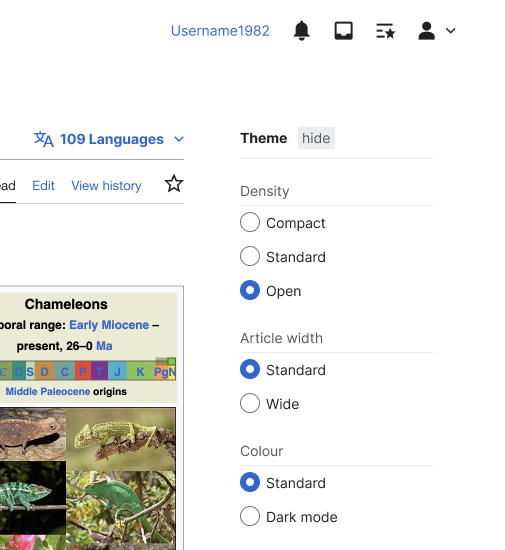
Another crucial principle is accessibility. This means designing products that can be used by everyone, including people with disabilities. An accessible design might include high-contrast color schemes for people with low vision, text alternatives for images that screen readers can announce, or keyboard-only navigation for those who can't use a mouse. Designing for accessibility doesn't just help a few users; it often makes the product better for everyone.
Finally, all of this is guided by a user-centered design approach. This philosophy places the user at the forefront of every decision. Instead of building what designers or developers think is best, they conduct research to understand users' needs, goals, and pain points. They build with empathy, constantly asking: "How will this decision affect the user?" This leads to products that don't just work, but feel like they were made just for you.
User-centered design (UCD) is a modern, widely practiced design philosophy rooted in the idea that users must take center-stage in the design of any computer system.
Now let's check your understanding of these foundational concepts.
Which of the following best describes User Experience (UX)?
A new app is praised for its beautiful animations and modern look, but users frequently complain that they can't figure out how to complete basic tasks. This indicates a product with:
Understanding the difference between the visual interface and the overall experience is the first step in creating products that people love to use.