Figma for UI UX Essentials
Introduction to UI/UX Design
What Are UI and UX?
Let's start with a simple analogy: a car. The User Interface (UI) is the dashboard. It's the speedometer, the gear shift, the color of the seats, and the feel of the steering wheel. It’s everything you see, touch, and interact with inside the car.
User Interface (UI)
noun
The visual elements of a digital product, including screens, icons, typography, and buttons, that a user interacts with.
User Experience (UX), on the other hand, is the entire experience of driving that car. Is it a smooth ride? Does it feel safe? Is it easy to navigate through city streets? UX is about the overall feeling you get, from the moment you decide to take a trip to the moment you park.
User Experience (UX)
noun
A user's overall perception and feeling when interacting with a product, system, or service. It focuses on the entire journey, including ease of use, efficiency, and enjoyment.
In the digital world, UI is the collection of buttons, menus, and layouts you see on a screen. UX is how intuitive and satisfying it is to use that app or website to accomplish your goal.
UI vs. UX
While UI and UX are deeply connected, they focus on different aspects of the design process. A product can have a beautiful UI but a terrible UX. Imagine a stunningly designed teapot that’s impossible to pour without spilling. That’s great UI, but bad UX.
Conversely, a product could be very easy to use but look dated and unappealing. That's good UX with poor UI. The best products excel at both.
| Aspect | User Interface (UI) | User Experience (UX) |
|---|---|---|
| Focus | Visuals & Interaction | Journey & Feeling |
| Goal | Create an intuitive and aesthetically pleasing interface | Create a seamless and satisfying user journey |
| Elements | Colors, fonts, icons, layout, animations | User research, information architecture, usability testing |
| Question | How does it look and feel? | How does it work and make the user feel? |
Think of a food delivery app. The UI designer decides the color of the “Order Now” button and picks a readable font for the menu. The UX designer maps out the entire process: from searching for a restaurant to tracking the delivery, ensuring each step feels logical and effortless.
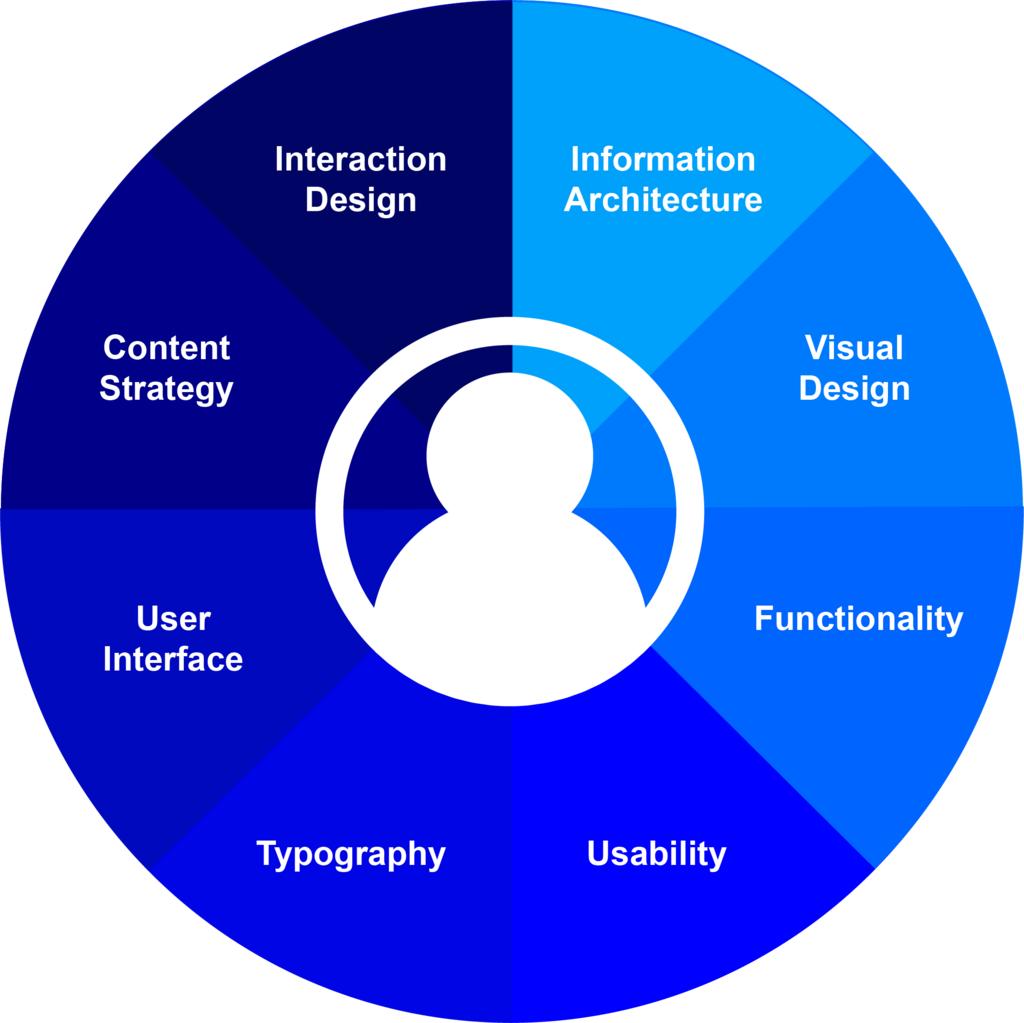
Why Good Design Matters
In a crowded digital marketplace, UI and UX are what set a product apart. When a website is confusing or an app is frustrating to use, people leave and rarely come back. Good design isn't just about making things look pretty—it's about creating products that solve problems effectively and enjoyably.
Great UI/UX design leads to happier users, which in turn leads to a more successful product. It can increase user loyalty, boost sales, and build a strong brand reputation.
Investing in exceptional UI/UX design isn’t just about aesthetics—it’s about creating a product that delivers real value, drives business growth, and keeps users returning for more.
Ultimately, the goal is to create a product where the user doesn't even have to think about the interface. It just works, smoothly and intuitively, helping them achieve their goals without friction.
The Design Process
Creating a great user experience doesn't happen by accident. It follows a structured process that puts the user at the center of every decision. While methods can vary, the process generally involves a few key phases.
- Research: Understand the user. Who are they? What do they need? This involves interviews, surveys, and analyzing competitors.
- Design: Start creating the structure and look of the product. This includes wireframes (basic layouts), user flows, and visual mockups.
- Prototype: Build an interactive, clickable model of the product. This isn't a finished product, but it allows users to experience the design firsthand.
- Test: Put the prototype in front of real users. Observe how they interact with it, gather feedback, and identify pain points.
- Iterate: Use the feedback from testing to refine and improve the design. This cycle of testing and iterating continues until the product meets user needs effectively.
This process ensures that the final product is not just based on assumptions, but on real user data and feedback.
Now that you understand the fundamentals of UI and UX, let's test your knowledge.
Using the analogy of a car, which of the following best represents the User Interface (UI)?
A food delivery app has a beautiful, modern design with appealing colors and fonts, but customers frequently complain that the process of placing an order is confusing and takes too many steps. This is an example of:
Understanding these core concepts is the first step. In the next lessons, we'll explore how to bring these ideas to life.