Figma for UI UX Design
Introduction to UI/UX Design
What Are UI and UX?
When you use an app or a website, your entire interaction is shaped by two critical concepts: User Experience (UX) and User Interface (UI). Though often used together, they represent different aspects of the design process.
User Experience
noun
The overall experience a person has when using a product, especially in terms of how easy or pleasing it is to use. It's about the entire journey.
Think of UX design as the architectural blueprint for a digital product. It focuses on the user's journey from start to finish. A UX designer asks questions like: What problem is the user trying to solve? How can we make their path from point A to point B as smooth and logical as possible? They map out the flow, structure the content, and ensure the product feels intuitive and solves a real need.
User Interface
noun
The visual elements of a program, such as buttons, menus, and icons, through which a user interacts with a device or application.
If UX is the blueprint, UI is the interior design and decoration. UI design is all about the look and feel of the product. It covers all the visual and interactive elements the user sees and touches: buttons, typography, color palettes, and animations. The goal of a UI designer is to create an interface that is not only beautiful but also clear and easy to interact with, bringing the UX blueprint to life.
UI vs. UX
The easiest way to understand the difference is with an analogy. Imagine a restaurant.
UX is the entire experience. It includes finding the restaurant online, making a reservation, the greeting you receive at the door, the comfort of your chair, the background music, the quality of the service, and, of course, how the food tastes. It’s the sum of every interaction that determines whether you have a good or bad time.
UI is the presentation. It’s the design of the menu, the style of the plates, the way the food is arranged, and the decor on the walls. A beautifully designed menu (good UI) can't save a terrible meal and rude service (bad UX).
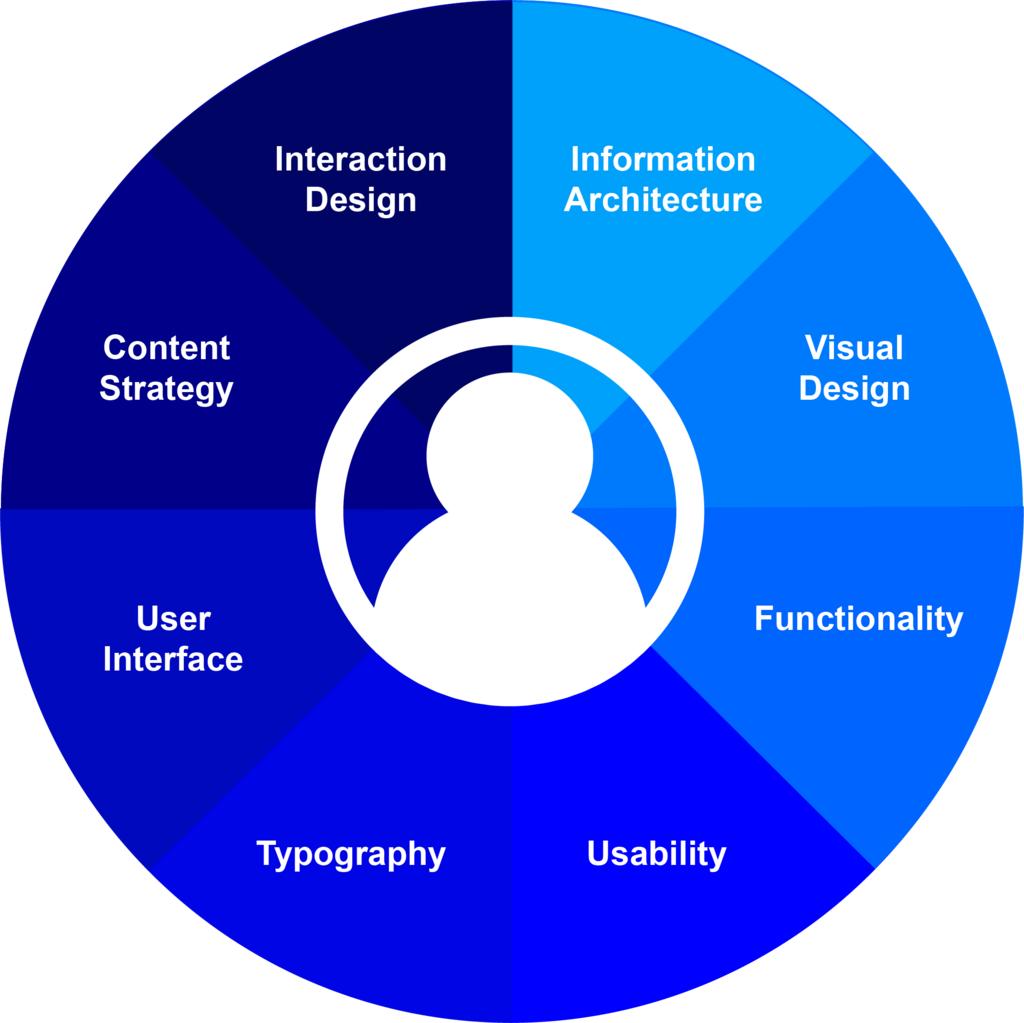
While UI is focused on the visual and interactive presentation, UX is concerned with the user's entire journey and their ability to accomplish their goals. A product needs both to succeed. A beautiful app that’s confusing to use will fail, as will a highly functional app that looks dated and unappealing.
| Aspect | User Experience (UX) | User Interface (UI) |
|---|---|---|
| Focus | The user's journey and satisfaction | Visuals and interactive elements |
| Goal | To create a useful, usable product | To create an attractive, intuitive interface |
| Concerned with | How it works | How it looks and feels |
| Outcome | A clear product structure and flow | A final visual design and assets |
Core Design Principles
Great design doesn't happen by accident. It follows a set of fundamental principles that guide designers in creating products that people love to use.
User-Centered Design
This is the bedrock of all UI/UX work. It means designing with the end-user in mind at every single step. Instead of building what you think is cool, you focus on what the user actually needs and wants. This involves researching your audience, understanding their pain points, and creating solutions tailored to them.
Having user-centered product design principles means emphasizing early user involvement and iterative refinement to give a product its best chance of meeting user expectations.
Consistency
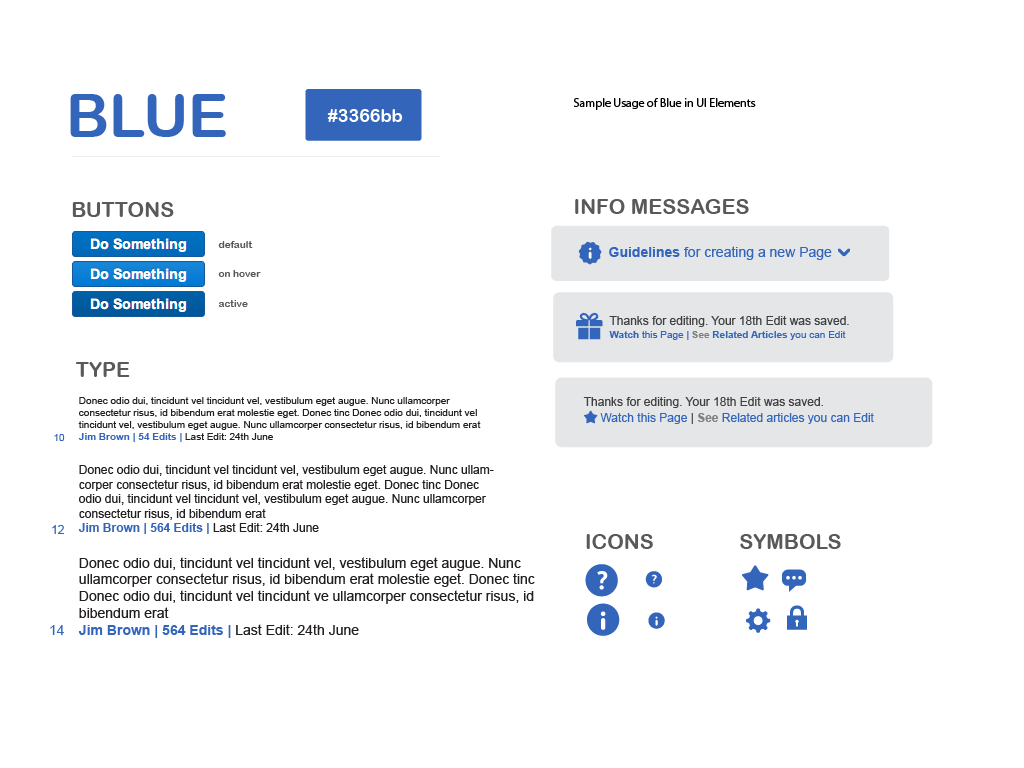
Consistency means that similar elements look and behave in similar ways throughout the product. Buttons should look like buttons, and a specific icon should always mean the same thing. This predictability makes the interface easier to learn and navigate because users don't have to constantly figure out new rules.
Simplicity
Good design is often invisible. Simplicity is about removing unnecessary elements and clutter so the user can focus on their task. Every element on the screen should have a clear purpose. If it doesn't, it's just noise. The goal is to create a clean, intuitive interface that doesn't require a manual to understand.
Accessibility
Accessibility means designing products that can be used by everyone, including people with disabilities such as visual, auditory, or motor impairments. This involves using sufficient color contrast, providing text alternatives for images (alt-text), and ensuring the interface can be navigated with a keyboard or screen reader. Designing for accessibility not only helps those with disabilities but often creates a better, more flexible experience for all users.
Which of the following is primarily a concern of User Interface (UI) design?
A designer is ensuring that an app can be navigated using a keyboard and that all images have text alternatives for screen readers. Which design principle are they focusing on?
By keeping these core ideas in mind, designers can create digital products that are not just functional but also enjoyable and effective.