Facebook Conversion API Mastery
Introduction to Facebook Conversion API
Beyond the Browser
For years, the Facebook Pixel was the go-to tool for tracking how people interacted with your website. It worked by placing a small piece of code in a user's web browser, which then sent data back to Facebook about their actions, like making a purchase or adding an item to their cart. This was a direct, browser-to-server connection.
However, the digital landscape is changing. With the rise of ad-blockers and new privacy controls, like Apple's App Tracking Transparency, the browser is becoming a less reliable source of data. Information gets lost, and the picture of your customer's journey becomes incomplete. This is where the Conversions API (CAPI) comes in.
The Conversions API creates a direct, server-to-server connection between your marketing data and Facebook. It bypasses the browser, making data sharing more stable and reliable.
Think of it this way: The Pixel is like sending a letter through a public mail service that's sometimes unreliable. The Conversions API is like having a direct, private courier from your server straight to Facebook's. This direct line means more of your important data gets through, even if the user has ad-blockers or specific privacy settings enabled.
| Feature | Facebook Pixel | Conversions API |
|---|---|---|
| Data Source | Browser-based (Client-side) | Server-based (Server-side) |
| Reliability | Affected by ad-blockers, cookie settings | More stable and reliable |
| Data Control | Limited control over data sent | Full control over what data is shared |
| Event Tracking | Online events only | Online, offline, and delayed events |
Why Use CAPI?
Using a more reliable data connection means Facebook's systems get a clearer picture of who is converting and why. This leads to several key benefits for your advertising efforts.
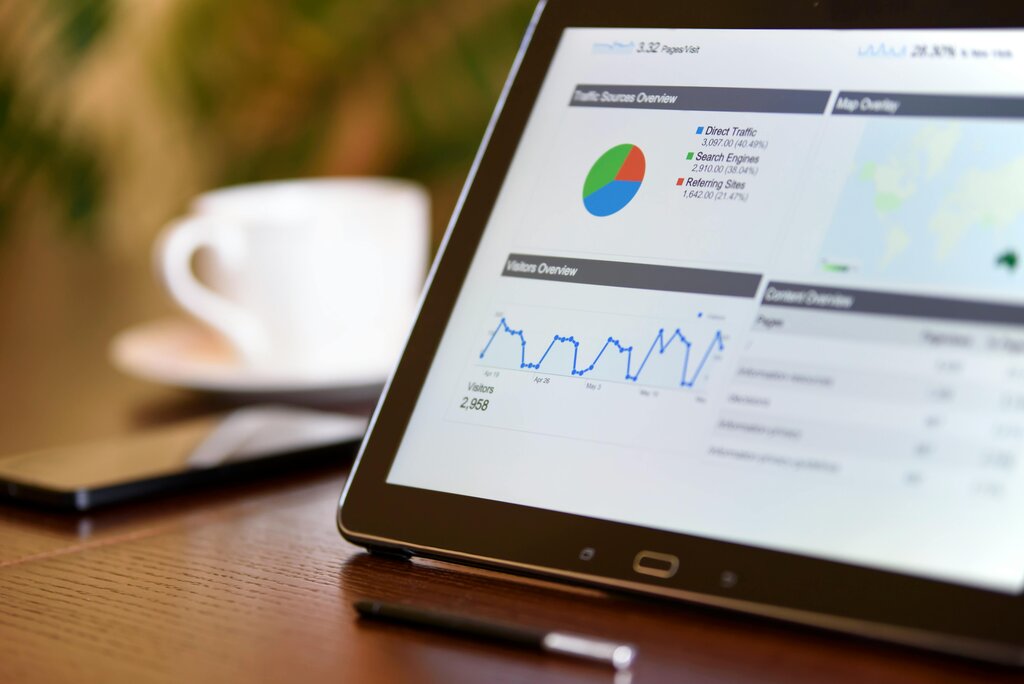
First, it improves ad personalization and targeting. With a more complete dataset, Facebook can better identify and find more people who are likely to be interested in your products. Your ad audiences become more accurate, and your campaigns perform better.
Second, it can lower your cost per action (CPA). When Facebook's algorithm has better data, it gets smarter at showing your ads to the right people at the right time. This efficiency often means you spend less to get a desired result, like a sale or a lead.
Finally, it allows for better measurement. By combining data from both the Pixel and CAPI (a setup called Redundancy), you can fill in the gaps left by browser-based tracking. This gives you a more accurate understanding of your total conversions and helps you make smarter decisions about your ad budget.
Conversion
noun
A specific action that a user takes on your website or app that is valuable to your business, such as making a purchase, signing up for a newsletter, or filling out a contact form.
CAPI and Data Privacy
In an era of increasing privacy concerns, controlling what data you share is more important than ever. CAPI gives you that control. Unlike the Pixel, which can be limited by browser settings, CAPI allows you to decide exactly what information gets sent from your server to Facebook.
This server-side approach helps you comply with regulations like GDPR and CCPA. You can manage user consent and data handling on your own systems before sending any information to Facebook, ensuring you respect your customers' privacy choices. It's a way to future-proof your advertising strategy against an ever-changing privacy landscape.
By using CAPI, you're not just improving your ad performance; you're also taking a more responsible approach to handling user data.
Let's review the key concepts we've covered.
Now, let's test your knowledge.
What is the primary difference between how the Facebook Pixel and the Conversions API (CAPI) send data?
How does implementing the Conversions API potentially lead to a lower cost per action (CPA)?
Understanding how the Conversions API works is the first step toward building a more resilient and effective advertising strategy. By creating a direct link between your data and Facebook's systems, you can improve targeting, measurement, and overall campaign performance.